Software & apps ranking

Best AI Image Generator Apps (2026-2027)

Disclosure: no app pays for placement. Every product gets the same test pass and the same public recipe, and the cons are printed in full even at number one.

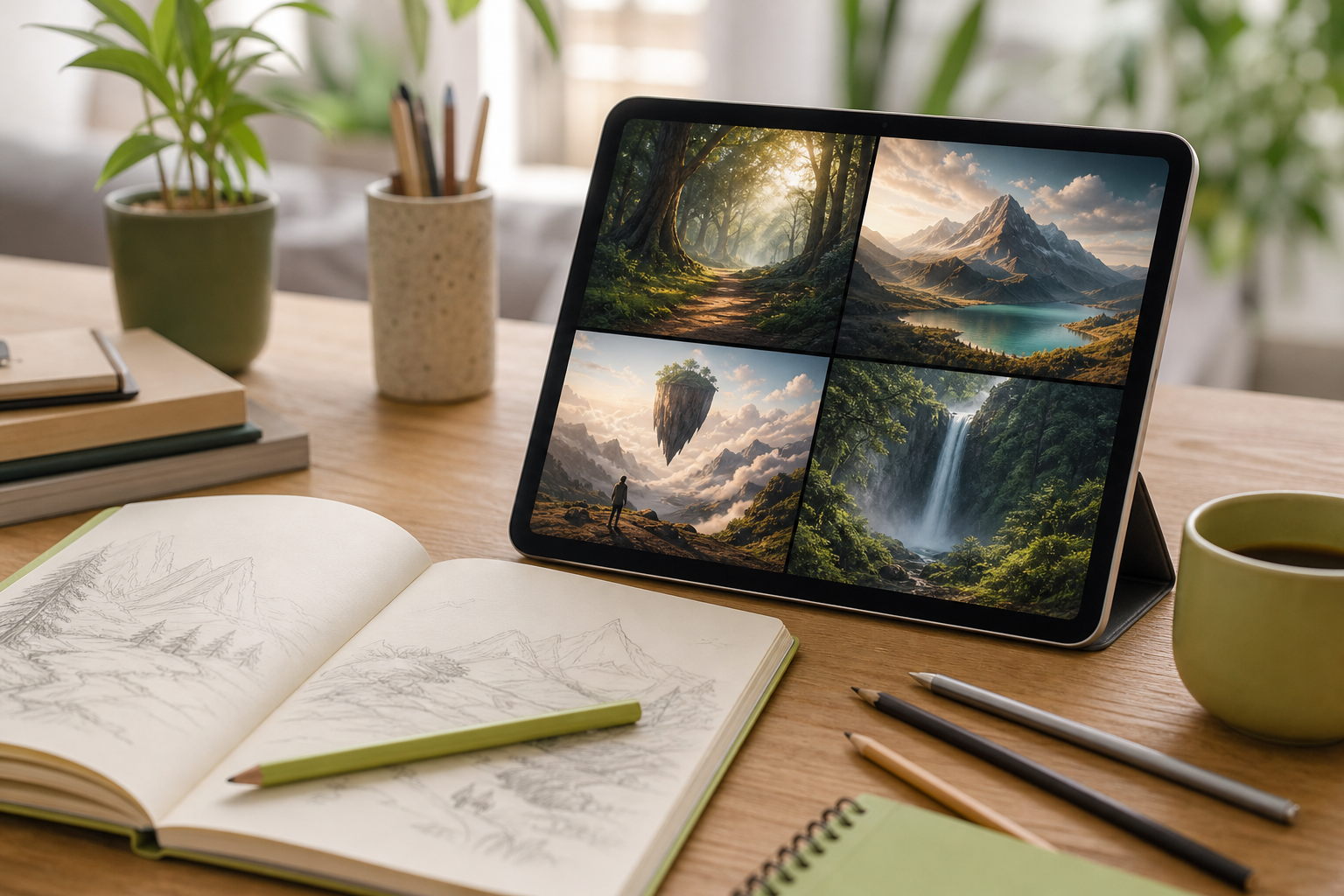
A tablet on a studio desk displaying a grid of four AI-generated landscapes beside an open sketchbook and pencils

The short answer

ChatGPT is the best AI image generator app for most people in 2026: you describe or edit an image in plain conversation, it handles text and detailed instructions better than most rivals, and the free tier allows a few images a day before Plus at $20 a month. Gemini suits people who edit photos as much as they generate new ones, with strong free editing and Google AI Pro at $19.99 a month.

The podium

  1. 9.1 out of 10
    ChatGPT

    most people who want images from plain instructions

    Top pick
  2. 9.0 out of 10
    Gemini

    editing your own photos as much as making new ones

  3. 8.5 out of 10
    Midjourney

    artists and designers who want the most striking results

Our verdict

ChatGPT is the best AI image generator for most people because it follows detailed instructions, edits through conversation and needs no prompt syntax to learn. Gemini is the pick for photo edits, Midjourney for the most striking artwork, and Adobe Firefly for commercial work inside Adobe's apps. Compare all seven on price and limits.

About this ranking

This page ranks the apps that turn a written prompt into an image, for people deciding where to spend their time or a subscription. All apps were put through one short test pass: install, sign-up, the core task and the price page. Seven generators were compared using their official feature and pricing pages, plus US App Store listings where an app exists. Weighting is fixed at Quality 40%, Ease 25% and Value 35%. Quality reflects documented capabilities such as text rendering, editing and resolution, not a blind test of our own. Prices are those listed on November 10, 2026.

By the numbers

  • 8.3 to 9.1

    Score range, out of 10

    Quality 40%, Ease of use 25%, Value 35%

  • 7

    Products compared

    Scored on one weighted formula

  • Free

    Cheapest listed

    ChatGPT, Gemini, Ideogram

  • Nov 10, 2026

    Prices checked

    Every price is quoted from the seller

Every number, side by side

7 products, ranked by score out of 10
Rank Product Score Quality Ease Value From Free plan
1 ChatGPT 9.1 9.2 9.5 8.6 Free Free plan
2 Gemini 9.0 9.0 9.2 8.8 Free Free plan
3 Midjourney 8.5 9.6 7.6 8.0 $8 No
4 Adobe Firefly 8.5 8.6 8.6 8.2 Free Free plan
5 Ideogram 8.4 8.5 8.5 8.3 Free Free plan
6 Canva 8.3 7.6 9.4 8.3 Free Free plan
7 Leonardo.ai 8.3 8.4 7.8 8.4 Free Free plan

7 products compared

The full rankings

Top pick

ChatGPT

9.1 out of 10

Best for: most people who want images from plain instructions

OpenAI's assistant generates and edits images in conversation, with strong prompt-following and legible text.

ChatGPT ranks first because it understands what you ask for: long, specific prompts land as described, text inside the image is usually spelled correctly, and you refine a result by replying rather than rewriting the prompt. Upload a photo and it edits that too. Free accounts get a small daily allowance, and Plus at $20 a month raises it. Generation is slower than at Midjourney or Gemini, and the content rules refuse some requests that rivals allow.

The deciding detail for ChatGPT: Follows long, detailed prompts closely.

Watch out for

  • Slower generation than the fastest rivals
  • Free daily image allowance is small

Ranked 2

Gemini

9.0 out of 10

Best for: editing your own photos as much as making new ones

Google's assistant generates images and makes targeted edits to uploaded photos while keeping faces and objects consistent.

Gemini is second because its photo editing is the strongest on the list for everyday use: upload a picture and ask for a new background, a different outfit or a removed object, and the subject stays recognizably the same. It generates from scratch too, and the free tier is generous by category standards. Google AI Pro at $19.99 a month raises the limits and adds 2TB of storage. Every image carries Google's SynthID watermark, and new features often reach the US before other regions.

The deciding detail for Gemini: Keeps people and objects consistent across edits.

Watch out for

  • All images carry a SynthID watermark
  • Features often reach the US first

Ranked 3

Midjourney

8.5 out of 10

Best for: artists and designers who want the most striking results

A subscription image generator known for rich, stylized output, with a full web editor alongside Discord.

Midjourney produces the most polished artwork here, with lighting, texture and composition that other models still chase, and its web app adds an editor, style references and image-to-video. It ranks third on cost and effort: there is no free plan, Basic starts at $10 a month or $96 a year, and the best results come from learning its parameters. Images are public by default unless you pay for a tier with Stealth mode.

The deciding detail for Midjourney: Most polished, stylized output on the list.

Watch out for

  • No free plan to try first
  • Images are public unless you buy Stealth mode

Ranked 4

Adobe Firefly

8.5 out of 10

Best for: commercial work and Creative Cloud users

Adobe's generator, trained on licensed content, with partner models in one app and direct links into Photoshop and Express.

Adobe Firefly is the safest choice for client work: Adobe trains its own Firefly models on licensed and public-domain content and markets them as commercially safe, and results move straight into Photoshop and Express. The Firefly app also offers partner models from other labs under the same credit balance. The free plan gives a small credit allowance, Standard costs $9.99 a month, and partner models spend credits faster than Adobe's own.

The deciding detail for Adobe Firefly: Firefly models trained on licensed content.

Watch out for

  • Small free credit allowance
  • Partner models use credits faster

Ranked 5

Ideogram

8.4 out of 10

Best for: posters, logos and anything with words in it

An image generator known for accurate typography, with a canvas editor and a free tier.

Ideogram's strength is text: posters, signs, logos and social graphics come out with words spelled and placed correctly far more often than with most generators. Magic Prompt expands a short idea into a detailed prompt, and a canvas tool handles edits and extensions. The free tier is limited and its images are public, and photorealism trails the top two picks.

The deciding detail for Ideogram: Accurate typography in images.

Watch out for

  • Free-tier images are public
  • Photorealism trails ChatGPT and Gemini

Ranked 6

Canva

8.3 out of 10

Best for: people making social posts and slides, not standalone art

Canva's built-in AI image tools generate pictures straight into designs, templates and presentations.

Canva is the easiest path from prompt to finished graphic: generate an image and it drops into a template, a slide or a social post with fonts and layout already handled. Free accounts get a limited number of generations, and Canva Pro at $120 a year raises the limits and adds the full template and stock library. Image quality is behind the specialists above, and heavy users hit the caps even on Pro.

The deciding detail for Canva: Images drop straight into templates.

Watch out for

  • Image quality behind dedicated generators
  • Generation caps apply on every tier

Ranked 7

Leonardo.ai

8.3 out of 10

Best for: hobbyists who want many models and fine control

A generator with a daily free token allowance, a choice of models, custom training and a real-time canvas.

Leonardo.ai gives the most control on a free account: a daily token allowance, several image models to pick from, custom model training and a real-time canvas for sketch-to-image work. Canva owns it, and Canva's own image tools draw on Leonardo's models. The token system takes time to understand, the interface is crowded, and the best features cost more tokens than the free allowance covers.

The deciding detail for Leonardo.ai: Daily free token allowance.

Watch out for

  • Token costs are hard to predict
  • Crowded interface

Before you choose

Check before you buy

  1. Decide what the images are for

    Social graphics favor Canva, posters with text favor Ideogram, gallery-style art favors Midjourney and photo edits favor Gemini. ChatGPT covers the widest middle ground.

  2. Check commercial rights

    Paid plans generally allow commercial use, but terms differ by service. Adobe Firefly is the most cautious option for client work.

  3. Look at privacy defaults

    Midjourney, and Ideogram on its free tier, publish images to a public feed unless you pay to keep them private.

  4. Understand the credit system

    Firefly, Leonardo.ai and Ideogram meter use in credits or tokens. Estimate how many images a month you need before choosing a tier.

  5. Run the free tiers first

    Six of the seven have a free tier. Put the same three prompts through two or three of them before paying.

FAQ

Questions readers ask

What is the best AI image generator app?

ChatGPT is the best for most people. It follows detailed prompts, edits by conversation and has a free tier, with Plus at $20 a month.

What is the best free AI image generator?

Gemini has the most generous free allowance among the top picks, and ChatGPT's free tier is close behind. Leonardo.ai offers the most control for free.

Is Midjourney worth paying for?

If image quality and style matter most, yes. Basic costs $10 a month, or $96 a year, and there is no free plan to try first.

Which AI image generator is best for text in images?

Ideogram, followed by ChatGPT. Both spell words correctly far more often than older generators.

Can I use AI images commercially?

Usually, on paid plans, but read each service's terms. Adobe Firefly's training on licensed content makes it the most cautious choice.

Do AI image generators add watermarks?

Some do. Gemini embeds SynthID in every image, and ChatGPT and Adobe Firefly attach Content Credentials metadata.

Which app is best for editing an existing photo?

Gemini, for keeping a person or object consistent through edits. ChatGPT and Adobe Firefly also edit uploaded images.

Scoring

How this ranking was scored

We mark quality, ease and value from 0 to 10 and rank by the weighted figure. Scores rest on the timed test pass plus each maker's documented features and published prices. Read the test protocol · the scoring recipe.

Spotted an error or a new price? Write to editorial@apppick.ai. Makers change prices often, so check the seller page before you buy.