Software & apps ranking

Best AI Writing Apps (2026-2027)

Disclosure: no app pays for placement. Every product gets the same test pass and the same public recipe, and the cons are printed in full even at number one.

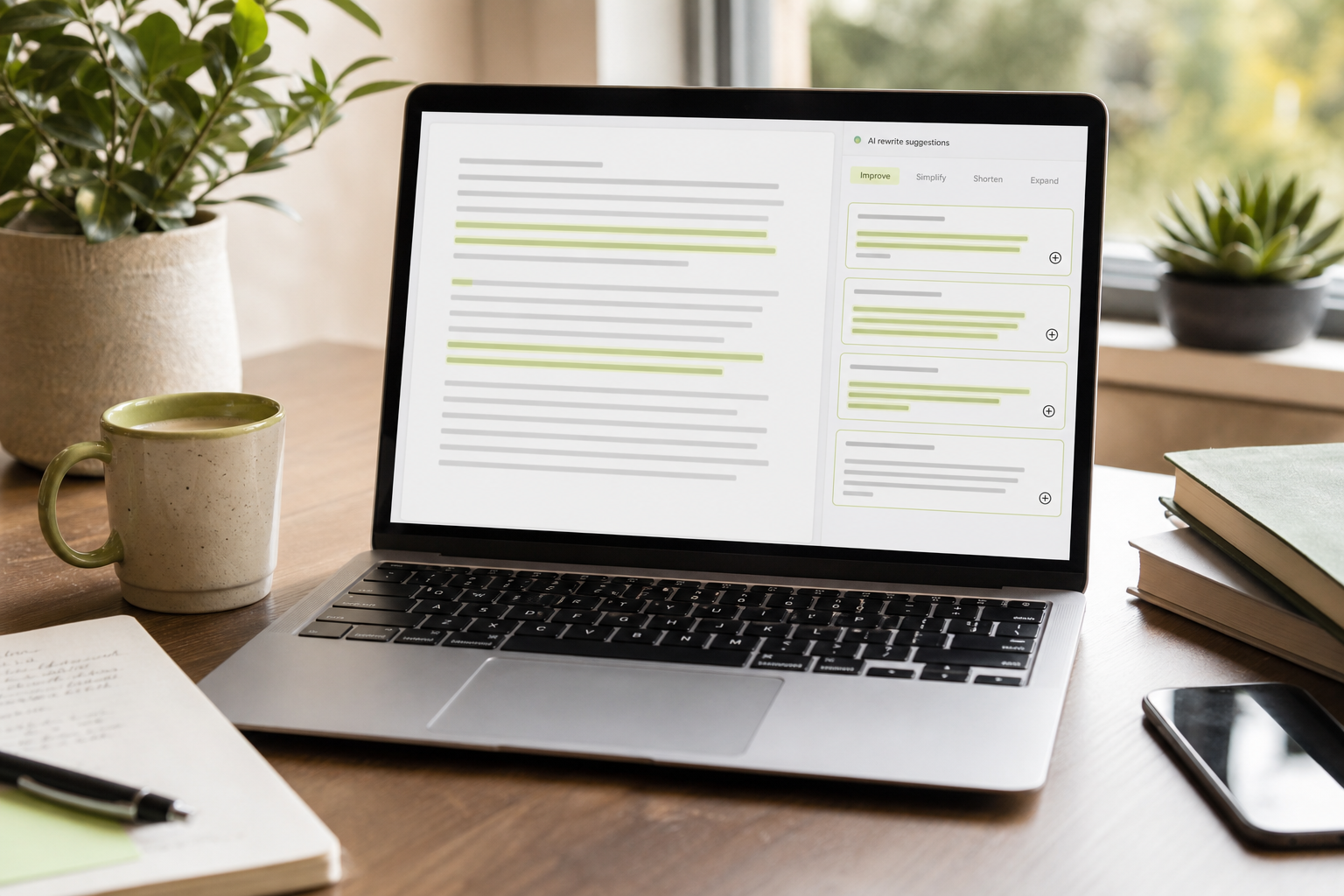
A laptop on a desk showing a document with AI rewrite suggestions highlighted in the margin

The short answer

Grammarly is the best AI writing app for most people in 2026: its free plan corrects writing in nearly every app you type in and includes a monthly allowance of AI prompts, and Pro costs $12 a month billed yearly. QuillBot suits students and anyone rephrasing existing text, with a free paraphraser and Premium at $99.95 a year.

The podium

  1. 8.9 out of 10
    Grammarly

    most people who want AI help inside the apps they already use

    Top pick
  2. 8.7 out of 10
    QuillBot

    students and writers who rephrase and summarize existing text

  3. 8.4 out of 10
    ProWritingAid

    novelists and long-form writers who want detailed editing reports

Our verdict

Grammarly is the best AI writing app for most people because it works where you already type, the free plan is useful on its own, and Pro is fairly priced on a yearly plan. QuillBot is the pick for paraphrasing on a budget, ProWritingAid for long-form editing reports, and Sudowrite for fiction. Check the full ranking for every trade-off.

About this ranking

We built this list for people who write for work or study and want an AI tool that improves their text rather than replacing it. All apps were put through one short test pass: install, sign-up, the core task and the price page. Seven apps are compared, drawing on each company's product and pricing pages and its US App Store listing. Quality counts for 40% of the score, ease of use for 25% and value for 35%. General chatbots are left to our AI chat ranking; this one covers tools built into the writing process, judged on documented features rather than drafting tests of our own. Prices were last checked on November 10, 2026.

By the numbers

  • 8.0 to 8.9

    Score range, out of 10

    Quality 40%, Ease of use 25%, Value 35%

  • 7

    Products compared

    Scored on one weighted formula

  • Free

    Cheapest listed

    Grammarly, QuillBot, Hemingway Editor

  • Nov 10, 2026

    Prices checked

    Every price is quoted from the seller

Every number, side by side

7 products, ranked by score out of 10
Rank Product Score Quality Ease Value From Free plan
1 Grammarly 8.9 9.0 9.3 8.4 Free Free plan
2 QuillBot 8.7 8.3 8.9 9.0 Free Free plan
3 ProWritingAid 8.4 8.6 7.9 8.6 Free Free plan
4 Copilot in Word 8.3 8.5 8.6 7.9 $8.33 No
5 Gemini in Google Docs 8.2 8.4 8.8 7.6 $19.99 No
6 Sudowrite 8.1 8.8 8.1 7.4 Varies by plan No
7 Hemingway Editor 8.0 7.4 9.0 8.0 Free Free plan

7 products compared

The full rankings

Top pick

Grammarly

8.9 out of 10

Best for: most people who want AI help inside the apps they already use

A writing assistant that checks grammar, tone and clarity across browsers, desktop apps and phone keyboards, with generative AI on top.

Grammarly ranks first because it meets the writing where it happens: in email, documents, chat and browser fields, on desktop and through a phone keyboard. The free plan fixes grammar and spelling and includes a monthly allowance of AI prompts for drafting and rewriting. Pro, at $12 a month billed yearly, adds full-sentence rewrites, tone adjustments and a much larger prompt allowance. Paying month to month costs far more, and heavy users burn through the free AI allowance quickly.

The deciding detail for Grammarly: Works in most browsers, desktop apps and phone keyboards.

Watch out for

  • Month-to-month Pro costs far more than yearly
  • Free AI prompt allowance is small

Ranked 2

QuillBot

8.7 out of 10

Best for: students and writers who rephrase and summarize existing text

A paraphrasing tool with a grammar checker, summarizer and citation generator, plus a generous free tier.

QuillBot is second on value: the paraphraser, grammar checker, summarizer and citation generator are free to start, and Premium at $99.95 a year unlocks every rewriting mode and lifts the length caps. For reworking a clunky paragraph it is quicker than prompting a chatbot. The free paraphraser takes only short passages, and the tool reshapes text rather than drafting new material, so it is no help with a blank page.

The deciding detail for QuillBot: Free paraphraser, grammar check and summarizer.

Watch out for

  • Free paraphraser takes only short passages
  • Rewrites text rather than drafting from scratch

Ranked 3

ProWritingAid

8.4 out of 10

Best for: novelists and long-form writers who want detailed editing reports

A grammar and style checker with more than 20 reports on pacing, repetition and readability, plus AI rephrasing.

ProWritingAid is built for revising long manuscripts: beyond grammar, it runs reports on overused words, sentence variety, pacing, dialogue tags and readability, and it plugs into Word, Google Docs and Scrivener. AI rephrasing and critique sit on top of the checks. On the free plan only a short excerpt can be checked at a time, and the sheer number of reports can bury a casual user.

The deciding detail for ProWritingAid: More than 20 style and structure reports.

Watch out for

  • Free plan checks only short excerpts
  • Report overload for casual writing

Ranked 4

Copilot in Word

8.3 out of 10

Best for: people who already pay for Microsoft 365

Microsoft's AI assistant inside Word, which drafts, rewrites and summarizes documents for Microsoft 365 subscribers.

Copilot in Word is the easy choice if Microsoft 365 is already on the household bill: it drafts from a prompt, rewrites a selection and summarizes a long document without leaving Word. Microsoft 365 Personal includes it at $99.99 a year, alongside the other Office apps and 1TB of OneDrive storage. AI use on consumer plans is capped each month, and Copilot is not part of free Word for the web.

The deciding detail for Copilot in Word: Drafts, rewrites and summarizes inside Word.

Watch out for

  • Monthly AI usage is capped on consumer plans
  • Not available in free Word for the web

Ranked 5

Gemini in Google Docs

8.2 out of 10

Best for: Google account users who draft in Docs and Gmail

Google's Gemini built into Docs, with Help me write, a side panel for edits and access to the full Gemini app.

Gemini in Google Docs drafts and rewrites inside the document, refines a selection with one-tap options such as shorten or formalize, and answers questions about files in your Drive from a side panel. The same Google AI Pro plan brings Gemini to Gmail, unlocks the stronger models in the Gemini app and includes 2TB of storage. At $19.99 a month it is the priciest way to get writing help here unless you use the rest of the bundle, and full Gemini features in Docs need that paid plan.

The deciding detail for Gemini in Google Docs: Drafts and refines text inside Docs.

Watch out for

  • $19.99 a month is high for writing alone
  • Full Docs features need the paid plan

Ranked 6

Sudowrite

8.1 out of 10

Best for: fiction writers who want a drafting partner

An AI writing app made for novelists, with a Story Bible for characters and plot and tools to describe, brainstorm and rewrite.

Sudowrite is the specialist here: a Story Bible holds characters, setting and outline, and the drafting tools write scenes, expand descriptions and rewrite passages in a voice tuned for fiction rather than business prose. Nothing else on the list understands a manuscript this way. It ranks sixth because there is no free plan beyond a trial, usage is metered in credits that heavy drafting burns through, and it offers little for non-fiction.

The deciding detail for Sudowrite: Story Bible keeps characters and plot consistent.

Watch out for

  • No free plan beyond a trial
  • Credit limits bite during heavy drafting

Ranked 7

Hemingway Editor

8.0 out of 10

Best for: tightening prose for readability at no cost

A free web editor that highlights long sentences, passive voice and adverbs, with paid AI fixes in Hemingway Editor Plus.

Hemingway Editor is the plainest tool here and still useful: paste text into the free web editor and it colors hard-to-read sentences, passive voice and weak adverbs, with a readability grade on top. Hemingway Editor Plus adds AI suggestions that rewrite flagged sentences for you. The free version has no AI at all, and its rules are blunt enough to flatten writing that is meant to be complex.

The deciding detail for Hemingway Editor: Free web editor with instant highlights.

Watch out for

  • No AI in the free version
  • Blunt rules can flatten deliberate style

Before you choose

Check before you buy

  1. Decide between editing and drafting

    Grammarly, ProWritingAid and Hemingway Editor improve text you wrote. Sudowrite and the Copilot and Gemini integrations draft new text, and QuillBot sits in between.

  2. Check where it works

    An assistant you have to paste into gets used less. Grammarly runs across apps and keyboards, while Copilot and Gemini stay inside their own office suites.

  3. Read your school or employer's AI policy

    Many classrooms and workplaces restrict generative AI. Grammar correction is usually allowed, while drafting and paraphrasing may not be.

  4. Compare yearly and monthly prices

    Grammarly Pro is $12 a month on a yearly plan but $30 month to month, and QuillBot Premium follows the same pattern. Pay monthly only for a short project.

  5. Count what you already pay for

    A Microsoft 365 or Google AI Pro subscription may already include an AI writer, which changes the value of adding another app.

FAQ

Questions readers ask

What is the best AI writing app?

Grammarly is the strongest all-rounder. It works across the apps you already use, the free plan is useful, and Pro is $12 a month on a yearly plan.

What is the best free AI writing app?

Grammarly's free plan for correcting text, and QuillBot's for rephrasing it. Hemingway Editor is free too, but its free version has no AI.

Is Grammarly Pro worth paying for?

If you write daily for work, the rewrites and larger prompt allowance usually justify $144 a year. Occasional writers can stay on the free plan.

Which AI writing app is best for fiction?

Sudowrite. Its Story Bible and fiction-tuned drafting tools are built for novels, though it has no free plan.

Is QuillBot better than Grammarly?

For paraphrasing, yes, and Premium is cheaper. For grammar and tone across every app you use, Grammarly is stronger.

Do I need a separate app if I have Microsoft 365?

Not necessarily. Microsoft 365 Personal and Family include Copilot in Word, though AI use is capped each month.

Can AI writing be detected?

Detectors exist but are unreliable in both directions. If your school or employer bans AI drafting, assume it can be noticed and follow the rule.

Scoring

How this ranking was scored

Quality, ease of use and value each get a 0–10 mark; weighted together, they set the order. Scores rest on the timed test pass plus each maker's documented features and published prices. Read the test protocol · the scoring recipe.

Spotted an error or a new price? Write to editorial@apppick.ai. Makers change prices often, so check the seller page before you buy.