Software & apps ranking

Best Antivirus Apps (2026-2027)

Disclosure: no app pays for placement. Every product gets the same test pass and the same public recipe, and the cons are printed in full even at number one.

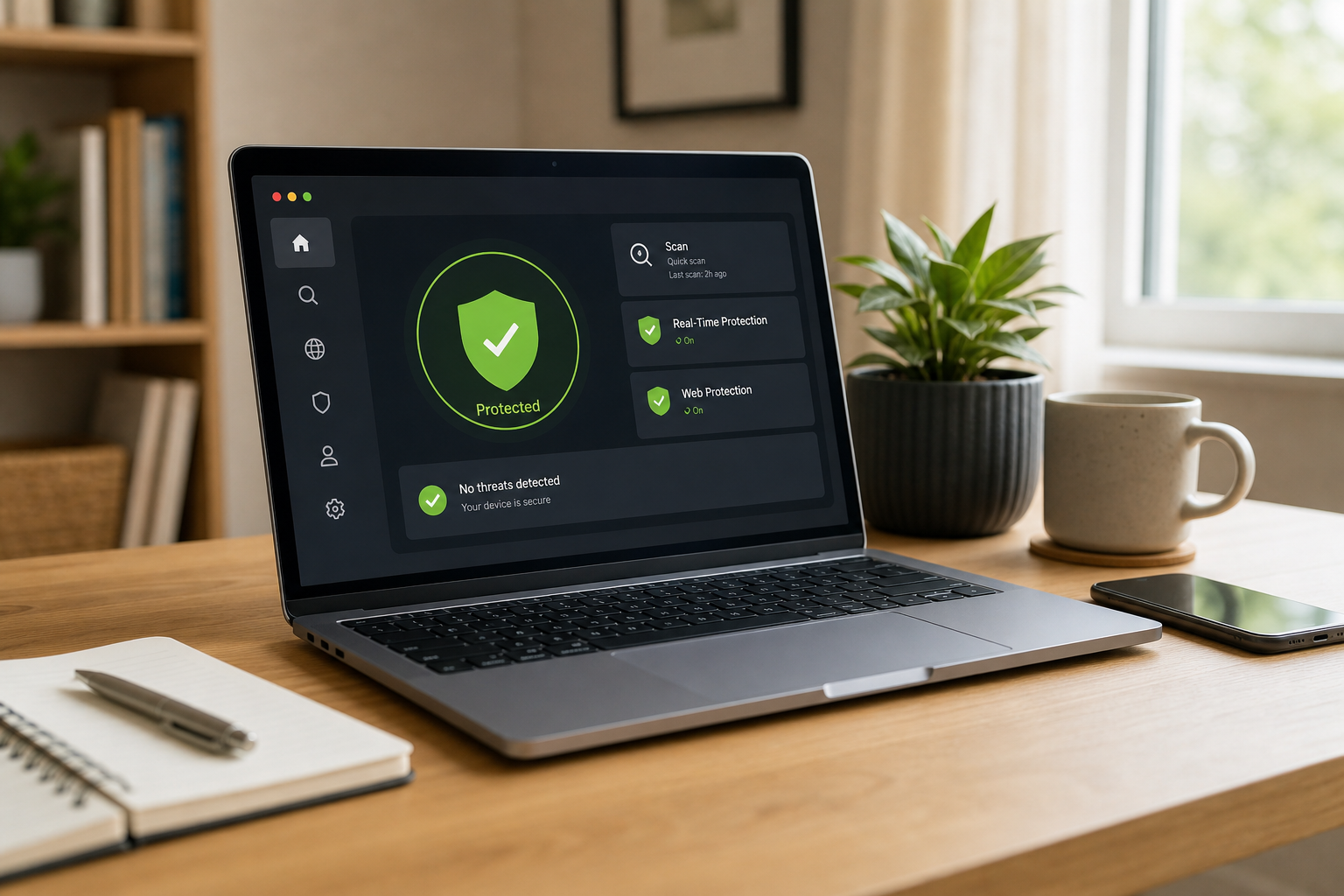
A laptop on a home office desk showing a security dashboard with a green protected status, beside a phone and a paper notebook

The short answer

Bitdefender is the best antivirus app for most people going into 2027: its free Windows edition gives real-time protection at no cost, and paid plans extend the same protection to Mac, Android and iPhone from one account. Microsoft Defender suits Windows users who want nothing extra to install, since it is built in, switched on and free.

The podium

  1. 9.2 out of 10
    Bitdefender

    most people who want strong protection on every device

    Top pick
  2. 9.2 out of 10
    Microsoft Defender

    Windows users who want solid protection with nothing to install

  3. 8.6 out of 10
    Avira

    people who want a free suite with a VPN and updater included

Our verdict

Bitdefender is the best antivirus for most people because the free Windows edition handles real-time protection and the paid suites cover every platform from one account. Microsoft Defender is the pick if you want nothing new on a Windows PC, Avira for a free suite with extras, and Norton 360 for the most bundled tools. Scan the full ranking before you accept a renewal price.

About this ranking

This guide is for households deciding whether built-in protection is enough or a paid security suite is worth the money. Each app went through the same short test pass — install, sign-up, the core task, the price page. We compared seven security apps sold to US buyers, drawing on each vendor's product pages, support documents and app store listings. Every rank comes from the standard recipe, which weights Quality at 40%, Ease at 25% and Value at 35%. We assessed documented protection features and listed prices; we did not run malware samples and we do not publish detection rates of our own. Suite prices swing with first-year offers, so we list them as varying, and free tiers and fixed prices were confirmed on November 10, 2026.

By the numbers

  • 8.3 to 9.2

    Score range, out of 10

    Quality 40%, Ease of use 25%, Value 35%

  • 7

    Products compared

    Scored on one weighted formula

  • Free

    Cheapest listed

    Bitdefender, Microsoft Defender, Avira

  • Nov 10, 2026

    Prices checked

    Every price is quoted from the seller

Every number, side by side

7 products, ranked by score out of 10
Rank Product Score Quality Ease Value From Free plan
1 Bitdefender 9.2 9.5 8.8 9.2 Free Free plan
2 Microsoft Defender 9.2 8.7 9.3 9.6 Free Free plan
3 Avira 8.6 8.3 8.4 9.0 Free Free plan
4 Norton 360 8.4 9.2 8.5 7.4 Varies by plan No
5 Malwarebytes 8.4 8.3 9.0 8.0 Free Free plan
6 ESET 8.3 9.0 8.0 7.8 Varies by plan No
7 Avast 8.3 8.2 8.4 8.2 Free Free plan

7 products compared

The full rankings

Top pick

Bitdefender

9.2 out of 10

Best for: most people who want strong protection on every device

A security suite with a free real-time antivirus for Windows and paid plans for Mac, Android and iOS.

Bitdefender ranks first because it gives away the core of what it sells: Antivirus Free on Windows includes real-time scanning and web protection, and the paid tiers add ransomware remediation, a firewall and apps for Mac, Android and iPhone under one account. Its scanning engine is also licensed to other security vendors, which says something about how the industry rates it. The free edition is Windows only, paid prices jump at renewal, and the VPN bundled with most suites is capped at 200 MB a day per device.

The deciding detail for Bitdefender: Free Windows edition with real-time protection.

Watch out for

  • Free edition runs on Windows only
  • Bundled VPN capped at 200 MB a day

Ranked 2

Microsoft Defender

9.2 out of 10

Best for: Windows users who want solid protection with nothing to install

The antivirus built into Windows, with real-time scanning and SmartScreen on by default and ransomware folder protection one switch away.

Microsoft Defender is already running on every Windows PC, and its protection is good enough that many households need nothing else. Real-time scanning, SmartScreen checks on downloads and firewall management are on by default, and controlled folder access can lock key folders against ransomware once you enable it. There is no password manager or VPN, its phishing filter is strongest inside Edge, and the Defender app for Mac and phones needs a Microsoft 365 subscription.

The deciding detail for Microsoft Defender: Built into Windows and on by default.

Watch out for

  • Phishing filter works best inside Edge
  • Mac and phone app needs Microsoft 365

Ranked 3

Avira

8.6 out of 10

Best for: people who want a free suite with a VPN and updater included

A free security suite with real-time antivirus, a capped VPN, a password manager and a software updater.

Avira's free tier bundles more than the others: real-time antivirus, a VPN with a small monthly data allowance, a password manager and a tool that flags outdated apps. It has belonged to Gen Digital, the owner of Norton and Avast, since 2021. The free VPN allowance is too small for regular use, and the app keeps promoting Avira Prime, whose price varies by plan.

The deciding detail for Avira: Real-time antivirus on the free tier.

Watch out for

  • Free VPN allowance is small
  • Regular prompts to upgrade to Prime

Ranked 4

Norton 360

8.4 out of 10

Best for: households that want antivirus, VPN, backup and identity tools on one bill

A full security suite with antivirus, VPN, password manager, cloud backup on Windows and dark web monitoring.

Norton 360 bundles the most into one subscription: real-time protection, a VPN without a data cap, a password manager, cloud backup for Windows PCs and dark web monitoring, with the LifeLock tiers adding identity theft services in the US. Its protection has a long record in independent lab tests. Value is the problem: there is no free version, the first-year discount gives way to a much higher renewal price, and the subscription renews automatically unless you switch that off.

The deciding detail for Norton 360: VPN with no data cap included.

Watch out for

  • Paid only, with no free tier to start on
  • Renewal price far above the first-year offer

Ranked 5

Malwarebytes

8.4 out of 10

Best for: cleaning up an infected PC or getting a second opinion

A malware scanner and cleaner whose free version runs on demand, with real-time protection in Premium.

Malwarebytes is best known as the tool people run when something has already gone wrong, and its free scanner finds and removes threats on demand alongside Defender without conflict. Real-time protection, web protection and ransomware blocking need Premium, and the free version reverts to manual scans after a 14-day trial. As a main antivirus it offers fewer extras than the suites above for a price that varies by plan.

The deciding detail for Malwarebytes: Free on-demand scanner for cleanups.

Watch out for

  • No real-time protection on the free version
  • Premium has fewer extras than full suites

Ranked 6

ESET

8.3 out of 10

Best for: technical users who want a light, configurable antivirus

A long-standing Slovak antivirus known for a light footprint and detailed settings.

ESET's protection is strong and its apps stay light on system resources, with an unusual amount of control for people who like to tune settings. The HOME Security tiers add banking protection, a password manager and more as the price rises. There is nothing free beyond a trial, prices vary by device count and promotion, and the settings depth that suits technical users can confuse everyone else.

The deciding detail for ESET: Small footprint, even on older PCs.

Watch out for

  • Nothing free beyond a trial
  • Settings depth can overwhelm beginners

Ranked 7

Avast

8.3 out of 10

Best for: people who want a familiar free antivirus and accept its history

A widely used free antivirus from Gen Digital, now operating under a 2024 FTC order over past sales of browsing data.

Avast's free product is capable, with real-time protection, web protection and a Wi-Fi Inspector that checks devices on your home network, but its record costs it value points. In 2024 the US Federal Trade Commission ordered Avast to pay $16.5 million and banned it from selling browsing data for advertising, after finding its Jumpshot subsidiary had sold users' browsing data. The free app also pushes paid upgrades hard.

The deciding detail for Avast: Real-time protection on the free tier.

Watch out for

  • 2024 FTC order over selling browsing data
  • Heavy upgrade prompts in the free app

Before you choose

Check before you buy

  1. Start with what you already have

    Windows includes Microsoft Defender, and it runs automatically. Decide what you want beyond it before you buy a suite.

  2. Separate the antivirus from the bundle

    Suites add VPNs, password managers and identity monitoring. If you already pay for those elsewhere, a free antivirus may be all you need.

  3. Read the renewal price

    Norton, ESET and Bitdefender's paid tiers often discount the first year heavily. Put the renewal date in your calendar the day you buy.

  4. Check every device in the house

    Bitdefender's free edition and Microsoft Defender cover Windows only. Macs, phones and tablets need a paid plan or a separate app.

  5. Run one real-time scanner, not two

    Two engines scanning at once slow a PC and can conflict. Windows switches Defender to a passive role when another antivirus registers, which is the intended setup.

FAQ

Questions readers ask

What is the best antivirus app?

Bitdefender for most people: the free Windows edition gives real-time protection, and paid plans cover Mac, Android and iPhone.

Is Microsoft Defender good enough on its own?

For many Windows households, yes. It is on by default and scores well in independent lab tests; add a suite only for features Defender lacks.

Do I need antivirus on a Mac?

macOS includes XProtect and Gatekeeper, which cover common threats. A third-party app adds web filtering and catches Windows malware you might pass on to others.

Do iPhones need antivirus?

Not in the traditional sense, because iOS apps cannot scan one another. iPhone security apps mostly offer web filtering, VPNs and breach alerts.

Why isn't Kaspersky on this list?

The US government banned sales of Kaspersky software from July 2024, and updates for US customers stopped that September. We rank only products US buyers can purchase.

Is Avast safe to use after the FTC case?

The FTC order bars it from selling browsing data for advertising, and the protection itself works as before. Whether you trust the company is a judgment call.

Are free antivirus apps any good?

The free tiers from Bitdefender, Avira and Avast all include real-time protection. They make money by promoting paid upgrades, so expect prompts.

Scoring

How this ranking was scored

Three marks out of 10 go into each total, and the highest weighted total ranks first. Scores rest on the timed test pass plus each maker's documented features and published prices. Read the test protocol · the scoring recipe.

Spotted an error or a new price? Write to editorial@apppick.ai. Makers change prices often, so check the seller page before you buy.