AI & data ranking

Best Automation Apps (2026-2027)

Disclosure: no app pays for placement. Every product gets the same test pass and the same public recipe, and the cons are printed in full even at number one.

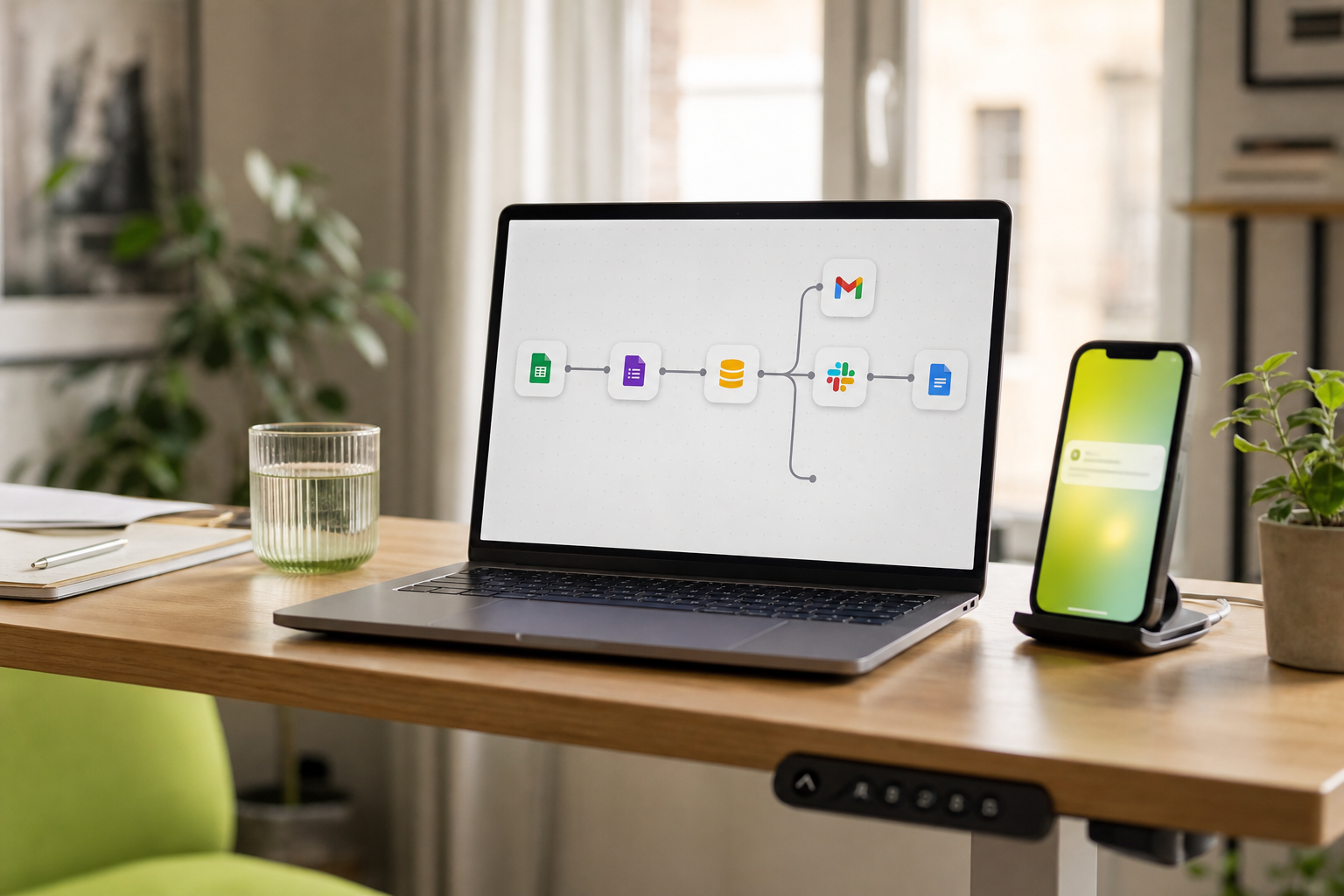
A laptop on a standing desk showing a flowchart of connected app icons, with a phone beside it lighting up with a notification

The short answer

Zapier is the best automation app for most people in 2026–27: it connects more than 8,000 apps, its editor is the easiest to learn, and a free plan covers 100 tasks a month. Make suits people who want more power for less, with a visual builder and Core at $9 a month billed yearly.

The podium

  1. 8.8 out of 10
    Zapier

    most people connecting web apps without writing code

    Top pick
  2. 8.7 out of 10
    Make

    complex, branching workflows on a budget

  3. 8.6 out of 10
    Apple Shortcuts

    iPhone, iPad and Mac owners automating their own devices

Our verdict

Zapier is the best automation app for most people because it connects the most apps, takes the least time to learn, and has a free plan for light use. Make is the pick for complex flows on a budget, Apple Shortcuts for iPhone and Mac owners, and n8n for technical teams that want to self-host. Open the full ranking to compare scores.

About this ranking

This ranking is for people who want repetitive digital chores, such as copying form entries into a sheet or posting alerts to a team chat, to run on their own. All apps were put through one short test pass: install, sign-up, the core task and the price page. We compared seven automation apps available in the US, using each vendor's pricing page, integration directory and documentation. Order is set by AppPick's usual weighting: Quality 40%, Ease 25%, Value 35%. These scores reflect what each product documents and charges; we did not build test workflows or measure how reliably they run. Plan prices and task allowances were read on November 10, 2026.

By the numbers

  • 8.1 to 8.8

    Score range, out of 10

    Quality 40%, Ease of use 25%, Value 35%

  • 7

    Products compared

    Scored on one weighted formula

  • Free

    Cheapest listed

    Zapier, Make, Apple Shortcuts, n8n, IFTTT, Power Automate for desktop

  • Nov 10, 2026

    Prices checked

    Every price is quoted from the seller

Every number, side by side

7 products, ranked by score out of 10
Rank Product Score Quality Ease Value From Free plan
1 Zapier 8.8 9.3 9.3 8.0 Free Free plan
2 Make 8.7 8.9 7.9 9.0 Free Free plan
3 Apple Shortcuts 8.6 8.2 8.0 9.5 Free Free plan
4 n8n 8.5 9.0 7.0 9.0 Free Free plan
5 IFTTT 8.2 7.8 9.0 8.0 Free Free plan
6 Tasker 8.1 8.3 6.6 9.0 $3.49 once No
7 Microsoft Power Automate 8.1 8.6 7.4 8.0 Free Free plan

7 products compared

The full rankings

Top pick

Zapier

8.8 out of 10

Best for: most people connecting web apps without writing code

The best-known automation platform, linking more than 8,000 apps with triggers, actions, filters and AI steps.

Zapier ranks first because it is the quickest route from idea to working automation: pick a trigger, add actions, and test each step with real data before switching it on. Its directory covers more than 8,000 apps, so the tool you need is almost always there. The free plan runs two-step Zaps up to 100 tasks a month, and Professional starts at $19.99 a month billed yearly. The trade-off is cost at volume, because every action counts as a task and busy workflows climb into pricier tiers quickly.

The deciding detail for Zapier: Largest app directory in the category.

Watch out for

  • Every action counts as a billable task
  • Gets expensive as volume grows

Ranked 2

Make

8.7 out of 10

Best for: complex, branching workflows on a budget

A visual automation builder where you drag modules onto a canvas, with routers, iterators and error handling.

Make is second because it offers more control per dollar than Zapier: scenarios branch, loop and handle errors on a visual canvas, and Core costs $9 a month billed yearly for 10,000 operations. The free plan includes 1,000 operations a month. The canvas takes longer to learn, and its app directory, while large, is smaller than Zapier's.

The deciding detail for Make: Visual canvas with branching and loops.

Watch out for

  • Slower to learn than Zapier
  • Smaller app directory

Ranked 3

Apple Shortcuts

8.6 out of 10

Best for: iPhone, iPad and Mac owners automating their own devices

Apple's free automation app for chaining actions across apps and system settings, with personal triggers such as time, location and NFC tags.

Shortcuts is free on every recent Apple device and does a surprising amount: resize photos, log a glass of water, text home when you leave work, or run a routine when you tap an NFC tag. Personal automations run on the device with no server or extra account. It only works on Apple hardware, the editor gets fiddly for long shortcuts, and its reach into web services is thin next to Zapier's.

The deciding detail for Apple Shortcuts: Free on iPhone, iPad, Mac and Apple Watch.

Watch out for

  • Apple devices only
  • Fiddly editor for long shortcuts

Ranked 4

n8n

8.5 out of 10

Best for: technical teams that want self-hosting and code when needed

A fair-code workflow tool you can self-host for free, with a visual editor, JavaScript and Python code nodes and AI agent building blocks.

n8n gives technical users the most freedom: run the Community edition on your own server at no license cost, write JavaScript or Python inside a workflow, and assemble AI agents from its nodes. Cloud plans exist for teams that would rather not host. It ranks fourth because self-hosting makes you responsible for updates, security and uptime, and the editor assumes some technical comfort.

The deciding detail for n8n: Free to self-host.

Watch out for

  • Self-hosting makes you responsible for upkeep
  • Assumes technical comfort

Ranked 5

IFTTT

8.2 out of 10

Best for: simple if-this-then-that links between smart devices and services

A consumer automation service built on applets that connect smart home gear, social accounts and phone features.

IFTTT is the simplest tool here: choose a trigger, choose an action, and the applet runs, with broad support for smart home brands and phone events. The free plan is limited to a small number of applets, so regular users tend to end up on Pro. Multi-step logic and business integrations are limited next to Zapier or Make.

The deciding detail for IFTTT: Easiest setup on the list.

Watch out for

  • Free plan allows only a few applets
  • Limited multi-step logic

Ranked 6

Tasker

8.1 out of 10

Best for: Android power users who want deep control of their phone

A long-running Android automation app that reacts to almost any phone event and can change settings, run scripts and talk to other apps.

Tasker can automate nearly anything on an Android phone: silence it at the office, toggle settings by location, read notifications aloud or run JavaScript. It costs $3.49 once on Google Play, with no subscription. It is the hardest app on this list to learn, the interface is utilitarian, and on its own it does nothing for web services.

The deciding detail for Tasker: One-time $3.49, no subscription.

Watch out for

  • Hardest app on this list to learn
  • Android only

Ranked 7

Microsoft Power Automate

8.1 out of 10

Best for: Windows and Microsoft 365 workplaces

Microsoft's automation suite, with cloud flows for Microsoft 365 and a desktop app that records and replays tasks on Windows.

Power Automate is strongest inside Microsoft's world: cloud flows link Outlook, Teams, SharePoint and Excel, and Power Automate for desktop, free on Windows, can drive older apps by recording clicks. Premium connectors and unattended runs need the Premium license at $15 a user a month. The licensing is confusing, and outside Microsoft 365 the experience is clunkier than Zapier's.

The deciding detail for Microsoft Power Automate: Desktop automation free on Windows.

Watch out for

  • Confusing licensing
  • Premium connectors cost $15 a user a month

Before you choose

Check before you buy

  1. Personal or work

    Apple Shortcuts, Tasker and IFTTT automate your phone and home. Zapier, Make, n8n and Power Automate connect business apps and accounts.

  2. Count tasks, not workflows

    Most platforms bill per action or per run. A workflow with five actions that fires 50 times a day uses about 7,500 tasks a month on Zapier, far past the free plan.

  3. Confirm your apps are supported

    Search each integration directory for the exact apps and the exact triggers you need. A listed app may not support the event you care about.

  4. Plan for failures

    Automations break when an app changes or a login expires. Make and n8n offer detailed error routes, and on any platform you should switch on failure alerts.

  5. Weigh hosting it yourself

    Self-hosting n8n saves license fees but costs time in updates and security. Pay for cloud hosting unless someone on the team enjoys server work.

FAQ

Questions readers ask

What is the best automation app?

Zapier for most people: it connects more than 8,000 apps, the editor is the easiest to learn, and the free plan covers 100 tasks a month.

Is Make cheaper than Zapier?

Usually, yes. Make's Core plan is $9 a month billed yearly for 10,000 operations, while Zapier Professional starts at $19.99 a month billed yearly for far fewer tasks.

Is there a free automation app?

Apple Shortcuts is free on Apple devices, and n8n is free to self-host. Zapier, Make, IFTTT and Power Automate for desktop also have free options with limits.

What is the best automation app for iPhone?

Apple Shortcuts, which comes with iOS, costs nothing and can run automations by time, location or NFC tag.

What is the best automation app for Android?

Tasker, for $3.49 once, if you want deep control. IFTTT is the simpler option for linking services.

Can automation apps use AI?

Yes. Zapier, Make, n8n and Power Automate all offer AI steps that summarize, classify or draft text inside a workflow, usually counted against your plan's usage.

Is n8n really free?

The self-hosted Community edition is free to run under its license. You still pay for the server, and n8n's cloud plans are paid.

Scoring

How this ranking was scored

Each app earns a 0–10 mark for quality, ease and value; rank order comes from the weighted total. Scores rest on the timed test pass plus each maker's documented features and published prices. Read the test protocol · the scoring recipe.

Spotted an error or a new price? Write to editorial@apppick.ai. Makers change prices often, so check the seller page before you buy.