Health & fitness ranking

Best Blood Pressure Apps (2026-2027)

Disclosure: no app pays for placement. Every product gets the same test pass and the same public recipe, and the cons are printed in full even at number one.

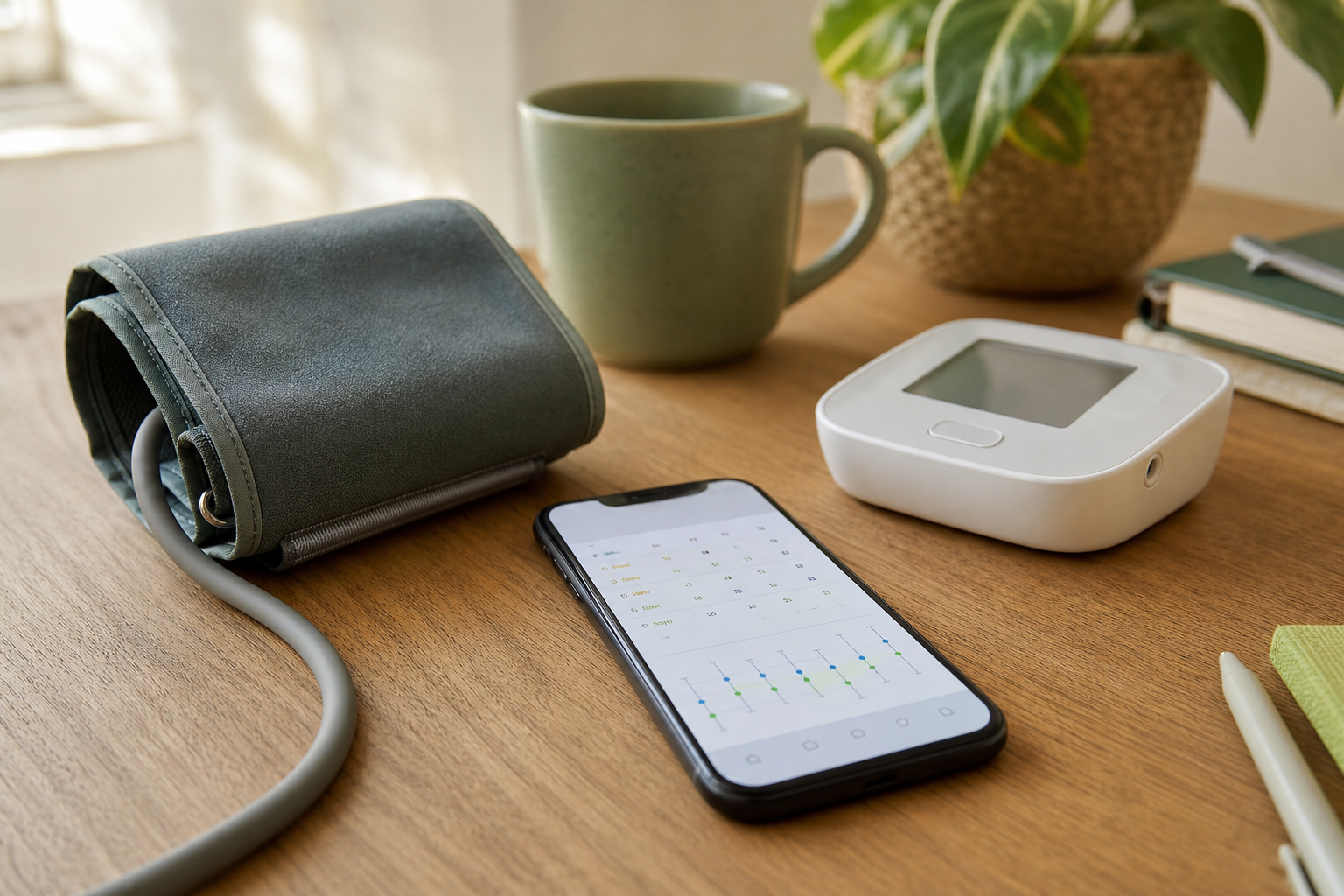
An upper-arm blood pressure cuff resting on a wooden desk beside a phone that displays a week of readings

The short answer

Omron Connect is the best blood pressure app for most people in 2026-2027: it is free, pulls readings straight from Omron's Bluetooth cuffs and turns them into trend charts and shareable reports. Withings suits people who want a more polished app and a cuff that syncs over Wi-Fi, with an optional Withings+ plan priced by region.

The podium

  1. 8.9 out of 10
    Omron Connect

    most people who own or plan to buy an Omron cuff

    Top pick
  2. 8.7 out of 10
    Withings

    people who want the most polished app and a Wi-Fi cuff

  3. 8.6 out of 10
    Apple Health

    iPhone owners who use more than one brand of health device

Our verdict

Omron Connect is the best blood pressure app for most people in 2026-2027 because it costs nothing, removes the copying step by syncing straight from the cuff, and turns readings into reports a doctor can scan. Withings is the pick for a polished all-in-one setup, Apple Health for iPhone owners who already collect readings there, and MyTherapy for people pairing readings with pill reminders. Check the ranking against the cuff you own.

About this ranking

This page is for anyone asked to check their blood pressure at home who wants to compare apps on documented features and price before buying a cuff. Each app went through the same short test pass — install, sign-up, the core task, the price page. We assessed six apps available in the US from their developers' websites and their App Store and Google Play pages. The scoring formula does not change between apps: 40% quality, 25% ease of use, 35% value. We took no readings with these apps and did not judge cuff accuracy, and none of this substitutes for your clinician's advice. The prices shown were current on November 11, 2026.

By the numbers

  • 8.0 to 8.9

    Score range, out of 10

    Quality 40%, Ease of use 25%, Value 35%

  • 6

    Products compared

    Scored on one weighted formula

  • Free

    Cheapest listed

    Omron Connect, Apple Health, MyTherapy

  • Nov 11, 2026

    Prices checked

    Every price is quoted from the seller

Every number, side by side

6 products, ranked by score out of 10
Rank Product Score Quality Ease Value From Free plan
1 Omron Connect 8.9 8.7 8.6 9.4 Free Free plan
2 Withings 8.7 9.0 8.9 8.1 Free Free plan
3 Apple Health 8.6 7.9 8.8 9.1 Free Free plan
4 iHealth MyVitals 8.3 7.8 8.3 8.9 Free Free plan
5 MyTherapy 8.3 7.6 8.4 9.0 Free Free plan
6 Garmin Connect 8.0 8.2 7.9 7.9 Free Free plan

6 products compared

The full rankings

Top pick

Omron Connect

8.9 out of 10

Best for: most people who own or plan to buy an Omron cuff

Omron's free companion app, which receives readings from its Bluetooth monitors and keeps a dated history with trend charts.

Omron Connect ranks first because it removes the weakest step in home monitoring: copying numbers by hand. Readings move from a compatible Omron cuff to the phone over Bluetooth, land in a dated log with pulse, and roll up into charts and reports you can send ahead of an appointment. Omron makes many of the most common home cuffs sold in the US, so plenty of buyers already own a compatible one. The catches are that automatic sync works only with Omron monitors, and pairing can take a few attempts.

The deciding detail for Omron Connect: Free, with no subscription needed to log.

Watch out for

  • Automatic sync works only with Omron monitors
  • Bluetooth pairing can take a few tries

Ranked 2

Withings

8.7 out of 10

Best for: people who want the most polished app and a Wi-Fi cuff

The Withings app, formerly Health Mate, which syncs the company's BPM cuffs alongside its scales and watches.

Withings has the highest quality score here because its BPM cuffs sync on their own over Wi-Fi or Bluetooth, and the app sets blood pressure beside weight, sleep and activity from other Withings devices. Readings export as a PDF for a doctor, and the BPM Core model adds an ECG and a digital stethoscope to the cuff. Withings+ adds extra insights and coaching at a price that varies by region and plan, and the cuffs cost more than most Omron models.

The deciding detail for Withings: Cuffs sync on their own over Wi-Fi or Bluetooth.

Watch out for

  • Withings cuffs cost more than most Omron models
  • Some insights sit behind Withings+

Ranked 3

Apple Health

8.6 out of 10

Best for: iPhone owners who use more than one brand of health device

Apple's built-in Health app, which collects blood pressure from many cuffs and adds hypertension notifications on recent Apple Watch models.

Apple Health is the collecting point most iPhone owners already have: compatible cuffs from Omron, Withings, iHealth and others can write readings into it, and you can type a reading in by hand. On Apple Watch Series 9 and later, hypertension notifications can flag a possible pattern of high blood pressure from weeks of sensor data, though the watch never shows a reading in mmHg. The charts are basic, there is no printable report built in, and Android users are left out.

The deciding detail for Apple Health: Collects readings from many brands of cuff.

Watch out for

  • iPhone-only, so Android households miss out
  • Basic charts and no printable report

Ranked 4

iHealth MyVitals

8.3 out of 10

Best for: budget buyers pairing an inexpensive iHealth cuff

iHealth's free app for its low-cost Bluetooth blood pressure monitors, scales and other devices.

iHealth MyVitals pairs with iHealth's inexpensive Bluetooth cuffs, which brings the total cost of a syncing setup below Omron or Withings. Readings, pulse and averages land in a dated history that can be shared, and the same app handles iHealth scales and pulse oximeters. The interface is plainer than its rivals', and like Omron Connect it syncs automatically only with its own brand of hardware.

The deciding detail for iHealth MyVitals: Pairs with some of the cheapest Bluetooth cuffs.

Watch out for

  • Automatic sync only with iHealth hardware
  • Plainer charts than Omron or Withings

Ranked 5

MyTherapy

8.3 out of 10

Best for: people who want medication reminders and blood pressure in one free app

A free medication reminder that also logs blood pressure and pulse, so doses and readings share a timeline.

MyTherapy earns a place because blood pressure rarely travels alone: many people checking it at home are also starting or adjusting a medication. The app schedules measurement reminders next to pill reminders, stores readings you type in, and puts both into one report. It has no cuff sync and no blood pressure-specific analysis, so it suits a simple routine better than close monitoring.

The deciding detail for MyTherapy: Dose and measurement reminders in one schedule.

Watch out for

  • Every reading is typed in by hand
  • Charts are basic next to Omron or Withings

Ranked 6

Garmin Connect

8.0 out of 10

Best for: Garmin watch owners who want blood pressure next to training and sleep data

Garmin's fitness app, which stores readings from the Index BPM cuff alongside data from Garmin watches.

Garmin Connect makes sense if a Garmin watch already tracks your sleep, stress and training: the Index BPM smart cuff sends readings into the same app, where they sit in the health stats section. That context is the draw. The Index BPM costs more than most Omron or iHealth cuffs, and the app is built for athletes, so blood pressure is one menu among dozens.

The deciding detail for Garmin Connect: Readings sit next to sleep, stress and training.

Watch out for

  • Index BPM is pricier than most cuffs
  • Blood pressure is buried in a fitness app

Before you choose

Check before you buy

  1. Pick the cuff before the app

    Most apps here sync automatically only with their own brand of monitor. In the US, check a cuff against the validated device listing at validatebp.org, then use its app or Apple Health.

  2. Get the cuff size right

    A cuff that is too small or too large skews readings. Measure around your upper arm and match it to the range printed on the cuff.

  3. Decide who sees the numbers

    If a doctor wants a log, check that the app exports a PDF or prints a report. Omron Connect, Withings and MyTherapy all produce one.

  4. Do not trust a cuffless number

    Phone apps that claim to read blood pressure through the camera are no substitute for a cuff. Apple Watch hypertension notifications flag a pattern; they do not give a reading.

  5. Measure the same way each time

    Use the same arm, sit with feet flat, rest a few quiet minutes first and measure at similar times each day. Trends only mean something when the readings are comparable.

FAQ

Questions readers ask

What is the best blood pressure app?

Omron Connect, for most people in 2026-2027: it is free, syncs readings from Omron's Bluetooth cuffs and produces reports for appointments.

Can my phone measure blood pressure without a cuff?

No app on this list does, and camera-based apps that claim to are not reliable enough to act on. Use an upper-arm cuff and let the app store the readings.

What is the best free blood pressure app?

Every app here is free to use. Omron Connect is the best free option with automatic sync, and MyTherapy the best if you also need pill reminders.

Does Apple Watch measure blood pressure?

It does not give a reading. Apple Watch Series 9 and later can send hypertension notifications when weeks of sensor data suggest a pattern, which you then confirm with a cuff.

Can I use Omron Connect with another brand of cuff?

Automatic sync is for Omron monitors. For other cuffs, log in Apple Health, MyTherapy or the cuff maker's own app.

How do I share readings with my doctor?

Export a PDF or print a report before the visit. Withings, Omron Connect and MyTherapy produce one; Apple Health is easier to share with another iPhone user than with a clinic.

Are wrist blood pressure monitors accurate?

Upper-arm cuffs are the usual recommendation for home use. Wrist models are more sensitive to arm position, so ask your clinician before buying one.

Scoring

How this ranking was scored

A 0–10 score for quality, ease and value goes to every app, and the weighted figure puts them in order. Scores rest on the timed test pass plus each maker's documented features and published prices. Read the test protocol · the scoring recipe.

Spotted an error or a new price? Write to editorial@apppick.ai. Makers change prices often, so check the seller page before you buy.