Software & apps ranking

Best Browser Apps (2026-2027)

Disclosure: no app pays for placement. Every product gets the same test pass and the same public recipe, and the cons are printed in full even at number one.

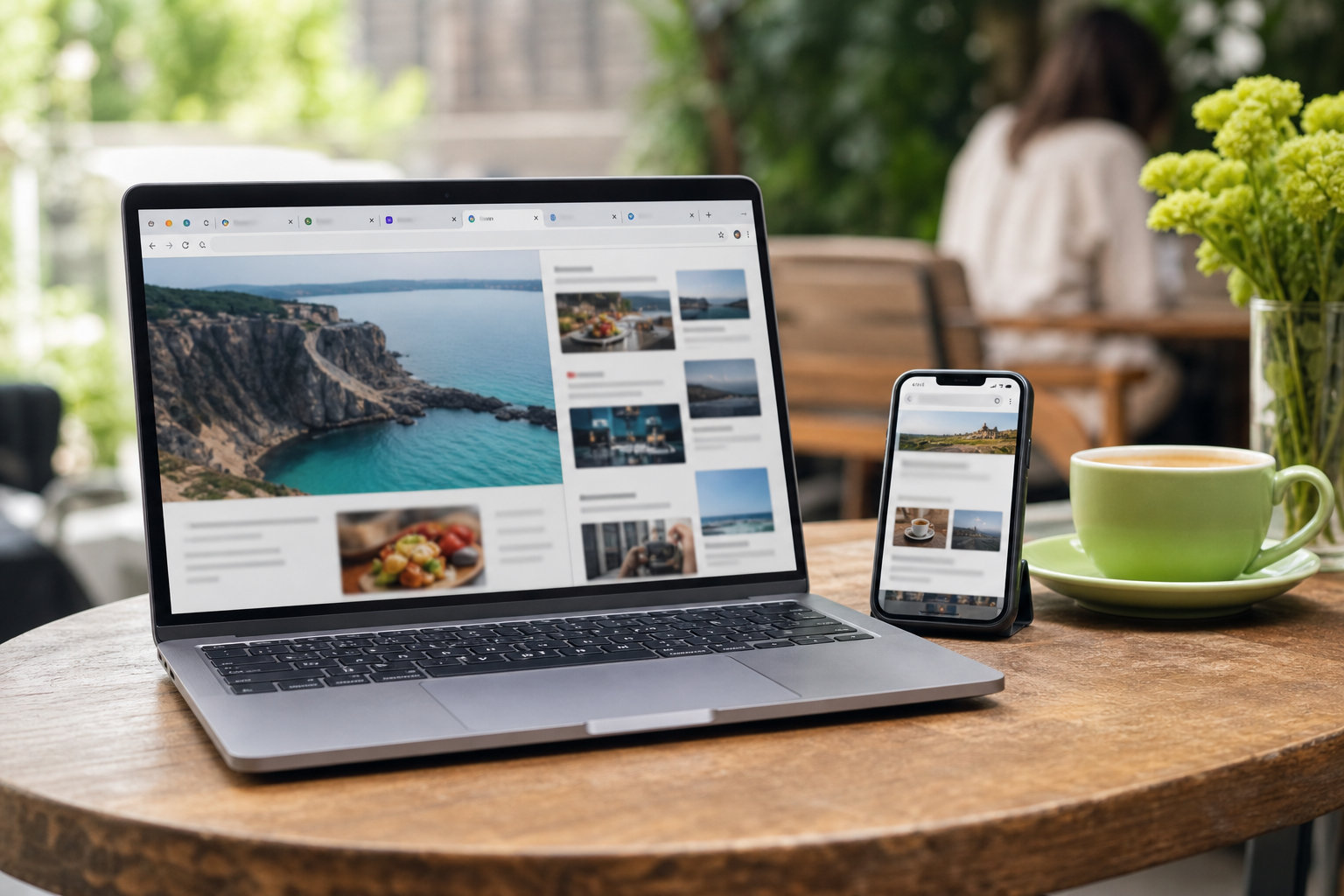
A laptop and a phone on a cafe table, each showing a web browser with several open tabs

The short answer

Firefox is the best browser app for most people today: it runs on every major platform, still supports full-strength ad blockers such as uBlock Origin, and its sync is end-to-end encrypted. Brave suits people who want Chrome's compatibility with ad and tracker blocking built in, also at no cost.

The podium

  1. 9.1 out of 10
    Firefox

    most people who want a private, capable browser on every device

    Top pick
  2. 9.0 out of 10
    Brave

    Chrome users who want blocking built in without losing compatibility

  3. 9.0 out of 10
    Safari

    iPhone, iPad and Mac owners who stay inside Apple's ecosystem

Our verdict

Firefox is the best browser for most people because it is free everywhere, independent of Chrome's engine, and still runs the strongest ad blockers. Brave is the pick for Chromium compatibility with blocking built in, Safari for Apple devices, and Vivaldi for people who live in dozens of tabs. Compare all seven before you switch your default.

About this ranking

This list is for anyone choosing a default browser for a computer and phone, where the price is usually zero and the real cost is data and attention. We gave every app the same short test pass, from install to the price page. We compared seven browsers available to US users, using each developer's site, privacy policy, release notes and app store listings. We weight Quality at 40%, Ease at 25% and Value at 35%, as on every list we publish. We looked at documented privacy controls, extension support, sync and platform coverage; we did not benchmark page loads and we do not measure battery drain. Prices for paid add-ons were checked on November 11, 2026.

By the numbers

  • 8.5 to 9.1

    Score range, out of 10

    Quality 40%, Ease of use 25%, Value 35%

  • 7

    Products compared

    Scored on one weighted formula

  • Free

    Cheapest listed

    Firefox, Brave, Vivaldi

  • Nov 11, 2026

    Prices checked

    Every price is quoted from the seller

Every number, side by side

7 products, ranked by score out of 10
Rank Product Score Quality Ease Value From Free plan
1 Firefox 9.1 9.0 8.7 9.6 Free Free plan
2 Brave 9.0 9.0 8.8 9.2 Free Free plan
3 Safari 9.0 8.8 9.2 9.0 Free Free plan
4 Vivaldi 8.7 8.7 7.8 9.3 Free Free plan
5 Google Chrome 8.6 9.3 9.1 7.5 Free Free plan
6 DuckDuckGo 8.6 7.8 9.2 9.0 Free Free plan
7 Microsoft Edge 8.5 8.9 8.6 8.0 Free Free plan

7 products compared

The full rankings

Top pick

Firefox

9.1 out of 10

Best for: most people who want a private, capable browser on every device

Mozilla's independent browser, with its own Gecko engine, full ad-blocker support and end-to-end encrypted sync.

Firefox ranks first because it is the only major browser not built on Google's or Apple's engine, and that independence pays off: it kept support for the extension system that full-strength blockers like uBlock Origin rely on after Chrome dropped it. Sync of passwords, bookmarks and open tabs is end-to-end encrypted, Enhanced Tracking Protection is on by default, and Mozilla's Multi-Account Containers extension keeps logins in separate compartments. Some sites are built and tested mainly for Chromium and occasionally misbehave, and on iPhone Firefox runs on Apple's WebKit engine like the other browsers there.

The deciding detail for Firefox: Still runs uBlock Origin at full strength.

Watch out for

  • Some sites are tested mainly against Chromium
  • iPhone version runs on Apple's WebKit

Ranked 2

Brave

9.0 out of 10

Best for: Chrome users who want blocking built in without losing compatibility

A Chromium-based browser with Shields ad and tracker blocking on by default and optional crypto and AI features.

Brave is second because it pairs Chrome's site compatibility and extension store with ad and tracker blocking that is already switched on, so there is nothing to configure. Its Shields filtering is built into the browser rather than added as an extension, so Chrome's extension changes do not weaken it. The trade-offs are the extras it ships with: a crypto wallet, Brave Rewards and the Leo AI assistant, plus paid upsells for Brave VPN and Leo Premium, all of which some people will want to switch off.

The deciding detail for Brave: Ad and tracker blocking on by default.

Watch out for

  • Crypto wallet and Rewards bundled in
  • Paid VPN and AI upsells inside the browser

Ranked 3

Safari

9.0 out of 10

Best for: iPhone, iPad and Mac owners who stay inside Apple's ecosystem

Apple's built-in browser, tuned for battery life on Apple hardware, with tracker blocking and Private Relay for iCloud+ users.

Safari is efficient, private by default and woven into Apple's system: Intelligent Tracking Prevention limits cross-site tracking, passwords and passkeys sync through iCloud Keychain, and Handoff moves a page between iPhone and Mac. iCloud+ subscribers also get Private Relay, which hides their IP address from the sites they visit. It has no Windows or Android version, and its extension library is smaller than Chrome's or Firefox's.

The deciding detail for Safari: Tuned by Apple for battery life on Macs and iPhones.

Watch out for

  • Only on iPhone, iPad and Mac
  • Smaller extension library

Ranked 4

Vivaldi

8.7 out of 10

Best for: heavy multitaskers who want tab stacks, panels and built-in mail

A highly customisable Chromium browser from Norway, with tab stacking, split view, and built-in mail, calendar and feed reader.

Vivaldi packs the most tools into the browser itself: tab stacks and tiling, side panels, a built-in ad blocker, and mail, calendar and RSS clients, with no paid tier at all. The company has said it will not build a generative AI assistant into the browser, which some people will count as a feature. The cost is complexity, since the settings run to hundreds of options and the interface takes time to learn.

The deciding detail for Vivaldi: Mail, calendar and feed reader built in.

Watch out for

  • Interface takes real time to learn
  • Hundreds of settings to wade through

Ranked 5

Google Chrome

8.6 out of 10

Best for: people who live in Google's apps and want maximum site compatibility

The world's most used browser, with the largest extension store and deep ties to Google accounts.

Chrome's quality is real but its value has slipped: it has the widest compatibility, the biggest extension store and tight integration with Google accounts, Gemini and Android. Its switch to the Manifest V3 extension rules ended support for the original uBlock Origin in 2025, and a browser funded by an advertising company collects more by default than the ones above. It remains the safe fallback when a site breaks everywhere else.

The deciding detail for Google Chrome: Sites are built and tested for it first.

Watch out for

  • Original uBlock Origin no longer runs
  • Collects more data by default than rivals

Ranked 6

DuckDuckGo

8.6 out of 10

Best for: people who want privacy defaults without touching a setting

A privacy-first browser with tracker blocking, automatic cookie pop-up handling and a one-tap Fire Button to clear data.

DuckDuckGo is the simplest private browser here: trackers are blocked, cookie consent pop-ups are handled for you, and the Fire Button wipes tabs and browsing data in one tap. It runs on Windows, Mac, iPhone and Android. Extension support is thin and power features are few, and the paid subscription for its VPN and identity services is priced by region.

The deciding detail for DuckDuckGo: Tracker blocking on by default.

Watch out for

  • Little or no extension support
  • Few tools for tab hoarders and power users

Ranked 7

Microsoft Edge

8.5 out of 10

Best for: Windows users who want Chrome compatibility with extra built-in tools

Microsoft's Chromium browser and the Windows default, with vertical tabs, sleeping tabs, Copilot and shopping tools.

Edge is a capable Chromium browser undermined by its own promotions. Vertical tabs, sleeping tabs that free up memory, a solid built-in PDF reader and Workspaces for shared tab groups are genuinely useful. But Copilot, shopping prompts and Microsoft account nudges are pushed hard, and Edge follows Chrome's extension rules, so full-strength blockers are limited here too.

The deciding detail for Microsoft Edge: Vertical tabs and sleeping tabs.

Watch out for

  • Copilot and shopping prompts are hard to escape
  • Follows Chrome's limits on blocker extensions

Before you choose

Check before you buy

  1. Pick the engine, not just the brand

    Chrome, Edge, Brave and Vivaldi share the Chromium engine, Safari uses WebKit and Firefox uses Gecko. The engine decides compatibility and which blockers work fully.

  2. Check that your ad blocker still works

    Chrome's extension rules ended support for the original uBlock Origin. Firefox still runs it, and Brave and Vivaldi block ads natively.

  3. Think about sync across devices

    Safari syncs only between Apple devices. Firefox, Chrome, Brave and Edge sync across Windows, Mac, iPhone and Android.

  4. Look at what is on by default

    Defaults matter more than settings most people never open. Brave, DuckDuckGo and Firefox block trackers out of the box.

  5. Count the upsells

    Free browsers earn money somehow, whether through advertising, search deals or paid add-ons. Edge and Brave put the most promotions inside the browser itself.

FAQ

Questions readers ask

What is the best browser app?

Firefox for most people: it is free on every platform, independent of Chrome's engine and still supports full-strength ad blockers.

Which browser is the most private?

DuckDuckGo and Brave have the strictest defaults with nothing to configure. Firefox matches them once Enhanced Tracking Protection is set to Strict.

Is Chrome still worth using?

For compatibility, yes. If you rely on a full ad blocker, Firefox or Brave now does that job better.

Does Safari run on Windows?

No. Apple stopped making Safari for Windows in 2012, and iCloud for Windows syncs Safari bookmarks to Chrome, Edge or Firefox instead.

Do any browsers cost money?

All seven here are free. Some sell extras, such as Brave's VPN, DuckDuckGo's subscription and the iCloud+ plan behind Safari's Private Relay.

Which browser is easiest on battery life?

On Macs and iPhones, Apple says Safari is the most efficient. On Windows, Edge's sleeping tabs help most when you keep many tabs open.

Can I switch browsers without losing my passwords?

Yes. Every browser here can import bookmarks and saved passwords from the others, and a separate password manager makes the move easier still.

Scoring

How this ranking was scored

Every browser gets 0–10 for quality, ease and value, where value weighs what it collects against what it includes, and the weighted total sets the order. Scores rest on the timed test pass plus each maker's documented features and published prices. Read the test protocol · the scoring recipe.

Spotted an error or a new price? Write to editorial@apppick.ai. Makers change prices often, so check the seller page before you buy.