Software & apps ranking

Best Calendar Apps (2026-2027)

Disclosure: no app pays for placement. Every product gets the same test pass and the same public recipe, and the cons are printed in full even at number one.

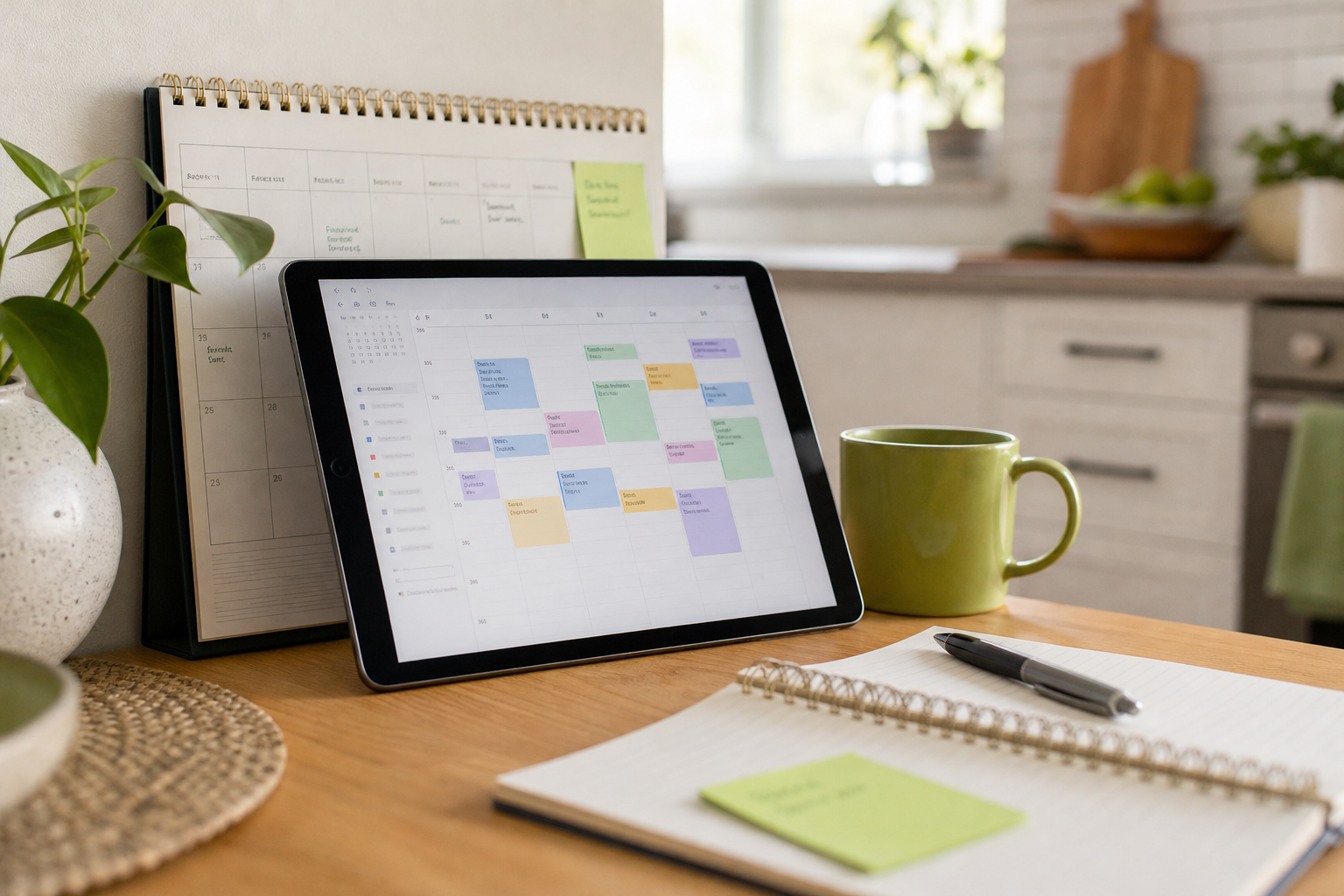
A tablet showing a week of color-coded events propped against a wall planner on a kitchen table

The short answer

Google Calendar is the best calendar app for most people in 2026: it is free, runs on Android, iPhone and the web, and shared calendars and a basic booking page cost nothing. Fantastical suits Apple users who want faster entry and scheduling tools, with a free basic version and Premium at $56.99 a year.

The podium

  1. 9.2 out of 10
    Google Calendar

    most people, on any phone or computer

    Top pick
  2. 8.7 out of 10
    Fantastical

    Apple users who live in their calendar all day

  3. 8.6 out of 10
    Microsoft Outlook

    Windows users and offices that run on Microsoft 365

Our verdict

Google Calendar is the best calendar app for most people in 2026 because it is free, runs on Android, iPhone and any browser, and connects to nearly every other scheduling tool. Fantastical is the pick for Apple power users, Outlook for Microsoft workplaces, and Proton Calendar for encrypted event details. Go to the full list to compare prices side by side.

About this ranking

This guide is for readers choosing the calendar a household or team will share, and who want price and quality scored together. Each app went through the same short test pass — install, sign-up, the core task, the price page. We reviewed six apps offered to US buyers, drawing on each developer's own site, help pages and US App Store listing. Scores use AppPick's published formula, weighted Quality 40%, Ease 25% and Value 35%. We looked at documented features and listed prices only; a short test pass was done, and we do not rank time-blocking or other scheduling habits. We confirmed prices on November 11, 2026.

By the numbers

  • 8.2 to 9.2

    Score range, out of 10

    Quality 40%, Ease of use 25%, Value 35%

  • 6

    Products compared

    Scored on one weighted formula

  • Free

    Cheapest listed

    Google Calendar, Apple Calendar, Notion Calendar

  • Nov 11, 2026

    Prices checked

    Every price is quoted from the seller

Every number, side by side

6 products, ranked by score out of 10
Rank Product Score Quality Ease Value From Free plan
1 Google Calendar 9.2 9.0 9.0 9.6 Free Free plan
2 Fantastical 8.7 9.4 8.9 7.8 Free Free plan
3 Microsoft Outlook 8.6 8.7 7.9 9.0 Free Free plan
4 Apple Calendar 8.6 7.9 9.0 9.0 Free Free plan
5 Notion Calendar 8.5 8.3 8.6 8.7 Free Free plan
6 Proton Calendar 8.2 7.8 8.1 8.8 Free Free plan

6 products compared

The full rankings

Top pick

Google Calendar

9.2 out of 10

Best for: most people, on any phone or computer

The default shared calendar for Android and the web, with free booking pages, Gmail event detection and the widest app support.

Google Calendar ranks first because it is free, works in any browser and on both phone platforms, and almost every other calendar and scheduling tool connects to it. A shared family or team calendar takes a minute to set up, and flight and restaurant confirmations from Gmail appear as events on their own. Free accounts also get a basic booking page for appointments, while premium booking features such as payments sit in paid Google plans. The trade-offs are the lack of a native Windows or Mac app and a schedule that lives on Google's servers, which some buyers will not accept.

The deciding detail for Google Calendar: Free on both phone platforms and the web.

Watch out for

  • No native app for Windows or Mac
  • Your schedule sits on Google's servers

Ranked 2

Fantastical

8.7 out of 10

Best for: Apple users who live in their calendar all day

A premium calendar for Apple devices with plain-English event entry, calendar sets and built-in scheduling tools.

Fantastical is second because it is the most refined calendar on the list: type 'dinner with Sam Friday 7pm at Luca' and the event is built for you, location included. It reads Google, iCloud, Exchange and other accounts in one view. The free version is basic; Premium at $56.99 a year adds extended weather forecasts, calendar sets, Openings booking links and Proposals for group scheduling. That is a real yearly bill for features that free apps partly cover, and the app makes most sense on Apple hardware.

The deciding detail for Fantastical: Best plain-English event entry on the list.

Watch out for

  • Premium costs $56.99 a year
  • Free version is thin

Ranked 3

Microsoft Outlook

8.6 out of 10

Best for: Windows users and offices that run on Microsoft 365

The calendar inside Outlook, free with an Outlook.com account and the standard in Microsoft 365 workplaces.

Outlook is third because its calendar is free on every platform and it is what most offices already run. On a Microsoft 365 work account, the Scheduling Assistant shows colleagues' free time and books meeting rooms; shared and delegated calendars are handled well on any account. Microsoft 365 Basic, at $19.99 a year, removes the ads from Outlook.com. The calendar shares a window with email, which feels cluttered if you only want a calendar, and personal accounts get fewer scheduling tools than work ones.

The deciding detail for Microsoft Outlook: Runs free on desktop, phone and web.

Watch out for

  • Calendar and mail share one crowded window
  • Personal accounts miss the work-only scheduling tools

Ranked 4

Apple Calendar

8.6 out of 10

Best for: Apple users who want a free calendar that simply syncs

The calendar built into iPhone, iPad and Mac, able to show iCloud, Google and Exchange calendars side by side.

Apple Calendar is free, preinstalled and reads iCloud, Google and Exchange accounts, so it can be the one view for every calendar you have. Since iOS 18 it also shows reminders on the same grid. It ranks fourth because entry is slower than in Fantastical, there is no Windows or Android app, and the iCloud.com version is basic.

The deciding detail for Apple Calendar: Free, with nothing to install.

Watch out for

  • Apple hardware only, apart from iCloud.com
  • Slower event entry than Fantastical

Ranked 5

Notion Calendar

8.5 out of 10

Best for: Notion users who schedule from a Google account

A fast, keyboard-driven calendar from Notion that links meetings to Notion pages and shares open slots in a click.

Notion Calendar, formerly Cron, is free and quick, with keyboard shortcuts for most actions, a menu-bar countdown to the next meeting and a one-click way to share open slots. Its party trick is attaching Notion pages to events for agendas and notes. It is built around Google calendar accounts, so check support before moving an iCloud or Outlook calendar, and much of its extra value assumes you already use Notion.

The deciding detail for Notion Calendar: Free, with no paid tier.

Watch out for

  • Built around Google calendar accounts
  • Most useful only if you already use Notion

Ranked 6

Proton Calendar

8.2 out of 10

Best for: privacy-minded users who want encrypted event details

An end-to-end encrypted calendar from the makers of Proton Mail, free with a Proton account.

Proton Calendar encrypts event titles, descriptions, locations and participant lists end to end, so Proton itself cannot read them. The free plan covers a few personal calendars; Mail Plus, at $4.99 a month or less on yearly billing, raises the limits and adds a custom email domain. It ranks last because the interface is slower than the rest, integrations are few, and it lacks the scheduling extras of Google or Outlook.

The deciding detail for Proton Calendar: Event details encrypted end to end.

Watch out for

  • Few third-party integrations
  • Free plan limits the number of calendars

Before you choose

Check before you buy

  1. List the accounts you need to see

    Work calendars often sit in Exchange or Microsoft 365 and personal ones in Google or iCloud. Fantastical and Apple Calendar show all of them in one view; Notion Calendar is built around Google accounts.

  2. Decide whether you need a booking page

    Google Calendar includes a basic booking page free, and Fantastical Premium adds Openings. Anyone booking clients all day may still want a dedicated scheduling tool.

  3. Check the platforms in your house

    Fantastical and Apple Calendar are made for Apple hardware, Google has no desktop app, and Outlook covers everything. A shared family calendar only works if everyone can open it.

  4. Weigh privacy against convenience

    Proton Calendar encrypts event details end to end. Google and Microsoft store events in a form their systems can read, which is what powers features like Gmail event detection.

  5. Ask whether tasks belong on the calendar

    Apple Calendar now shows reminders on its grid, and Google Calendar shows Google Tasks. If your tasks live in another app, check the integration before you switch.

FAQ

Questions readers ask

What is the best calendar app?

For most people in 2026 it is Google Calendar. It is free, works on Android, iPhone and any browser, and nearly every scheduling tool connects to it.

What is the best calendar app for iPhone?

Fantastical, if you will pay $56.99 a year for faster entry and scheduling tools. Apple Calendar is the free choice and already reads Google and Exchange accounts.

Is Fantastical worth paying for?

For heavy calendar users on Apple devices, yes: plain-English entry, calendar sets and Openings save time every day. Light users get most of the benefit from Apple Calendar for nothing.

Is there a Google Calendar app for Windows or Mac?

Not a native one. On a computer, Google Calendar runs in the browser, or you can add the account to Outlook, Apple Calendar or Fantastical.

Which calendar app is the most private?

Proton Calendar, because titles, descriptions, locations and participants are encrypted end to end. The price is fewer integrations and a slower interface.

Can I see work and personal calendars in one app?

You can: Outlook, Apple Calendar and Fantastical all combine accounts from different providers in one view, subject to your employer's security rules.

Do free calendar apps show ads?

Google Calendar and Apple Calendar do not. Outlook.com shows ads on the mail side of the app unless you pay for Microsoft 365.

Scoring

How this ranking was scored

Quality, ease and value are each scored out of 10, and rank follows the weighted sum. Scores rest on the timed test pass plus each maker's documented features and published prices. Read the test protocol · the scoring recipe.

Spotted an error or a new price? Write to editorial@apppick.ai. Makers change prices often, so check the seller page before you buy.