Software & apps ranking

Best Cloud Storage Apps (2026-2027)

Disclosure: no app pays for placement. Every product gets the same test pass and the same public recipe, and the cons are printed in full even at number one.

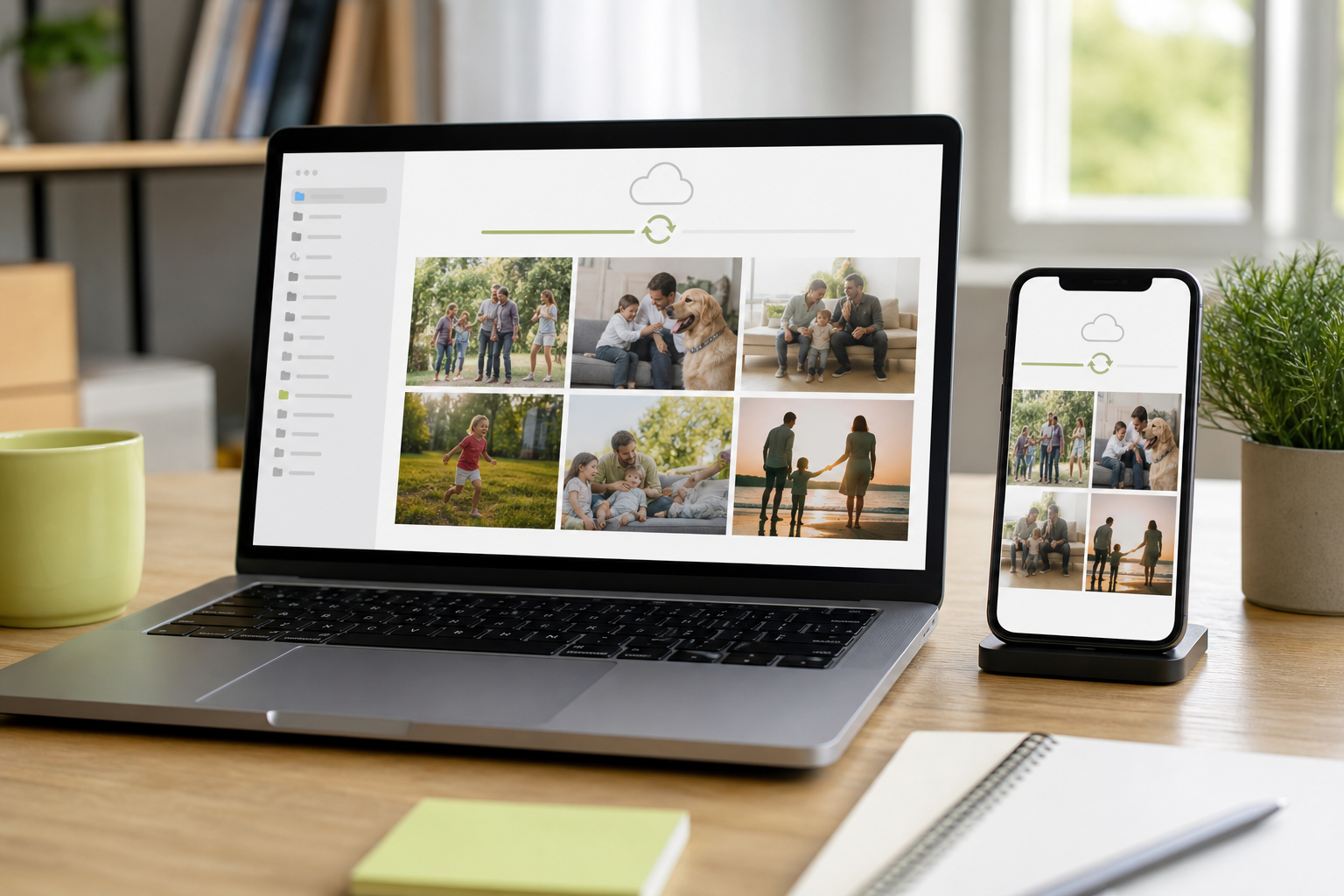
An open laptop and a phone side by side on a desk, both showing the same folder of family photos syncing

The short answer

Google Drive is the best cloud storage app for most people this year: it gives the most free space of the big three at 15 GB, runs on every major platform, and 2 TB costs $9.99 a month through Google One. Microsoft OneDrive suits Windows and Office users, since $99.99 a year for Microsoft 365 Personal buys 1 TB plus the desktop Office apps.

The podium

  1. 9.2 out of 10
    Google Drive

    most people who want generous free space on every device

    Top pick
  2. 8.9 out of 10
    Microsoft OneDrive

    Windows users and anyone who pays for Microsoft Office

  3. 8.9 out of 10
    iCloud Drive

    Apple households that want photos, files and backups handled for them

Our verdict

Google Drive is the best cloud storage for most people because 15 GB is free, the apps run on Windows, Mac, iPhone and Android, and 100 GB costs just $1.99 a month. OneDrive is the pick for Office users, iCloud Drive for Apple households, and Proton Drive for end-to-end encryption by default. See every plan in the ranking before you move your files.

About this ranking

This guide is for people deciding where their files, photos and backups should live, and what that will cost each year. We gave every app the same short test pass, from install to the price page. We compared seven storage services offered in the US, using each provider's plans page, help documentation and app store listings. Each score applies the fixed weights of Quality 40%, Ease 25% and Value 35%. Our comparison covers documented sync, sharing and encryption features and listed plan prices; we did not time uploads and we do not rate how well a provider recovers lost data. Storage prices are US list prices as of November 12, 2026.

By the numbers

  • 8.4 to 9.2

    Score range, out of 10

    Quality 40%, Ease of use 25%, Value 35%

  • 7

    Products compared

    Scored on one weighted formula

  • Free

    Cheapest listed

    MEGA, Google Drive, pCloud

  • Nov 12, 2026

    Prices checked

    Every price is quoted from the seller

Every number, side by side

7 products, ranked by score out of 10
Rank Product Score Quality Ease Value From Free plan
1 Google Drive 9.2 9.2 9.1 9.2 Free Free plan
2 Microsoft OneDrive 8.9 9.0 8.6 9.0 Free Free plan
3 iCloud Drive 8.9 8.9 9.2 8.6 Free Free plan
4 pCloud 8.5 8.4 8.3 8.8 Free Free plan
5 Dropbox 8.4 9.0 8.8 7.5 Free Free plan
6 Proton Drive 8.4 8.6 8.2 8.3 Free Free plan
7 MEGA 8.4 8.2 8.0 8.8 Free Free plan

7 products compared

The full rankings

Top pick

Google Drive

9.2 out of 10

Best for: most people who want generous free space on every device

Google's file storage, with 15 GB free, apps for every platform and Docs, Sheets and Slides built in.

Google Drive ranks first because none of the big platforms hands out more usable space, and upgrades stay cheap: 15 GB free, 100 GB for $1.99 a month and 2 TB for $9.99. Desktop sync covers Windows and Mac, the mobile apps cover iPhone and Android, and Docs, Sheets and Slides edit files in place without a separate office suite. Sharing is granular, down to viewer and commenter roles with link controls. The catches are that the free 15 GB is shared with Gmail and Google Photos, and personal accounts are not end-to-end encrypted, so Google holds the keys to what you store.

The deciding detail for Google Drive: 15 GB free, three times Apple's and Microsoft's allowance.

Watch out for

  • Free space also holds Gmail and Google Photos
  • No end-to-end encryption on personal accounts

Ranked 2

Microsoft OneDrive

8.9 out of 10

Best for: Windows users and anyone who pays for Microsoft Office

Microsoft's storage, built into Windows, with 1 TB included in Microsoft 365 Personal alongside Word, Excel and PowerPoint.

OneDrive is second because the bundle is hard to beat: Microsoft 365 Personal costs $99.99 a year and includes 1 TB plus the desktop Office apps, so the storage is effectively a bonus. It is built into Windows File Explorer, can back up the Desktop, Documents and Pictures folders automatically, and adds a Personal Vault for sensitive files. The free tier is only 5 GB, and the 2025 price rise that came with Copilot makes Personal a worse deal if storage is all you want.

The deciding detail for Microsoft OneDrive: 1 TB plus desktop Office apps for $99.99 a year.

Watch out for

  • Free tier stops at 5 GB
  • Personal plan price rose in 2025 when Copilot was added

Ranked 3

iCloud Drive

8.9 out of 10

Best for: Apple households that want photos, files and backups handled for them

Apple's storage, built into iPhone, iPad and Mac, with iCloud+ plans from 50 GB to 12 TB.

iCloud Drive is third because on Apple devices it disappears into the system: Desktop and Documents sync, photo libraries, device backups, and one plan shared through Family Sharing with up to five other people. Plans run from 50 GB at $0.99 a month to 2 TB at $9.99, and Advanced Data Protection adds end-to-end encryption for most data once you switch it on. The free 5 GB fills fast once phone backups start, and outside Apple's world there is a Windows app but only a website for Android.

The deciding detail for iCloud Drive: Built into every iPhone, iPad and Mac.

Watch out for

  • 5 GB free fills quickly with phone backups
  • No Android app, only the iCloud website

Ranked 4

pCloud

8.5 out of 10

Best for: buyers who would rather pay once than pay every month

A Swiss storage service that sells lifetime plans alongside annual ones, with a virtual drive on the desktop.

pCloud is the only service here that sells storage as a one-time purchase, which beats a subscription if you keep it for several years. Its desktop app mounts storage as a virtual drive instead of copying everything to your disk, and you choose US or EU data storage when you sign up. Client-side encryption is a paid add-on rather than standard, and lifetime prices move with frequent promotions, so we list them as varying.

The deciding detail for pCloud: Lifetime plans instead of a subscription.

Watch out for

  • Client-side encryption costs extra
  • Promotions make the real price hard to pin down

Ranked 5

Dropbox

8.4 out of 10

Best for: freelancers and teams who share large files with clients

The original sync service, with mature desktop sync, file requests and transfer links, and the smallest free tier here.

Dropbox has the most mature sync and sharing tools here, with file requests, Dropbox Transfer and version history, but the free tier is the stingiest on the list. Basic gives 2 GB and allows three linked devices, so most people end up on Plus at $9.99 a month billed yearly for 2 TB. That matches Google's 2 TB price without the free headroom or the bundled office apps.

The deciding detail for Dropbox: Mature desktop sync with selective sync.

Watch out for

  • 2 GB free and a three-device limit
  • No office suite bundled to sweeten Plus

Ranked 6

Proton Drive

8.4 out of 10

Best for: people who want end-to-end encryption without configuring anything

Encrypted storage from the Swiss company behind Proton Mail, with end-to-end encryption switched on by default.

Proton Drive makes privacy the default rather than a setting: file contents, file names and folder names are end-to-end encrypted, and the apps are open source. The free tier is small, and paid storage is priced by plan and bundle, often alongside Proton Mail and Proton VPN. The trade-off for the encryption is fewer collaboration tools than Google or Microsoft offer, and its desktop apps are younger than the rivals' sync clients.

The deciding detail for Proton Drive: End-to-end encryption on by default.

Watch out for

  • Free tier is small next to Google's 15 GB
  • Fewer collaboration tools than Google or Microsoft

Ranked 7

MEGA

8.4 out of 10

Best for: people who want the biggest free allowance and encrypted share links

An end-to-end encrypted storage service with 20 GB free, desktop sync and encrypted chat.

MEGA has the largest free allowance here at 20 GB, yet it ranks last because the rest of the package is rougher. Encryption is end-to-end by default, and shared links can carry their own decryption key. Transfer quotas limit how much a free account can download, bonus storage earned through achievements expires, and paid plan prices vary by region.

The deciding detail for MEGA: 20 GB free, the largest allowance here.

Watch out for

  • Transfer quotas limit heavy free use
  • Achievement bonus storage expires

Before you choose

Check before you buy

  1. Add up what you actually store

    Phone backups and photo libraries are usually the biggest load. Check your phone's storage screen before you choose a tier.

  2. Compare the 2 TB price

    Google One, iCloud+ and Dropbox Plus all sit around $9.99 a month for 2 TB in the US. The difference is what each one bundles alongside the space.

  3. Decide whether encryption matters

    Proton Drive and MEGA encrypt end to end by default, and iCloud does once Advanced Data Protection is on. Google Drive, OneDrive and Dropbox hold the keys on personal plans.

  4. List every device that needs access

    iCloud Drive has no Android app, and Proton Drive's desktop apps are newer than its rivals'. Mixed households are simplest on Google Drive or OneDrive.

  5. Keep a second copy

    Sync is not backup: delete a file on one device and it disappears everywhere. Keep an offline copy of anything you cannot replace.

FAQ

Questions readers ask

What is the best cloud storage app?

Google Drive for most people: 15 GB free, apps on every major platform and 2 TB for $9.99 a month.

Which cloud storage gives the most free space?

MEGA, at 20 GB. Google Drive's 15 GB is the most among the big three, against 5 GB at Apple and Microsoft and 2 GB at Dropbox.

Do I need separate storage if I pay for Microsoft 365?

Usually not. Personal includes 1 TB of OneDrive, and each person on a Family plan gets their own 1 TB.

Which cloud storage is the most private?

Proton Drive, because end-to-end encryption is on by default and covers file names. MEGA is encrypted by default too, and iCloud gets there with Advanced Data Protection.

Is a lifetime cloud storage plan worth it?

It can be cheaper over five years or more, but you are betting the company outlasts the plan. pCloud is the established option; read what its terms mean by lifetime before you pay.

Can I use iCloud Drive on Android?

Only through the iCloud website in a browser. Apple makes no Android app for iCloud Drive or iCloud Photos.

Is cloud storage the same as a backup?

No. Sync copies deletions and ransomware damage along with good changes, so version history helps but a separate backup is the safer habit.

Scoring

How this ranking was scored

Each service receives three 0–10 scores, and its place on the list comes from their weighted sum. Scores rest on the timed test pass plus each maker's documented features and published prices. Read the test protocol · the scoring recipe.

Spotted an error or a new price? Write to editorial@apppick.ai. Makers change prices often, so check the seller page before you buy.