Software & apps ranking

Best Document Scanner Apps (2026-2027)

Disclosure: no app pays for placement. Every product gets the same test pass and the same public recipe, and the cons are printed in full even at number one.

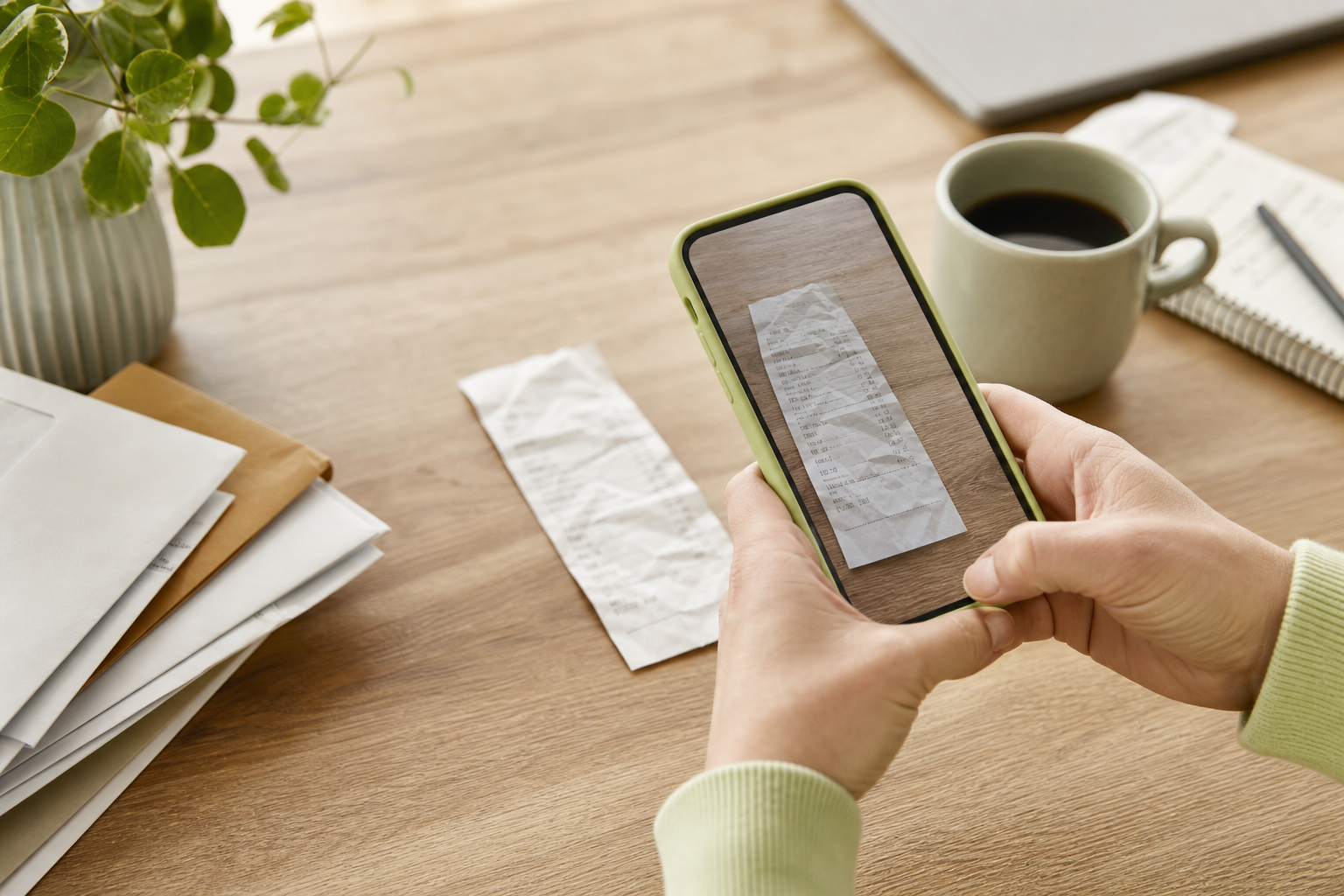
A phone held above a desk capturing a creased paper receipt, with a stack of envelopes and a coffee cup nearby

The short answer

Adobe Scan is the best document scanner app for most people right now: it is free on iPhone and Android, finds page edges on its own and makes every scan searchable with built-in text recognition. Genius Scan suits people who want scans kept on the phone, with no account needed and paid tiers for the extras.

The podium

  1. 9.1 out of 10
    Adobe Scan

    most people who scan receipts, forms and contracts

    Top pick
  2. 8.9 out of 10
    Genius Scan

    people who want scans to stay on their own phone

  3. 8.8 out of 10
    Apple Notes

    iPhone and iPad owners who scan a few pages a month

Our verdict

Adobe Scan is the best document scanner for most people because edge detection, cleanup and text recognition are all free and it works the same way on iPhone and Android. Genius Scan is the pick for privacy, Apple Notes for iPhone owners who scan now and then, and vFlat Scan for books. Go through the full ranking to see what each one charges for.

About this ranking

This list is for anyone turning paper into PDFs with a phone, whether that means receipts, contracts or a stack of school forms. Each app went through the same short test pass — install, sign-up, the core task, the price page. We compared seven scanner apps offered to US users, reading each maker's own documentation alongside its App Store and Google Play listings. Rankings use the published weights: Quality 40%, Ease 25%, Value 35%. We worked from documented capture, text recognition and export features plus listed prices; we did not scan a test batch and we do not grade handwriting recognition. We last confirmed prices on November 13, 2026.

By the numbers

  • 7.9 to 9.1

    Score range, out of 10

    Quality 40%, Ease of use 25%, Value 35%

  • 7

    Products compared

    Scored on one weighted formula

  • Free

    Cheapest listed

    Adobe Scan, Genius Scan, Apple Notes

  • Nov 13, 2026

    Prices checked

    Every price is quoted from the seller

Every number, side by side

7 products, ranked by score out of 10
Rank Product Score Quality Ease Value From Free plan
1 Adobe Scan 9.1 9.0 8.8 9.4 Free Free plan
2 Genius Scan 8.9 8.8 9.0 8.9 Free Free plan
3 Apple Notes 8.8 8.0 9.4 9.3 Free Free plan
4 vFlat Scan 8.7 8.5 8.6 9.0 Free Free plan
5 Microsoft OneDrive 8.5 8.3 8.7 8.7 Free Free plan
6 Google Drive 8.5 8.0 8.8 8.8 Free Free plan
7 CamScanner 7.9 8.1 8.4 7.4 Free Free plan

7 products compared

The full rankings

Top pick

Adobe Scan

9.1 out of 10

Best for: most people who scan receipts, forms and contracts

A free scanner from Adobe that crops, cleans up and runs text recognition on every page.

Adobe Scan ranks first because the parts that make a scan useful are free: automatic edge detection, perspective correction, cleanup filters and OCR that turns each PDF into searchable, copyable text. It runs on iPhone and Android, saves to Adobe's cloud and hands files to Acrobat for filling or signing. Business cards can be captured straight into your contacts. The catches are that an Adobe account is required before the first scan, and extras such as exporting to Word sit behind a paid Adobe plan whose price varies.

The deciding detail for Adobe Scan: Text recognition included on the free tier.

Watch out for

  • Requires an Adobe account sign-in
  • Office export and other extras need a paid plan

Ranked 2

Genius Scan

8.9 out of 10

Best for: people who want scans to stay on their own phone

A long-running scanner that keeps documents on the device and needs no account, with paid tiers for text recognition and cloud export.

Genius Scan is second because it does the core job without asking for anything: no sign-up, batch scanning, reliable edge detection and clean multi-page PDFs, stored on the phone by default. Text recognition and export to cloud services are in the paid Genius Scan+ and Ultra tiers, priced by region. If searchable PDFs at no cost matter most, Adobe Scan is the better deal.

The deciding detail for Genius Scan: No account needed to scan.

Watch out for

  • Text recognition is a paid feature
  • Cloud export sits in the paid tiers

Ranked 3

Apple Notes

8.8 out of 10

Best for: iPhone and iPad owners who scan a few pages a month

The document scanner built into Notes on iPhone and iPad, with automatic capture and PDFs that sync through iCloud.

Apple Notes is already on every iPhone and handles the basics well: automatic capture, edge cropping and multi-page PDFs that appear on a Mac through iCloud. There is nothing to install and nothing to pay unless you outgrow the 5 GB of free iCloud storage. It has no Android version, a handful of filters and few export choices, so heavy scanners will want a dedicated app.

The deciding detail for Apple Notes: Ships on every iPhone, so there is nothing to download.

Watch out for

  • Nothing for Android phones or Windows PCs
  • Few filters and export formats

Ranked 4

vFlat Scan

8.7 out of 10

Best for: students and researchers scanning books

A scanner built for books that flattens curved pages and splits two-page spreads into separate pages.

vFlat Scan solves the one problem general scanners handle badly, the curve of a book's spine. It flattens pages, splits a two-page spread in one shot and has a timed auto-capture so you can turn pages without touching the phone. It is less suited to receipts and forms, and it lives only on the phone, with no desktop app for managing a large archive.

The deciding detail for vFlat Scan: Flattens curved book pages automatically.

Watch out for

  • Tuned for books more than receipts or forms
  • Phone only, with no desktop app

Ranked 5

Microsoft OneDrive

8.5 out of 10

Best for: Windows and Microsoft 365 users who want scans filed automatically

The OneDrive mobile app's scan button, which saves documents, whiteboards and business cards straight into cloud folders.

OneDrive's scanner removes a step: pages are captured, cropped and saved as PDFs directly into a folder that already syncs to your Windows PC. It offers modes for documents, whiteboards and business cards, and the free plan carries 5 GB. Cleanup controls are thinner than in dedicated scanners, and storage past 5 GB means paying, from $1.99 a month for 100 GB.

The deciding detail for Microsoft OneDrive: Scans land in a synced folder automatically.

Watch out for

  • Only 5 GB of free storage
  • Fewer cleanup controls than dedicated scanners

Ranked 6

Google Drive

8.5 out of 10

Best for: Android users who already keep everything in Google Drive

The scanner inside the Google Drive app, which saves cropped, enhanced PDFs straight into Drive.

Google Drive's scanner is convenient rather than complete: tap the add button, capture pages, and the PDF lands in Drive, where search can find the words inside it. Free storage is 15 GB, shared with Gmail and Google Photos, and 100 GB costs $1.99 a month. Controls are thinner than in dedicated apps, and scanning has historically been an Android-first feature.

The deciding detail for Google Drive: Drive search finds words inside scanned PDFs.

Watch out for

  • Scans count against the 15 GB that Gmail and Photos also use
  • Fewer filters and export options than dedicated apps

Ranked 7

CamScanner

7.9 out of 10

Best for: power users who want every scanning tool in one app and accept the upsell

A feature-packed scanner with OCR, ID-card capture and annotation, paid for through ads, watermarks and a Premium subscription.

CamScanner has more tools than anything above, including ID-card capture, text recognition, annotation and PDF editing, yet the free version stamps a watermark on exports and shows ads. Premium removes both at a price that varies by region. It also carries history: in 2019 researchers found a malicious module in an advertising library inside its Android app, Google pulled the app, and it returned after the module was removed. The tools are real; the friction and that record cost it points.

The deciding detail for CamScanner: ID-card and multi-page capture modes.

Watch out for

  • Free exports carry a watermark, and the app shows ads
  • 2019 malware incident in its Android app

Before you choose

Check before you buy

  1. Decide whether you need searchable text

    OCR turns a photo of a page into text you can search and copy. It is free in Adobe Scan and a paid extra in Genius Scan.

  2. Choose where scans are stored

    Genius Scan keeps files on the phone, while Adobe Scan, OneDrive and Google Drive save to the cloud. Pick based on what you scan, not on habit.

  3. Match the app to the paper

    Books need curve flattening, which vFlat Scan does and the general scanners here do not. Receipts and forms are fine in any of them.

  4. Count the free storage

    Apple Notes and OneDrive ride on 5 GB free tiers and Google Drive on 15 GB. Scanned PDFs are small, but photos in the same account fill the space first.

  5. Test the export before the big batch

    Watermarks, size caps and image-only PDFs show up at export time. Scan one page and send it to yourself before you digitise a filing cabinet.

FAQ

Questions readers ask

What is the best document scanner app?

Adobe Scan for most people: cropping, cleanup and text recognition are free on iPhone and Android.

Which free scanner app has no watermark?

Adobe Scan, Genius Scan, Apple Notes, OneDrive and Google Drive all export free scans without one. CamScanner is the app here that stamps its free exports.

Does the iPhone have a built-in document scanner?

Yes. The Notes and Files apps both scan to PDF, with automatic capture and cropping.

Can a phone replace a flatbed scanner?

For receipts, forms and contracts, yes, since a good phone scan is legible and searchable. For photos, archival work or fragile books, a flatbed still captures more detail.

Is CamScanner safe to use now?

The malicious module found in 2019 was removed and the app returned to Google Play. The bigger everyday issues are the ads, the watermark and the upsell.

Which scanner app is best for books?

vFlat Scan, because it flattens curved pages and splits two-page spreads automatically.

Do scanner apps work offline?

Capture and cropping work offline in most of them. Cloud saving, and in some apps text recognition, wait until you reconnect.

Scoring

How this ranking was scored

Scores run from 0 to 10 for quality, ease and value, and the list is sorted by the weighted result. Scores rest on the timed test pass plus each maker's documented features and published prices. Read the test protocol · the scoring recipe.

Spotted an error or a new price? Write to editorial@apppick.ai. Makers change prices often, so check the seller page before you buy.