Learning ranking

Best Drawing Apps (2026-2027)

Disclosure: no app pays for placement. Every product gets the same test pass and the same public recipe, and the cons are printed in full even at number one.

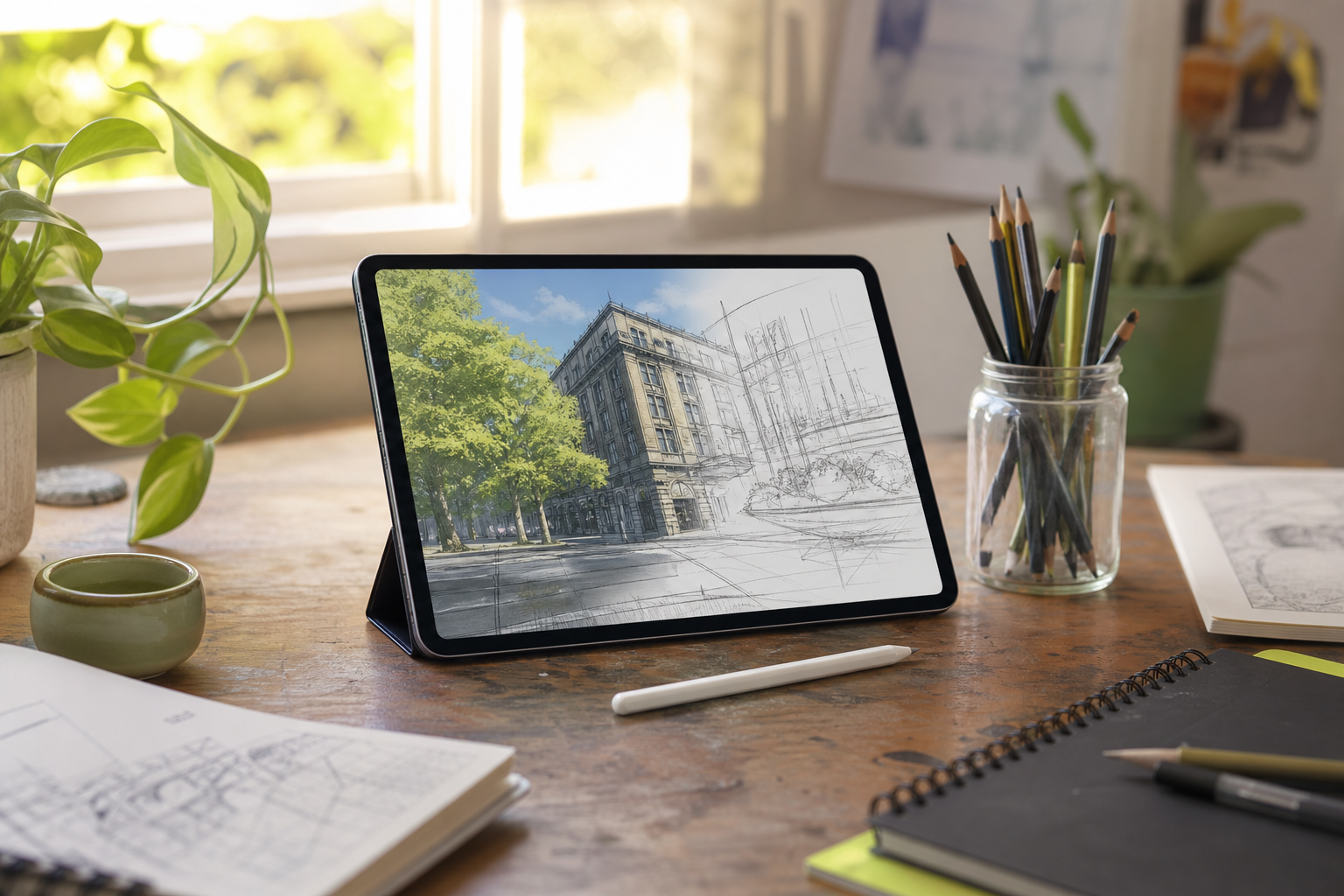
A tablet on a drafting desk showing a half-finished digital illustration beside a stylus and a jar of pencils

The short answer

Procreate is the best drawing app for most iPad owners in 2026: a fast, deep brush engine and animation tools for a one-time $12.99, with no subscription and no account required. Adobe Fresco is the best free choice, with live oil and watercolor brushes on iPad, iPhone and Windows touch devices.

The podium

  1. 9.3 out of 10
    Procreate

    iPad owners who want a professional tool without a subscription

    Top pick
  2. 9.0 out of 10
    Adobe Fresco

    painters who want realistic oils and watercolors for free

  3. 8.8 out of 10
    Krita

    drawing on a computer with a pen tablet, at no cost

Our verdict

Procreate is the best drawing app for most iPad owners in 2026 because a single $12.99 payment buys a deep brush engine, animation tools and no renewals. Adobe Fresco is the best free choice, Krita the pick for drawing on a computer, and Clip Studio Paint the tool for comics and manga. Browse each ranked app before you buy a stylus to match.

About this ranking

People learning to draw on a screen, and hobbyists ready to move off paper, are who this list is for. We gave every app the same short test pass, from install to the price page. Seven drawing apps available in the US were compared using each developer's site, documentation and app store or download page. The scoring is AppPick's usual split, with 40% for quality, 25% for ease and 35% for value. We tested the core flow and compared documented tools, platforms and prices; we did not create artwork for this page, and we do not judge anyone's drawing. Prices match what developers and stores listed on November 13, 2026.

By the numbers

  • 8.3 to 9.3

    Score range, out of 10

    Quality 40%, Ease of use 25%, Value 35%

  • 7

    Products compared

    Scored on one weighted formula

  • Free

    Cheapest listed

    Adobe Fresco, Krita, Ibis Paint X

  • Nov 13, 2026

    Prices checked

    Every price is quoted from the seller

Every number, side by side

7 products, ranked by score out of 10
Rank Product Score Quality Ease Value From Free plan
1 Procreate 9.3 9.5 8.9 9.3 $12.99 one-time No
2 Adobe Fresco 9.0 8.9 8.6 9.4 Free Free plan
3 Krita 8.8 8.8 7.2 9.8 Free Free plan
4 Ibis Paint X 8.6 8.4 8.5 9.0 Free Free plan
5 Clip Studio Paint 8.3 9.2 7.4 7.9 Varies by plan No
6 MediBang Paint 8.3 7.8 8.2 8.9 Free Free plan
7 Sketchbook 8.3 7.6 8.8 8.6 Free Free plan

7 products compared

The full rankings

Top pick

Procreate

9.3 out of 10

Best for: iPad owners who want a professional tool without a subscription

An iPad painting and drawing app with a deep brush engine, animation tools and a one-time price.

Procreate ranks first because it pairs professional depth with a price that never renews. Hundreds of built-in brushes, a Brush Studio for making your own, QuickShape for clean lines and Animation Assist for frame-by-frame work all come with the $12.99 purchase. The interface stays out of the way, which matters when you are learning, and time-lapse replays make progress easy to see. Files export to PSD for work that moves to a computer. The trade-offs are that it runs only on iPad, with a separate Procreate Pocket for iPhone, and that it has no vector tools.

The deciding detail for Procreate: One-time $12.99, no subscription.

Watch out for

  • iPad only; iPhone needs Procreate Pocket
  • No vector tools for scalable line art

Ranked 2

Adobe Fresco

9.0 out of 10

Best for: painters who want realistic oils and watercolors for free

Adobe's free drawing and painting app with live oil and watercolor brushes, vectors and Photoshop brushes.

Adobe Fresco is second because it now costs nothing and its live brushes are the most convincing here: watercolor bleeds and oils blend on the canvas as they would on paper. Vector brushes sit beside raster ones, and Photoshop brushes carry over. It needs an Adobe account, has no Android version, and its interface is busier than Procreate's.

The deciding detail for Adobe Fresco: Free, including features once sold as premium.

Watch out for

  • Requires an Adobe account
  • Nothing for Android users

Ranked 3

Krita

8.8 out of 10

Best for: drawing on a computer with a pen tablet, at no cost

A free, open-source painting app for Windows, macOS and Linux, with an Android tablet version in beta.

Krita is the strongest free option on a computer, with several brush engines, stabilizers for shaky lines, wrap-around mode for patterns and frame-by-frame animation. It is open source and asks for nothing beyond optional donations. The interface is dense, it really wants a pen tablet, and the Android tablet version is still marked beta.

The deciding detail for Krita: Open-source code and no price tag.

Watch out for

  • Dense interface with a real learning curve
  • Android tablet version still in beta

Ranked 4

Ibis Paint X

8.6 out of 10

Best for: drawing on a phone or Android tablet

A free mobile drawing app with thousands of brushes, comic tools and process recording, funded by ads.

Ibis Paint X packs thousands of brushes, comic frames, screentones and process recording into a free mobile app, and its tutorials suit learners. It runs well on phones, where most rivals struggle. Ads interrupt the free version, and removing them or unlocking Prime features costs extra at a regional price.

The deciding detail for Ibis Paint X: Thousands of brushes on a phone.

Watch out for

  • Ads interrupt the free version
  • Prime features cost extra

Ranked 5

Clip Studio Paint

8.3 out of 10

Best for: comics, manga and clean line art

A professional illustration and comics app with vector line tools, panel layouts and 3D pose models.

Clip Studio Paint is the specialist for comics and manga: vector line art you can adjust after drawing, panel and lettering tools, and posable 3D models for tricky anatomy. Its brush market is huge. Pricing is the weak spot, with one-time desktop licenses and subscriptions on tablets and phones that vary by device and edition, and the interface takes weeks to learn.

The deciding detail for Clip Studio Paint: Best panel, lettering and line-art tools here.

Watch out for

  • Confusing pricing across devices and editions
  • Takes weeks to learn the interface

Ranked 6

MediBang Paint

8.3 out of 10

Best for: free comic drawing synced across devices

A free comic and illustration app with cloud saves, panel tools and fonts on desktop and mobile.

MediBang Paint gives away comic essentials, including panel tools, fonts and screentones, and syncs projects through its cloud so a page started on a computer can be finished on a phone. It runs on desktop and mobile. The free version shows ads, MediBang Premium is priced by region, and its brushes feel plainer than Ibis Paint X's.

The deciding detail for MediBang Paint: Free comic panels, fonts and screentones.

Watch out for

  • Banner ads unless you pay
  • Plainer brushes than Ibis Paint X

Ranked 7

Sketchbook

8.3 out of 10

Best for: uncluttered sketching and quick concept work

A clean sketching app with predictive strokes and perspective guides, free on phones and tablets.

Sketchbook has the calmest canvas on the list, with tools tucked away until needed, predictive stroke for tidy lines and perspective guides for buildings and rooms. The mobile app is free. It offers fewer painting and comic extras than the apps above it, and the desktop Pro version is sold separately at a price that varies by platform.

The deciding detail for Sketchbook: Clean, distraction-free canvas.

Watch out for

  • Fewer painting and comic extras
  • Desktop Pro version sold separately

Before you choose

Check before you buy

  1. Start with the device you own

    Procreate is iPad-only, Krita lives on computers, and Ibis Paint X and MediBang Paint run well on phones. Your hardware usually narrows the list to two or three apps.

  2. Budget for the stylus first

    Pressure-sensitive lines need a stylus or pen tablet, which often costs more than any app here. Price that before comparing apps.

  3. Choose by the kind of art you make

    Comics and manga favor Clip Studio Paint's panel and line tools. Painterly work favors Fresco's live brushes or Procreate's brush engine.

  4. Prefer prices that do not renew

    Procreate's single payment and the free apps carry no renewal. Read Clip Studio Paint's device-by-device plans closely before you commit.

  5. Check how files leave the app

    Layered PSD export matters if work moves to a computer or a client later. Procreate, Fresco, Krita and Clip Studio Paint all export PSD files.

FAQ

Questions readers ask

What is the best drawing app?

Procreate for most iPad owners in 2026: a deep, fast brush engine for a one-time $12.99, with no subscription.

What is the best free drawing app?

Adobe Fresco on an iPad, iPhone or Windows touch device, and Krita on a computer. Neither runs on a trial clock.

Is Procreate worth it for beginners?

Yes. It costs less than a month of many subscriptions, and its interface stays out of the way while you learn.

What is the best drawing app for Android?

Ibis Paint X or MediBang Paint on a phone, and Krita on larger Android tablets. Procreate has no Android version.

Which app is best for comics and manga?

Clip Studio Paint, whose panel, lettering and line-correction tools are built for the job.

Do I need a stylus to learn digital drawing?

For pressure-sensitive strokes, yes. A finger is fine for rough sketching and blocking in color, but line weight comes from pressure.

Can a drawing app teach me to draw?

Not on its own. These are tools; perspective, anatomy and value come from practice plus a course or a good book.

Scoring

How this ranking was scored

Every drawing app gets a 0–10 score for quality, ease and value, and the weighted total decides its rank. Scores rest on the timed test pass plus each maker's documented features and published prices. Read the test protocol · the scoring recipe.

Spotted an error or a new price? Write to editorial@apppick.ai. Makers change prices often, so check the seller page before you buy.