Home & living ranking

Best Garden Planner Apps (2026-2027)

Disclosure: no app pays for placement. Every product gets the same test pass and the same public recipe, and the cons are printed in full even at number one.

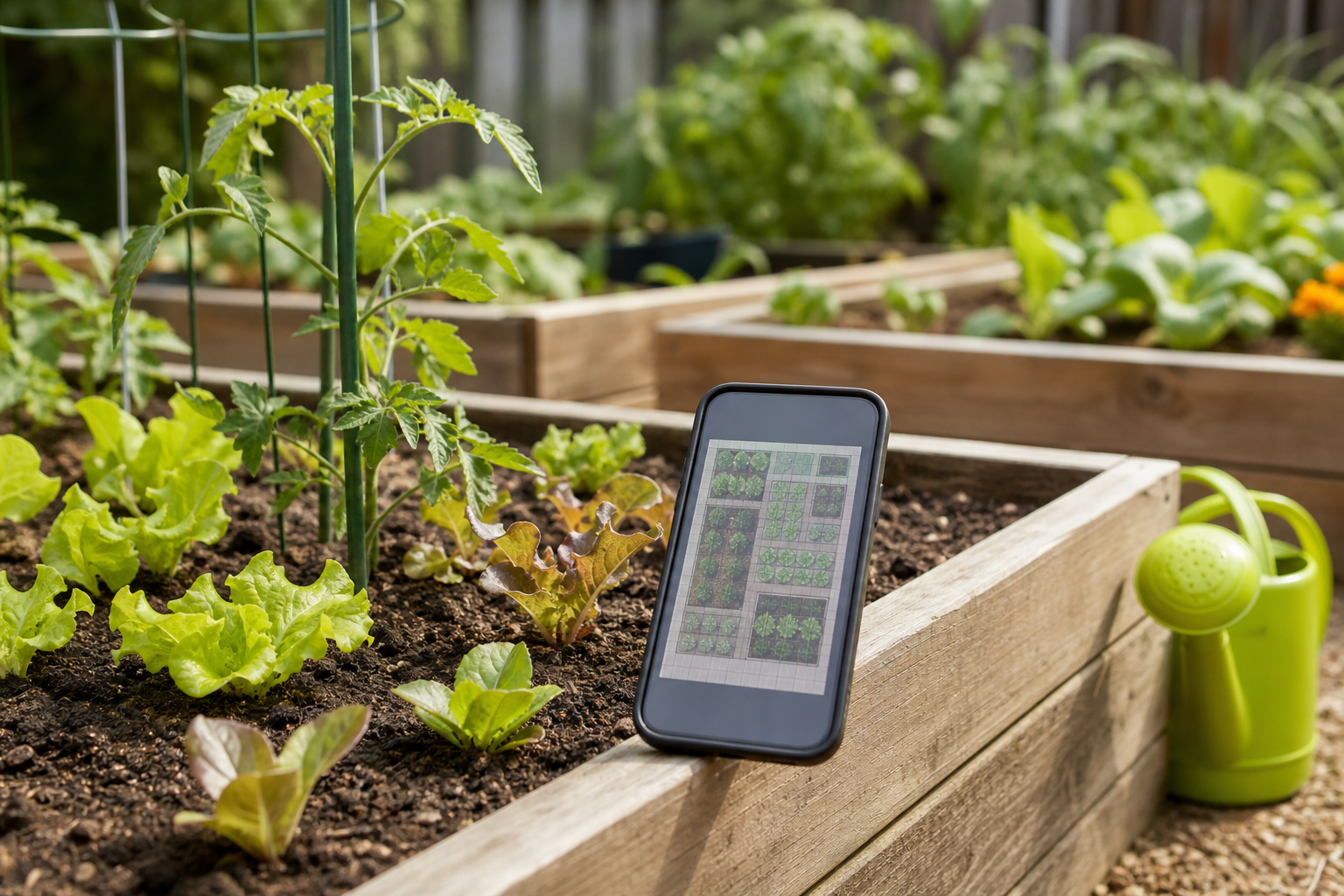
Raised vegetable beds with young lettuce and tomato seedlings, and a phone showing a grid garden plan propped on the wooden edge

The short answer

Planter is the best garden planner app for most home gardeners in 2026: its grid layout marks good and bad plant neighbors as you place crops, the planting calendar follows your location, and the free plan is enough for a typical vegetable garden. Seedtime suits gardeners who plan by dates, with a free plan built around local frost dates.

The podium

  1. 9.0 out of 10
    Planter

    home gardeners laying out raised beds and square-foot plots

    Top pick
  2. 8.8 out of 10
    Seedtime

    gardeners who plan around sowing and harvest dates

  3. 8.5 out of 10
    GrowVeg

    experienced growers who rotate crops across seasons

Our verdict

Planter is the best garden planner app for most home gardeners in 2026 because it lays out beds on a simple grid, flags companion plants as you go and keeps a local planting calendar on a free plan. Seedtime is the pick for date-driven planning, GrowVeg for crop rotation across seasons, and Gardenize for a long-term garden journal. Check the full ranking for what each free tier leaves out.

About this ranking

This ranking is for home vegetable and kitchen gardeners deciding which planner to trust with their layout and sowing dates. Each app went through the same short test pass — install, sign-up, the core task, the price page. Six apps available in the US made the list, assessed from each developer's site, help pages and store listings. The order comes from the standard recipe, which weights Quality at 40%, Ease at 25% and Value at 35%. We judged documented features and published prices; we did not grow a test garden, and we do not rate yields. Pricing reflects what each developer listed on November 15, 2026.

By the numbers

  • 8.3 to 9.0

    Score range, out of 10

    Quality 40%, Ease of use 25%, Value 35%

  • 6

    Products compared

    Scored on one weighted formula

  • Free

    Cheapest listed

    Planter, Seedtime, Gardenize

  • Nov 15, 2026

    Prices checked

    Every price is quoted from the seller

Every number, side by side

6 products, ranked by score out of 10
Rank Product Score Quality Ease Value From Free plan
1 Planter 9.0 8.7 9.1 9.2 Free Free plan
2 Seedtime 8.8 8.8 8.5 8.9 Free Free plan
3 GrowVeg 8.5 9.4 7.9 8.0 Varies by region No
4 Seed to Spoon 8.5 8.4 8.6 8.5 Free Free plan
5 Gardenize 8.3 8.0 8.4 8.7 Free Free plan
6 Almanac Garden Planner 8.3 9.3 7.9 7.4 Varies by region No

6 products compared

The full rankings

Top pick

Planter

9.0 out of 10

Best for: home gardeners laying out raised beds and square-foot plots

A grid-based garden planner that shows companion-plant matches as you place crops and keeps a local planting calendar.

Planter ranks first because it makes the core job, deciding what goes where, quick and visual. Beds are drawn as grids, each crop takes its spacing, and neighbors are marked as good or bad companions as you place them. A planting calendar based on your location shows when to sow and transplant. Premium, which varies by region, adds extras on top of a free plan that most home gardeners will not outgrow. Its crop rotation help is thinner than GrowVeg's.

The deciding detail for Planter: Companion matches shown while you plan.

Watch out for

  • Crop rotation tools are thin
  • Fewer bed shapes than GrowVeg

Ranked 2

Seedtime

8.8 out of 10

Best for: gardeners who plan around sowing and harvest dates

A garden planner and calendar that schedules sowing, transplanting and harvest from your local frost dates.

Seedtime is second because it treats the garden as a timeline. Enter your location and crops, and it builds a calendar of sowing, transplanting and harvest windows from local frost dates, with a layout planner and task list alongside. The free plan handles a home garden; paid features, priced by region, suit people planning succession sowings or several plots. The layout tool is less visual than Planter's grid.

The deciding detail for Seedtime: Sowing calendar built from local frost dates.

Watch out for

  • Layout view is less visual than Planter's
  • Advanced planning sits in the paid tier

Ranked 3

GrowVeg

8.5 out of 10

Best for: experienced growers who rotate crops across seasons

A detailed garden planner that draws any bed shape, warns about crop rotation and sends planting reminders.

GrowVeg is third on value, not quality; as a planner it is the most complete here. Beds can be any shape, spacing is drawn to scale, and the planner remembers where each crop family grew in previous seasons so it can flag rotation problems. Sowing and harvest dates come from your local frost dates, and reminders arrive by email. There is no free plan, only a short trial, and the yearly subscription varies by region. The editor is easiest on a computer.

The deciding detail for GrowVeg: Crop rotation warnings across seasons.

Watch out for

  • Paid after a short trial
  • Best used on a larger screen

Ranked 4

Seed to Spoon

8.5 out of 10

Best for: beginners who want growing guides alongside the plan

A planning and growing-guide app with planting dates by location, crop guides and a garden layout tool.

Seed to Spoon is fourth because it pairs a planner with the advice beginners keep looking up. Each crop has a growing guide, planting dates adjust to your location, and a layout tool helps place beds. It covers the basics well on the free plan; deeper features need a paid upgrade that varies by region. Experienced growers will find the layout and rotation tools lighter than GrowVeg's.

The deciding detail for Seed to Spoon: Growing guide for each crop.

Watch out for

  • Lighter layout tools than GrowVeg
  • Some guidance sits behind the upgrade

Ranked 5

Gardenize

8.3 out of 10

Best for: keeping a long-term record of plants, beds and what worked

A garden journal app for logging plants, areas, photos, events and notes across seasons.

Gardenize is fifth because it is more journal than planner, and a good one. You record plants and areas with photos, log events such as sowing, pruning or a late frost, and build a history of what happened in each bed. It does not draw a layout or calculate spacing, and extra storage and features come with paid tiers priced by region.

The deciding detail for Gardenize: Photo history of each plant and bed.

Watch out for

  • No layout or spacing tool
  • Extra storage and features are paid

Ranked 6

Almanac Garden Planner

8.3 out of 10

Best for: gardeners who already rely on The Old Farmer's Almanac

The Old Farmer's Almanac's planner, built on the same engine as GrowVeg, with Almanac growing guides.

Almanac Garden Planner is sixth because it is GrowVeg's planner in Almanac branding, with the same scale drawings, rotation warnings and frost-date calendar plus links to Almanac growing guides. If you prefer the Almanac's content it is a fine choice; if not, there is little reason to pay for it over GrowVeg. It has no free plan, only a trial, and the subscription varies by region.

The deciding detail for Almanac Garden Planner: Same detailed engine as GrowVeg.

Watch out for

  • Trial only, then a subscription
  • Little to choose over GrowVeg itself

Before you choose

Check before you buy

  1. Set your frost dates first

    Every sowing calendar here keys off your last spring frost and first fall frost. Check the dates the app assigns against a local source before you trust its schedule.

  2. Decide if you rotate crops

    If you grow in the same beds every year, rotation warnings matter. GrowVeg and the Almanac planner track crop families across seasons; Planter's support is lighter.

  3. Choose grid or freehand layout

    Square-foot and raised-bed growers will be fastest in Planter's grid. Irregular borders and community garden plots draw more easily in GrowVeg.

  4. Check whether you need a journal too

    Planners look forward and journals look back. Gardenize records what actually happened, which is what makes next year's plan better.

  5. Time the trial to the season

    GrowVeg and the Almanac planner have short trials and no free plan. Start the trial when you are ready to plan, not in midsummer.

FAQ

Questions readers ask

What is the best garden planner app?

Planter for most home gardeners: a quick grid layout, companion planting marked as you go, a location-based planting calendar and a free plan that covers most gardens.

What is the best free garden planner app?

Planter and Seedtime both have free plans that handle a full home garden. Planter is stronger on layout, Seedtime on sowing dates.

Which garden planner handles crop rotation?

GrowVeg, which remembers where each crop family grew in earlier seasons and warns you before you repeat it. The Almanac planner uses the same engine.

Is GrowVeg worth paying for?

For experienced growers with several beds and a rotation, yes. For a few raised beds, Planter's free plan covers most of what GrowVeg does.

Are the Almanac Garden Planner and GrowVeg the same?

They share one planning engine. The Almanac version adds the Almanac's own growing guides and branding, so choose by which content you prefer.

Can a garden app tell me when to plant?

Most of them can: Planter, Seedtime, Seed to Spoon and GrowVeg all estimate sowing and transplant dates from your local frost dates. Weather can still shift them by a week or two.

Do I need a garden journal as well as a planner?

It is not essential, but it helps. A journal such as Gardenize records what worked and what failed, which makes the next season's plan more accurate.

Scoring

How this ranking was scored

We mark every entry 0–10 on three criteria and rank by the weighted score. Scores rest on the timed test pass plus each maker's documented features and published prices. Read the test protocol · the scoring recipe.

Spotted an error or a new price? Write to editorial@apppick.ai. Makers change prices often, so check the seller page before you buy.