Outdoors ranking

Best Geocaching Apps (2026-2027)

Disclosure: no app pays for placement. Every product gets the same test pass and the same public recipe, and the cons are printed in full even at number one.

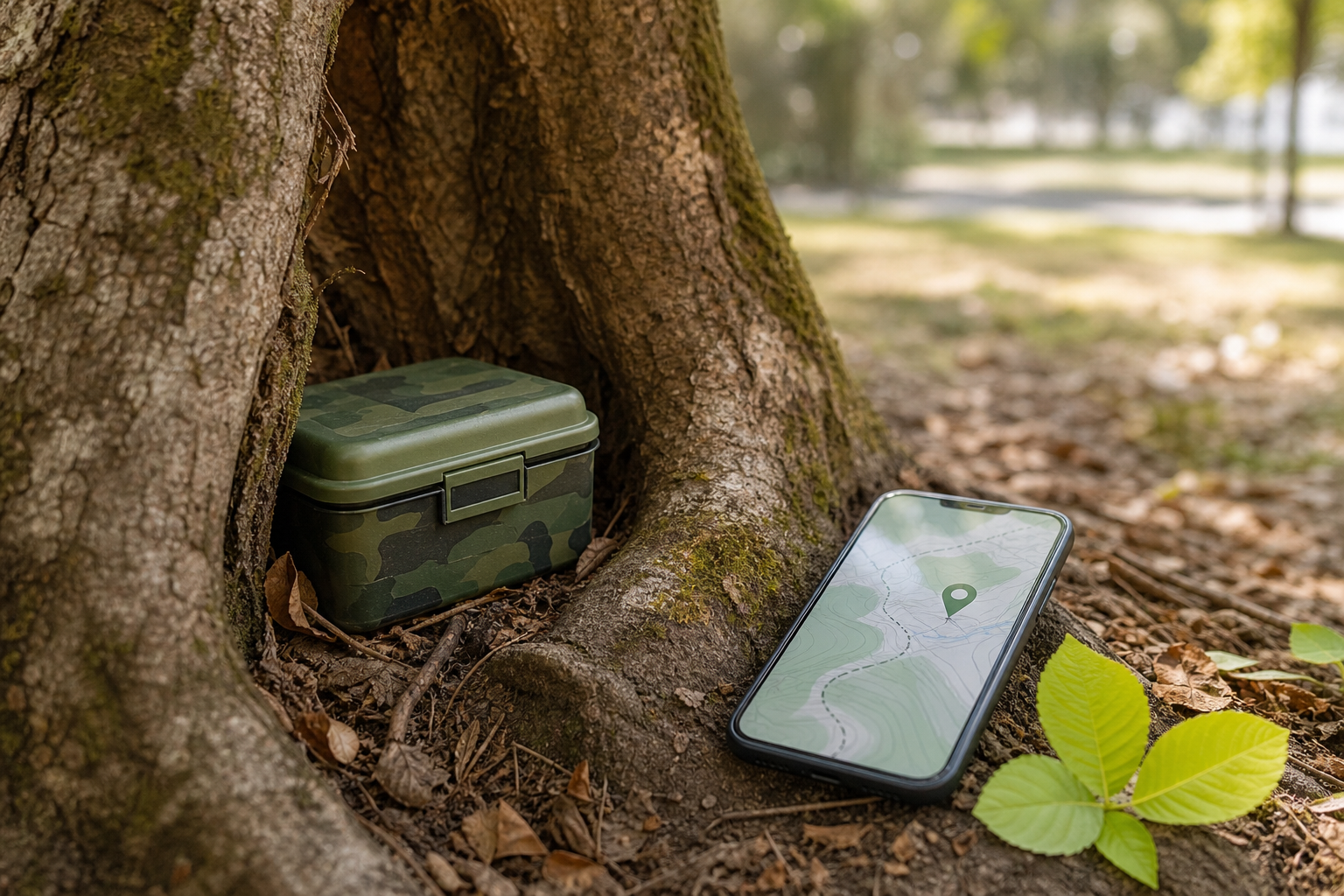
A small camouflaged cache container tucked between tree roots beside a phone showing a map pin

The short answer

The official Geocaching app is the best geocaching app for most people in 2026: it is free to start, it carries the full live cache map, and Premium unlocks every cache type, offline lists and advanced filters at a price that varies by region. c:geo suits Android users who want a free, open-source alternative with strong offline tools.

The podium

  1. 8.9 out of 10
    Geocaching

    most cachers, from first find to Premium

    Top pick
  2. 8.8 out of 10
    c:geo

    Android cachers who want a free power tool

  3. 8.5 out of 10
    Cachly

    iPhone cachers who plan routes and work offline

Our verdict

The official Geocaching app is the best geocaching app for most people in 2026 because the live map, logging and your account sit in one place, and the free tier is enough for your first finds. c:geo is the pick for Android power users, Cachly for iPhone cachers who plan offline, and Adventure Lab for container-free puzzle trails. Check the full ranking for the platform limits of each.

About this ranking

This page is for cachers choosing between the official app and the third-party clients that serious hobbyists swear by. We gave every app the same short test pass, from install to the price page. We examined seven apps through their developers' pages and their US App Store and Google Play listings. Scoring uses the same public weights as every AppPick list: Quality 40%, Ease 25%, Value 35%. Features and prices are as documented; we did not run head-to-head hunts or test GPS accuracy under tree cover. Price details are current as of November 15, 2026.

By the numbers

  • 7.8 to 8.9

    Score range, out of 10

    Quality 40%, Ease of use 25%, Value 35%

  • 7

    Products compared

    Scored on one weighted formula

  • Free

    Cheapest listed

    Geocaching, c:geo, Adventure Lab

  • Nov 15, 2026

    Prices checked

    Every price is quoted from the seller

Every number, side by side

7 products, ranked by score out of 10
Rank Product Score Quality Ease Value From Free plan
1 Geocaching 8.9 9.2 9.0 8.6 Free Free plan
2 c:geo 8.8 8.8 7.6 9.6 Free Free plan
3 Cachly 8.5 9.0 8.4 8.0 Varies by region No
4 Adventure Lab 8.5 7.6 8.8 9.2 Free Free plan
5 Looking4Cache Pro 8.2 8.6 8.0 7.8 Varies by region No
6 Locus Map 8.0 8.2 7.4 8.3 Free Free plan
7 Munzee 7.8 7.4 8.2 8.0 Free Free plan

7 products compared

The full rankings

Top pick

Geocaching

8.9 out of 10

Best for: most cachers, from first find to Premium

The official app from Geocaching HQ, with the live cache map, logging and Premium features in one place.

The official app ranks first because it is the source: the live map, cache pages, logs, trackables and your account all sit in it, and new caches appear there first. Basic membership is free and opens a limited set of caches, mostly Traditionals; Premium unlocks every cache type, offline lists, advanced filters and Premium-only hides, at a price that varies by region. The trade-offs are a Basic map with large gaps and offline planning that is thinner than Cachly's or c:geo's.

The deciding detail for Geocaching: Live map and new caches straight from the source.

Watch out for

  • Basic hides much of the cache map
  • Offline planning trails the best third-party apps

Ranked 2

c:geo

8.8 out of 10

Best for: Android cachers who want a free power tool

A free, open-source Android client with offline maps, stored caches and support for Opencaching sites.

c:geo is second because it gives Android users power-user features at no cost: stored caches and offline maps for a day without signal, waypoint calculation, and support for Opencaching networks alongside geocaching.com. It is open source and volunteer-built. It is not an official partner of Geocaching HQ, so features can break when the website changes, it runs on Android only, and Premium-only caches still need a Premium account.

The deciding detail for c:geo: Free and open source.

Watch out for

  • No iPhone version
  • Unofficial, so website changes can break features

Ranked 3

Cachly

8.5 out of 10

Best for: iPhone cachers who plan routes and work offline

A paid iOS client built on the official Geocaching API, known for offline lists and fast field logging.

Cachly is the strongest iPhone option for people who plan: offline lists and maps, pocket queries, drafts for logging later and quick filtering, all through the official Geocaching API. It is a paid download priced by region, and it gets the most out of a Premium account. It ranks third because there is no Android version and no free tier, and for casual cachers it repeats much of what the official app now does.

The deciding detail for Cachly: Offline lists and maps for no-signal days.

Watch out for

  • No Android build
  • No free tier; works best with Premium

Ranked 4

Adventure Lab

8.5 out of 10

Best for: puzzle trails and tours with no container to find

The official companion app for Lab Adventures, location-based question trails that count toward your finds.

Adventure Lab runs Geocaching HQ's Lab Adventures: walk to each location, answer a question about something you can see there, and the find counts on your profile. With no container involved, it works in cities and parks where physical caches are scarce, and it is free. It ranks fourth because it only does Labs, so the main app is still needed for everything else, and each Adventure is only as good as the person who wrote its questions.

The deciding detail for Adventure Lab: Free and official.

Watch out for

  • Does Labs only
  • Quality depends on each Adventure's author

Ranked 5

Looking4Cache Pro

8.2 out of 10

Best for: iPhone cachers who want deep filters and field notes

A paid iOS client with detailed filters, offline maps and field notes, built on the official API.

Looking4Cache Pro suits iPhone cachers who live in filters: it slices the map by size, type, difficulty, terrain and attributes, keeps caches offline and records field notes for logging at home. It works through the official Geocaching API. It ranks fifth because Cachly covers most of this with a cleaner interface, it is iOS only, and the paid download varies in price by region.

The deciding detail for Looking4Cache Pro: Fine-grained filters.

Watch out for

  • Busier interface than Cachly
  • iOS only

Ranked 6

Locus Map

8.0 out of 10

Best for: cachers who want caching inside a full outdoor map app

A heavyweight outdoor map app, strongest on Android, with geocaching tools, offline maps and paid Premium tiers.

Locus Map is a navigation app first, but its geocaching tools are serious: import caches, keep them offline on detailed topo maps, and navigate with waypoints and a compass. Add-ons and imports connect it to geocaching.com data. It ranks sixth because setup takes patience, the best maps and features sit in paid Premium tiers priced by region, and casual cachers will find it overbuilt.

The deciding detail for Locus Map: Detailed offline topo maps.

Watch out for

  • Setup takes patience
  • Best maps and tools are in paid tiers

Ranked 7

Munzee

7.8 out of 10

Best for: a geocaching-style game with more frequent finds

A location game built on scannable tags placed in the world, free to play with a paid Premium.

Munzee is a cousin rather than a rival: players scan tags hidden around town, capture virtual ones and score points, so finds come quickly in built-up areas. The app is free, with a paid Premium that varies by region. It ranks last because it is a different game with its own map and community, tags are sparse in rural areas, and the points systems take some learning.

The deciding detail for Munzee: Frequent finds in towns.

Watch out for

  • Separate game from geocaching
  • Sparse in rural areas

Before you choose

Check before you buy

  1. Find out what Basic membership hides

    A free account shows only part of the cache map. Look at your local area in the official app before deciding whether Premium is worth it.

  2. Match the app to your phone

    c:geo and Locus Map are Android-first; Cachly and Looking4Cache Pro are iPhone-only. The official app and Adventure Lab run on both.

  3. Plan for caches without signal

    Woods, canyons and old quarries are where caches hide and where data drops. Store caches and maps offline before you set out.

  4. Check whether a client uses the official API

    Cachly and Looking4Cache Pro use Geocaching HQ's official API, which keeps them stable. c:geo works without that partnership and can break after site changes.

  5. Carry more battery than you think

    GPS, screen and camera together drain a phone in an afternoon. A small power bank costs less than a dead phone at the final waypoint.

FAQ

Questions readers ask

What is the best geocaching app?

The official Geocaching app is the best for most people in 2026: the live cache map, logging and trackables are in one place, with a free Basic membership to start.

Can I go geocaching for free?

Yes. A Basic account in the official app shows a limited set of caches, Adventure Lab is free, and Android users can add c:geo at no cost.

Is Geocaching Premium worth it?

If you cache more than a few times a year, usually yes. It opens every cache type, offline lists and filters; the price varies by region.

What is the best geocaching app for Android?

c:geo for a free power tool with offline maps and Opencaching support. Locus Map suits Android users who want caching inside a full outdoor map app.

What is the best geocaching app for iPhone power users?

Cachly, for offline lists, pocket queries and fast drafts through the official API. It is a paid download with no Android version.

What is an Adventure Lab?

A series of locations where you answer a question about something you can see, with no physical container. Finds count on your Geocaching profile, and the Adventure Lab app is free.

Do I need a handheld GPS for geocaching?

No. A phone is accurate enough for most caches. A handheld unit lasts longer on batteries and holds a fix better under heavy tree cover.

Scoring

How this ranking was scored

Each app is marked out of 10 three times, and the weighted total decides its place. Scores rest on the timed test pass plus each maker's documented features and published prices. Read the test protocol · the scoring recipe.

Spotted an error or a new price? Write to editorial@apppick.ai. Makers change prices often, so check the seller page before you buy.