Software & apps ranking

Best Note Taking Apps (2026-2027)

Disclosure: no app pays for placement. Every product gets the same test pass and the same public recipe, and the cons are printed in full even at number one.

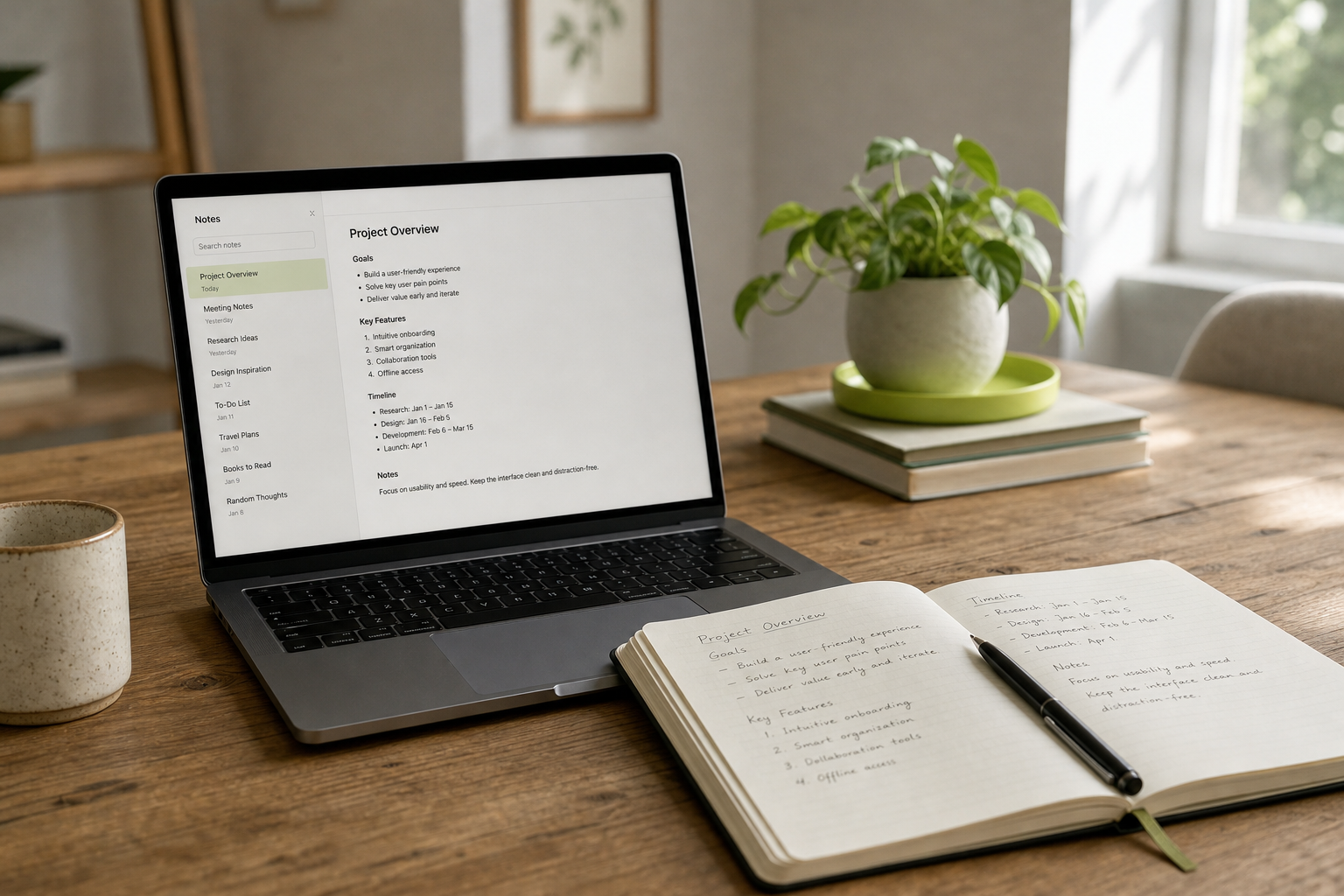
An open laptop showing a page of typed notes beside a paper notebook and a pen on a wooden desk

The short answer

Obsidian is the best note-taking app for most people in 2026: the full app is free on Windows, Mac, Linux, iPhone and Android, and every note is a plain Markdown file you keep, with Sync an optional $4 a month billed yearly. Notion suits people who want databases and shared pages, with unlimited pages free for one person and Plus at $10 a seat a month billed yearly.

The podium

  1. 9.0 out of 10
    Obsidian

    people who want notes they own as plain files

    Top pick
  2. 8.7 out of 10
    Notion

    people who want notes, databases and shared docs in one place

  3. 8.7 out of 10
    Microsoft OneNote

    students and anyone who writes with a pen as often as a keyboard

Our verdict

Obsidian is the best note-taking app for most people in 2026 because the whole app costs nothing, your notes stay as Markdown files on your own disk, and the only recurring charge is optional sync. Notion is the pick for databases and shared pages, OneNote for handwriting on any platform, and Apple Notes for people who never leave Apple hardware. Jump to the full ranking for the trade-offs.

About this ranking

This ranking is for people deciding where their notes will live for the next few years who want price and quality scored side by side. Each app went through the same short test pass — install, sign-up, the core task, the price page. We looked at seven note apps available to US buyers, working from each developer's site, its pricing page and its US App Store listing. Scores follow the public AppPick recipe of Quality 40%, Ease 25% and Value 35%. We read documented features and published prices plus a short test pass, and we do not judge note-taking methods such as Zettelkasten. The price check behind this page ran on November 17, 2026.

By the numbers

  • 7.8 to 9.0

    Score range, out of 10

    Quality 40%, Ease of use 25%, Value 35%

  • 7

    Products compared

    Scored on one weighted formula

  • Free

    Cheapest listed

    Obsidian, Apple Notes, Google Keep

  • Nov 17, 2026

    Prices checked

    Every price is quoted from the seller

Every number, side by side

7 products, ranked by score out of 10
Rank Product Score Quality Ease Value From Free plan
1 Obsidian 9.0 9.3 7.8 9.5 Free Free plan
2 Notion 8.7 9.1 8.2 8.7 Free Free plan
3 Microsoft OneNote 8.7 8.4 8.2 9.3 Free Free plan
4 Apple Notes 8.6 8.0 9.3 8.9 Free Free plan
5 Google Keep 8.5 7.4 9.4 9.2 Free Free plan
6 Bear 8.4 8.3 8.9 8.3 Free Free plan
7 Evernote 7.8 8.6 8.0 6.6 Free Free plan

7 products compared

The full rankings

Top pick

Obsidian

9.0 out of 10

Best for: people who want notes they own as plain files

A local-first Markdown editor with linked notes, a graph view and a large plugin library, free on desktop and mobile.

Obsidian ranks first because it gives away the entire app and keeps your notes as Markdown files in a folder you control. Since February 2025 the commercial license has been optional, so the same free download covers work use. Backlinks, Canvas and more than 2,000 community plugins make it the most capable editor here for notes you expect to keep for years. The one recurring cost is Sync at $4 a month billed yearly, and even that is optional if you already sync folders another way. The trade-offs are a slower first week than Apple Notes or Keep, no web app, and plugins maintained by volunteers rather than the company.

The deciding detail for Obsidian: Full app free for personal and work use.

Watch out for

  • Official Sync is a paid add-on
  • Steeper first week than anything else on the list

Ranked 2

Notion

8.7 out of 10

Best for: people who want notes, databases and shared docs in one place

A block-based workspace where notes, tables and wikis share one editor, free for a single user.

Notion is second because its free plan gives one person unlimited pages and blocks, along with the databases that set it apart from every other app here. Plus costs $10 a seat a month billed yearly, lifts the file-upload cap and extends page history to 30 days. It is the best choice on the list for notes other people need to read or edit. The weak spots are speed on very large pages and AI, which comes bundled with the Business plan at $20 a seat a month rather than with Plus.

The deciding detail for Notion: Unlimited pages for one person on the free plan.

Watch out for

  • Very large pages load slowly
  • Notion AI sits in the pricier Business plan

Ranked 3

Microsoft OneNote

8.7 out of 10

Best for: students and anyone who writes with a pen as often as a keyboard

A free, freeform notebook with pen input, audio recording and apps on every major platform.

OneNote is third because it is free on every platform, including Windows, Android and the web, and it is the strongest option here for handwritten notes. Pages are freeform, so typing, ink, images and recordings can sit anywhere on the canvas. Notebooks are stored in OneDrive, which gives 5GB free; Microsoft 365 Basic adds 100GB for $19.99 a year. Sync can lag between devices, and the notebook, section and page hierarchy gets cramped past a few hundred pages.

The deciding detail for Microsoft OneNote: Free on Windows, macOS, iOS, Android and web.

Watch out for

  • Sync between devices can lag
  • No Markdown, and exports are clumsy

Ranked 4

Apple Notes

8.6 out of 10

Best for: people whose phone, tablet and computer are all Apple

The notes app built into iPhone, iPad and Mac, with scanning, tables, shared folders and no subscription.

Apple Notes costs nothing, is already installed, and has grown well past plain text: checklists, tables, document scanning, linked notes and shared folders. It syncs through iCloud, and the free 5GB is plenty for a text-heavy library. It ranks fourth only because it stops at Apple hardware; Windows users get a limited iCloud.com page and Android users get nothing.

The deciding detail for Apple Notes: Preinstalled, with no setup beyond iCloud.

Watch out for

  • No Windows or Android app
  • No way to export the whole library at once

Ranked 5

Google Keep

8.5 out of 10

Best for: quick lists and reminders on Android and the web

A sticky-note app for short notes, checklists and voice memos, tied to your Google account.

Google Keep is the fastest way on this list to capture a shopping list, a phone number or a voice memo, and it is free on Android, iPhone and the web. Labels, colors and text extraction from photos keep a small library tidy. It is not built for long documents: there are no folders, formatting is basic and there is no desktop app.

The deciding detail for Google Keep: Opens to a new note in seconds.

Watch out for

  • Labels only, no folders or nesting
  • Weak for long or structured notes

Ranked 6

Bear

8.4 out of 10

Best for: Apple users who write in Markdown and like a clean page

A polished Markdown notes app for Mac, iPhone and iPad, organized by nested tags rather than folders.

Bear has the nicest writing surface on the list and a tag system that suits people who dislike folders. The free version does not sync, so moving between Mac and iPhone means Bear Pro at $29.99 a year or $2.99 a month. It is Apple-only, which caps its score for a general audience.

The deciding detail for Bear: Clean Markdown editor that styles text as you type.

Watch out for

  • Sync between devices needs Pro
  • Mac, iPhone and iPad only

Ranked 7

Evernote

7.8 out of 10

Best for: long-time users with years of clipped pages and scanned paper

The original everything-bucket, with a strong web clipper and search inside scans, now priced like a premium suite.

Evernote still clips web pages well and finds text inside scanned documents and images, which matters if a decade of receipts already lives in it. The free plan now stops at 50 notes and one notebook, which pushes new users toward Personal at $129.99 a year. That costs more than Notion Plus billed yearly and buys fewer sharing tools, which is why it ranks last.

The deciding detail for Evernote: Reliable web clipper.

Watch out for

  • Free plan capped at 50 notes and one notebook
  • Highest entry-level paid price on the list

Before you choose

Check before you buy

  1. Decide where the files live

    Obsidian keeps Markdown files on your own disk; Notion, Evernote and Keep hold your notes on their servers. Local files are easier to back up and to move later.

  2. Match the app to your devices

    Apple Notes and Bear run only on Apple hardware. OneNote, Notion, Keep and Obsidian also cover Windows and Android.

  3. Price the sync, not just the app

    Obsidian is free, but its Sync add-on is $4 a month billed yearly. Bear needs Pro at $29.99 a year before notes move between devices.

  4. Check the way out before you commit

    Moving thousands of notes later is the real cost. Obsidian needs no export at all, Notion exports to Markdown and HTML, and Evernote exports mainly to its own ENEX format.

  5. Separate quick capture from long notes

    Keep and Apple Notes are fastest for a shopping list or a parking spot. Notion and Obsidian pay off on long documents that link to each other.

FAQ

Questions readers ask

What is the best note-taking app?

Obsidian, for most people in 2026. The app is free on every major platform, notes are plain Markdown files, and Sync is optional at $4 a month billed yearly.

What is the best free note-taking app?

Obsidian if you are willing to learn it; Apple Notes or Google Keep if you want zero setup. None of the three has a time limit or a note cap.

Is Evernote still worth paying for?

Rarely for new users, since the free plan stops at 50 notes and one notebook and Personal at $129.99 a year costs more than Notion Plus billed yearly.

Is Notion or Obsidian better?

Notion for shared workspaces and databases, Obsidian for private notes you want to keep as files. Notion stores pages on its servers; Obsidian stores them on your device.

Which note app is best for handwriting?

OneNote, because pen input works on Windows tablets, iPad and Android at no charge. Apple Notes handles Apple Pencil well but stays on Apple hardware.

Can I use Apple Notes on Windows?

Only through iCloud.com in a browser. There is no Windows or Android app, which is the main reason it ranks below OneNote here.

Do I need to pay for sync?

Not with Notion, OneNote, Apple Notes or Google Keep, which sync for free. Obsidian and Bear charge for their own sync, though an Obsidian vault can also ride on a folder-sync service you already use.

Scoring

How this ranking was scored

Every app is scored 0–10 on quality, ease and value, and the list is sorted by the weighted total. Scores rest on the timed test pass plus each maker's documented features and published prices. Read the test protocol · the scoring recipe.

Spotted an error or a new price? Write to editorial@apppick.ai. Makers change prices often, so check the seller page before you buy.