Travel ranking

Best Packing List Apps (2026-2027)

Disclosure: no app pays for placement. Every product gets the same test pass and the same public recipe, and the cons are printed in full even at number one.

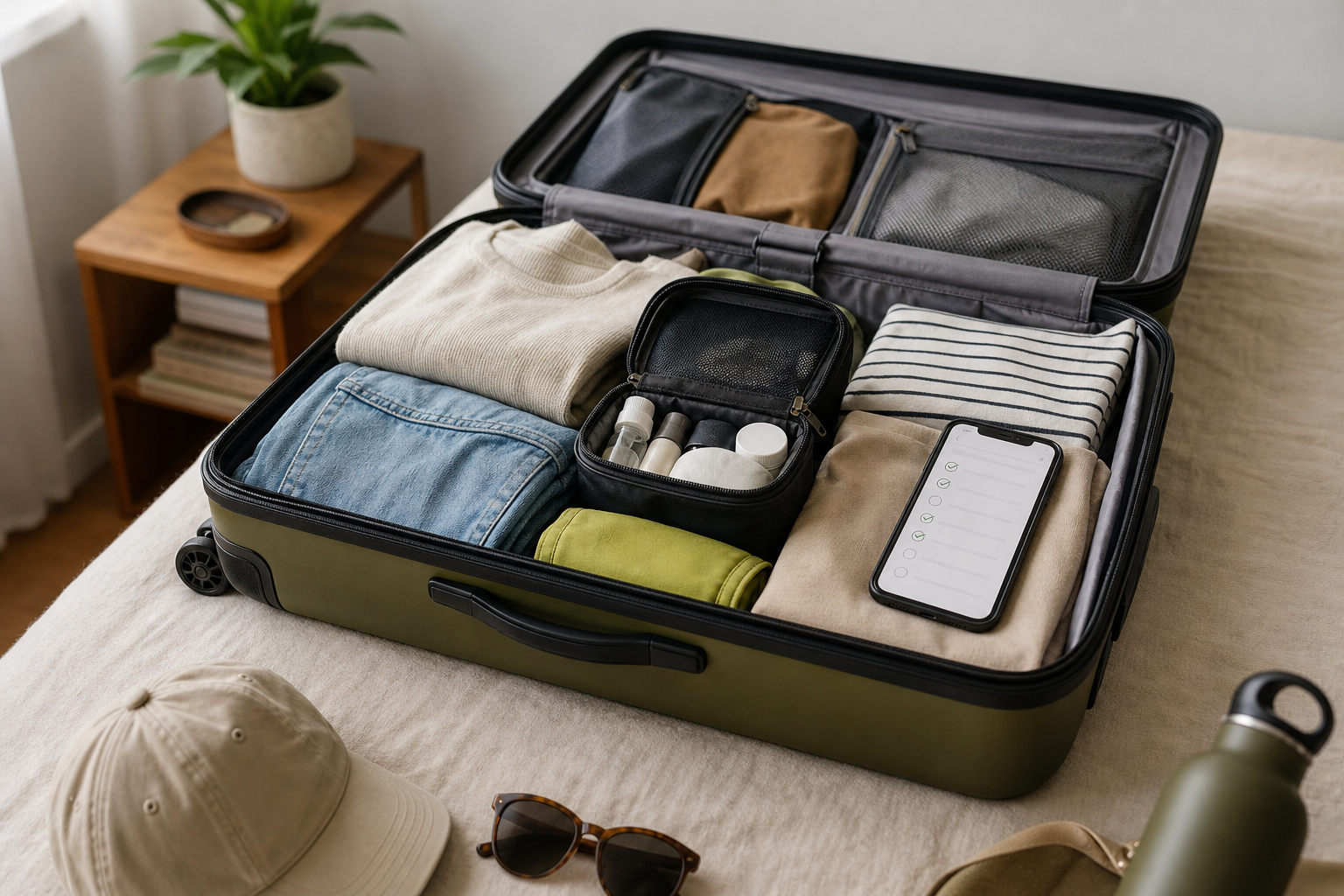
An open suitcase on a bed with folded clothes, a toiletry bag and a phone showing a half-ticked checklist

The short answer

PackPoint is the best packing list app for most travelers in 2026-2027: it drafts a list from the destination forecast, trip length and planned activities, and the core app is free. Apple Reminders is the runner-up for iPhone households, with reusable templates and shared lists built in at no cost.

The podium

  1. 9.0 out of 10
    PackPoint

    travelers who want the first draft of a list written for them

    Top pick
  2. 8.9 out of 10
    Apple Reminders

    iPhone households that pack from the same master list

  3. 8.7 out of 10
    Todoist

    mixed iPhone and Android groups that reuse one template

Our verdict

PackPoint is the best packing list app for most travelers because it writes the first draft for you from weather, dates and activities, and the core app costs nothing. Apple Reminders is the pick for iPhone households, Todoist for one template shared across platforms, and Google Keep for a free list that opens anywhere. Check the scores before you start a list.

About this ranking

This page sorts packing list apps by price and quality for travelers who want sources and scores rather than a hunch. Each app went through the same short test pass — install, sign-up, the core task, the price page. We looked at six apps available in the US, drawing on each developer's own website and its US App Store listing. The weighting is the site's public recipe: Quality 40%, Ease 25%, Value 35%. The comparison covers documented features and listed prices only; we did not pack test bags, and we do not judge how much anyone should bring. Every price here reflects a check on November 18, 2026.

By the numbers

  • 8.5 to 9.0

    Score range, out of 10

    Quality 40%, Ease of use 25%, Value 35%

  • 6

    Products compared

    Scored on one weighted formula

  • Free

    Cheapest listed

    PackPoint, Apple Reminders, Google Keep

  • Nov 18, 2026

    Prices checked

    Every price is quoted from the seller

Every number, side by side

6 products, ranked by score out of 10
Rank Product Score Quality Ease Value From Free plan
1 PackPoint 9.0 8.8 9.2 9.1 Free Free plan
2 Apple Reminders 8.9 8.6 9.0 9.3 Free Free plan
3 Todoist 8.7 9.0 8.5 8.6 Free Free plan
4 Google Keep 8.7 7.9 9.1 9.2 Free Free plan
5 TickTick 8.6 8.7 8.3 8.6 Free Free plan
6 Microsoft To Do 8.5 7.9 8.6 9.0 Free Free plan

6 products compared

The full rankings

Top pick

PackPoint

9.0 out of 10

Best for: travelers who want the first draft of a list written for them

A dedicated packing app that drafts a list from the destination forecast, trip length and planned activities.

PackPoint is first because it is the only app here built to start the list for you. Enter the destination, dates and trip type, tick activities such as swimming, hiking or business meetings, and it checks the forecast and drafts a list scaled to the number of nights. Items can then be ticked off, added or deleted. Some extras sit behind a Premium upgrade whose price varies by region, and the generated list stays generic until you prune it to fit how you travel.

The deciding detail for PackPoint: Drafts a list from forecast, dates and activities.

Watch out for

  • Some extras need the Premium upgrade
  • Generated lists need trimming to match your habits

Ranked 2

Apple Reminders

8.9 out of 10

Best for: iPhone households that pack from the same master list

Apple's built-in list app, with saved templates, shared lists and alerts that fire as you leave home.

Reminders ranks second because the basics a packer needs already ship on every iPhone. Save a finished list as a template, reuse it for the next trip, and share it so a partner can tick items from their own phone. Sections split a list by bag or by person, and a location reminder can fire as you leave the house to flag the charger still on the nightstand. It is Apple-only, with a web version on iCloud.com but no Android app, and it never suggests an item on its own.

The deciding detail for Apple Reminders: Save a list as a template and reuse it.

Watch out for

  • No Android app
  • Suggests nothing; every item is typed by you

Ranked 3

Todoist

8.7 out of 10

Best for: mixed iPhone and Android groups that reuse one template

A cross-platform task manager whose project templates turn a packing list into a reusable file.

Todoist earns third because a packing list is simply a project, and Todoist handles projects well on every platform. Build the list once, export it as a template, and import it again for each trip; sections, sub-tasks and shared projects let a family split the work. Natural-language dates add errands such as 'buy sunscreen Friday' without menus. The free plan caps how many active projects you keep, and Pro costs $4 a month billed yearly.

The deciding detail for Todoist: Templates turn one master list into a reusable file.

Watch out for

  • Free plan limits the number of active projects
  • More setup than a plain checklist

Ranked 4

Google Keep

8.7 out of 10

Best for: a free list that opens on any phone or browser

Google's sticky-note app, with checkbox lists, sharing and a copy button that turns last trip's list into this one.

Keep is the low-effort option: a checklist note, shared with whoever is coming, available on Android, iPhone and the web. Ticked items drop to the bottom of the note, which keeps what is still unpacked visible at a glance, and Make a copy duplicates a past list for a new trip. Labels and colors separate a beach bag from a ski bag. There are no templates, sections or quantities, so a large family trip turns into one long scroll.

The deciding detail for Google Keep: Checked items sink to the bottom automatically.

Watch out for

  • No sections, quantities or templates
  • Long lists become hard to scan

Ranked 5

TickTick

8.6 out of 10

Best for: planners who want checklists beside a calendar

A task app with checklist items, templates and a calendar view for the days before departure.

TickTick handles packing as a list of tasks or a single task with checklist items, and templates keep a standard trip kit ready to reuse. The calendar view lines up pre-trip jobs such as currency, visas and laundry against the departure date. Premium costs $35.99 a year and raises the limits on lists and items, though the free tier holds an ordinary packing list. Like Todoist, it asks for more setup than a note app, and its many features can bury a simple checklist.

The deciding detail for TickTick: Templates keep a standard trip kit ready.

Watch out for

  • Free tier caps lists and checklist items
  • Feature-heavy for a simple packing job

Ranked 6

Microsoft To Do

8.5 out of 10

Best for: Windows and Outlook users already inside Microsoft 365

Microsoft's free list app, with shared lists, steps inside each item and sync to Outlook tasks.

Microsoft To Do is a clean, free checklist that syncs with Outlook tasks, which suits anyone whose week already runs through Microsoft 365. Lists can be shared, each item can hold steps, and a finished list can be duplicated for the next trip. My Day pulls a handful of tasks into a short daily view before departure. It has no template gallery, no quantities and no packing logic, so it is a container rather than a helper.

The deciding detail for Microsoft To Do: Free with any Microsoft account.

Watch out for

  • No templates or quantity fields
  • Shared lists need every member on a Microsoft account

Before you choose

Check before you buy

  1. Decide between suggestions and a container

    PackPoint proposes items from the forecast and your plans. The other five store whatever you type, which is enough if you already know your kit.

  2. Build one master list

    A reusable template saves more time than any feature. Reminders, Todoist and TickTick keep templates, while Keep and To Do rely on copying an old list.

  3. Check sharing before a group trip

    If two people pack the same car, both need to see ticks as they happen. Reminders shares only between Apple users; Keep, Todoist, TickTick and To Do cross platforms.

  4. Split the list by bag or person

    Separate sections for the carry-on, the checked bag and each child stop a long list turning into noise. Reminders, Todoist and TickTick all support sections.

  5. Plan the errands, not just the items

    Prescriptions, currency and plug adapters need buying days before the trip. Apps with due dates catch those earlier than a checklist read the night before.

FAQ

Questions readers ask

What is the best packing list app?

PackPoint, for most travelers, because it builds a draft from the forecast, trip length and planned activities, and the core app is free.

Which packing list apps are completely free?

Apple Reminders, Google Keep and Microsoft To Do have no paid tier at all. PackPoint, Todoist and TickTick are free to use, with paid upgrades for extras.

Can a packing app check the weather for me?

PackPoint does, using the forecast for your destination and dates to add items such as an umbrella or a warm layer. The list apps here leave the weather to you.

How do I reuse a packing list for every trip?

Save it as a template in Reminders, Todoist or TickTick, or keep a master note in Google Keep and make a copy before each departure.

Can two people tick items on the same list?

Yes in Reminders, Todoist, TickTick, Keep and To Do, which all sync ticks between shared members. Reminders limits sharing to people on Apple devices.

Do packing apps work offline?

All six keep lists on the phone and sync when a connection returns, so a list opened before the airport stays usable in flight mode. PackPoint needs a connection to fetch the forecast while building a list.

Is a dedicated packing app better than a notes app?

Only if you want suggestions. For a traveler with a settled kit, a template in a list app does the same job and is probably installed already.

Scoring

How this ranking was scored

Apps are rated 0–10 on three criteria, and the weighted total decides the order. Scores rest on the timed test pass plus each maker's documented features and published prices. Read the test protocol · the scoring recipe.

Spotted an error or a new price? Write to editorial@apppick.ai. Makers change prices often, so check the seller page before you buy.