Software & apps ranking

Best Password Managers (2026-2027)

Disclosure: no app pays for placement. Every product gets the same test pass and the same public recipe, and the cons are printed in full even at number one.

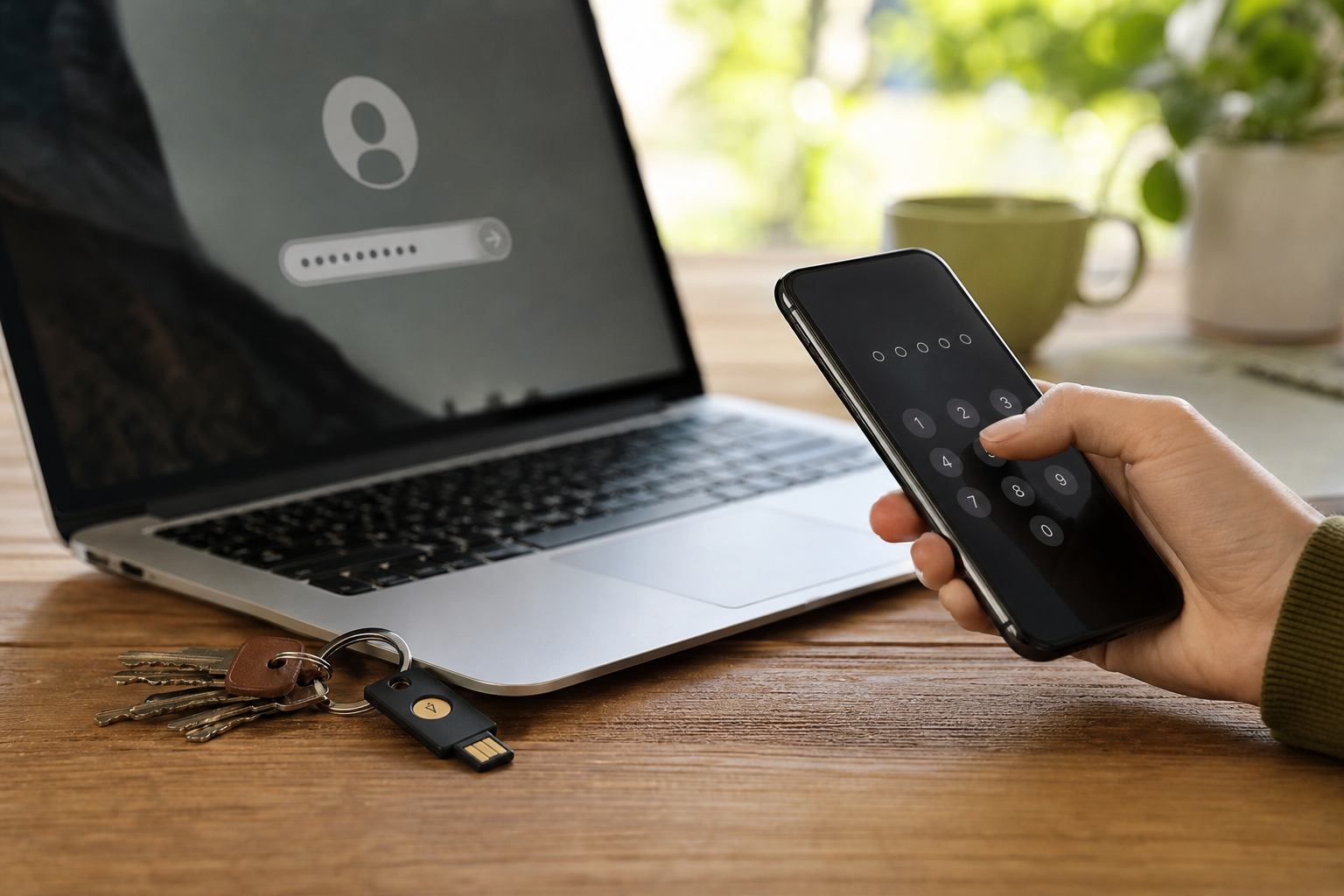
A hardware security key on a keyring lying next to a laptop login screen and a phone asking for a passcode

The short answer

Bitwarden is the best password manager for most people in 2026: the free plan stores unlimited passwords and passkeys on unlimited devices, the code is open source and audited, and Premium is $10 a year. 1Password suits buyers who want the most polished app and dependable autofill, with no free plan and Individual at $2.99 a month billed yearly.

The podium

  1. 9.2 out of 10
    Bitwarden

    most people who want strong security without a subscription

    Top pick
  2. 8.9 out of 10
    1Password

    families and anyone who wants the most polished app

  3. 8.9 out of 10
    Proton Pass

    privacy-minded users who also want email aliases

Our verdict

Bitwarden is the best password manager for most people in 2026 because its free plan covers unlimited passwords on every device, its code is open and audited, and Premium is $10 a year. 1Password is the pick for polish and families, Proton Pass for built-in email aliases, and Apple Passwords for all-Apple homes. The full ranking shows what each plan costs.

About this ranking

Read this if you are moving passwords out of a notebook or a browser into a dedicated vault and want cost and quality weighed together. All apps were put through one short test pass: install, sign-up, the core task and the price page. We covered seven password managers available in the US, using each developer's own site, security documentation and US App Store listing. Quality counts for 40% of each score, ease of use for 25% and value for 35%, as on every AppPick ranking. We tested the core flow and compared documented features, published audits and listed prices; we did not attempt to break into any vault. Plan prices are as listed on November 18, 2026.

By the numbers

  • 7.5 to 9.2

    Score range, out of 10

    Quality 40%, Ease of use 25%, Value 35%

  • 7

    Products compared

    Scored on one weighted formula

  • Free

    Cheapest listed

    Bitwarden, Proton Pass, KeePassXC

  • Nov 18, 2026

    Prices checked

    Every price is quoted from the seller

Every number, side by side

7 products, ranked by score out of 10
Rank Product Score Quality Ease Value From Free plan
1 Bitwarden 9.2 9.2 8.3 9.8 Free Free plan
2 1Password 8.9 9.6 9.2 8.0 $2.99 No
3 Proton Pass 8.9 8.8 8.6 9.2 Free Free plan
4 Apple Passwords 8.8 8.2 9.3 9.0 Free Free plan
5 Google Password Manager 8.6 7.8 9.4 9.0 Free Free plan
6 KeePassXC 8.3 8.4 6.5 9.6 Free Free plan
7 LastPass 7.5 7.0 8.6 7.4 Free Free plan

7 products compared

The full rankings

Top pick

Bitwarden

9.2 out of 10

Best for: most people who want strong security without a subscription

An open-source password manager with unlimited passwords on unlimited devices for free, and Premium at $10 a year.

Bitwarden ranks first because its free plan has no catch that matters: unlimited passwords, unlimited devices, passkey storage and secure sharing with one other person. The code is open source and the service is audited by outside firms every year. Premium costs $10 a year and adds a built-in authenticator, file attachments, emergency access and vault health reports, the lowest paid price on the list. The trade-offs are an interface plainer than 1Password's and autofill that occasionally needs a nudge on awkward login pages.

The deciding detail for Bitwarden: Unlimited passwords and devices on the free plan.

Watch out for

  • Plainer interface than 1Password
  • Autofill can stumble on unusual login forms

Ranked 2

1Password

8.9 out of 10

Best for: families and anyone who wants the most polished app

A subscription-only password manager with excellent autofill, Watchtower breach alerts and Travel Mode.

1Password is second because it is the most polished app here: autofill is dependable, setup is guided, and Watchtower flags weak, reused and breached passwords. A Secret Key generated on your device is combined with the master password, so stolen vault data cannot be cracked by guessing the password alone. There is no free plan; Individual is $2.99 a month billed yearly and Families covers five people for $4.99 a month billed yearly. Paying every year for security basics Bitwarden gives away is why it is not first.

The deciding detail for 1Password: Most dependable autofill on the list.

Watch out for

  • Subscription only, after a 14-day trial
  • $35.88 a year for one person

Ranked 3

Proton Pass

8.9 out of 10

Best for: privacy-minded users who also want email aliases

An end-to-end encrypted password manager from Proton with unlimited logins free and hide-my-email aliases built in.

Proton Pass gives free users unlimited logins on unlimited devices, plus a handful of hide-my-email aliases that keep your real address off sign-up forms. It is open source and has been audited by an outside firm. Pass Plus, priced by plan and billing period, adds unlimited aliases, a built-in authenticator and more vaults. It trails 1Password on polish and autofill reliability, and its sharing tools are less mature than Bitwarden's.

The deciding detail for Proton Pass: Unlimited logins and devices free.

Watch out for

  • Autofill less dependable than 1Password's
  • Built-in authenticator needs Pass Plus

Ranked 4

Apple Passwords

8.8 out of 10

Best for: Apple users who want saved logins with zero setup

Apple's free password manager, a standalone app on iPhone, iPad and Mac since iOS 18, synced through iCloud Keychain.

Apple Passwords became its own app with iOS 18 and macOS Sequoia, and it keeps passwords, passkeys, verification codes and Wi-Fi passwords in one place. It is free, end-to-end encrypted through iCloud Keychain, and shared groups let a family split logins. On Windows it works through iCloud for Windows and a browser extension; on Android it does not work at all, which is why it sits fourth.

The deciding detail for Apple Passwords: Free and built into Apple devices.

Watch out for

  • No Android support at all
  • Windows access only through iCloud for Windows

Ranked 5

Google Password Manager

8.6 out of 10

Best for: Chrome and Android users who want passwords handled in the background

The password manager built into Chrome and Android, free with a Google account and synced across devices.

Google Password Manager is free, built into Chrome and Android, and saves logins and passkeys with no setup. Password Checkup flags reused, weak and breached passwords, and on-device encryption can be switched on so Google cannot read your vault. It ranks fifth because it is tied to Chrome on the desktop, with no extension for Firefox or Safari, and sharing is limited to a Google family group.

The deciding detail for Google Password Manager: No setup for Chrome and Android users.

Watch out for

  • Tied to Chrome on the desktop
  • Sharing only within a Google family group

Ranked 6

KeePassXC

8.3 out of 10

Best for: technical users who want a local vault and no cloud account

A free, open-source desktop password manager that stores your vault as a local encrypted file.

KeePassXC keeps your vault in a single encrypted file on your own computer, so no company holds a copy. It is free, open source and runs on Windows, macOS and Linux, with a browser extension for autofill and support for hardware keys such as YubiKey. It ranks sixth because syncing to a phone is your job: you move the file with a cloud drive or Syncthing and pick a separate KeePass-compatible mobile app.

The deciding detail for KeePassXC: Open source and free to use.

Watch out for

  • No official mobile app
  • Sync and backups are your job

Ranked 7

LastPass

7.5 out of 10

Best for: existing users who have not yet planned a move

A long-running cloud password manager whose free plan covers one device type and whose 2022 breach still weighs on it.

LastPass is easy to use, and Premium, at $3 a month billed yearly, covers the basics competently. But the free plan works on either computers or phones, not both, and in 2022 attackers copied encrypted vault backups along with unencrypted data such as saved website addresses. Anyone whose vault dates from that period should change the important passwords stored in it. It ranks last because Bitwarden gives away more and charges less for Premium.

The deciding detail for LastPass: Simple setup and a familiar interface.

Watch out for

  • Free plan limited to one device type
  • 2022 breach exposed encrypted vault backups

Before you choose

Check before you buy

  1. Cover every device you own

    Apple Passwords skips Android, and Google's manager leans on Chrome. Mixed households are better served by Bitwarden, 1Password or Proton Pass.

  2. Read what the free plan restricts

    Bitwarden and Proton Pass allow unlimited devices for free. LastPass limits free users to computers or phones, and 1Password has no free plan.

  3. Lock the front door first

    Before importing anything, protect the account that guards the vault with an authenticator app or a hardware key.

  4. Plan for the family

    1Password Families covers five people for $4.99 a month billed yearly, Bitwarden Families is $40 a year for six, and Apple's shared groups cost nothing on Apple devices.

  5. Check the exit route

    Every app here can export your vault, but the formats differ. A plain export is unencrypted, so delete the file once the import is done.

FAQ

Questions readers ask

What is the best password manager?

Bitwarden is the strongest all-round choice in 2026: unlimited passwords on unlimited devices for free, open-source code, and Premium at $10 a year.

What is the best free password manager?

Bitwarden, with Proton Pass close behind. Both sync unlimited logins across every device without charging, and Proton Pass adds email aliases.

Is 1Password worth paying for?

If you value polish and dependable autofill, yes, at $2.99 a month billed yearly for one person. Bitwarden covers the same security basics for free.

Is Apple Passwords good enough?

For people who use only Apple devices, mostly yes: it handles passwords, passkeys and verification codes at no cost. It falls short the moment an Android phone joins the household.

Is LastPass safe after the breach?

The 2022 breach exposed encrypted vault backups, so their safety rests on the strength of each user's master password. If you stay, change the important passwords stored at that time; many users have moved instead.

Are browser password managers safe?

Chrome's and Apple's managers encrypt your data and are far safer than reusing passwords. Their limit is reach rather than security, since each works best inside one company's browser or devices.

Do password managers store passkeys?

Most do now: Bitwarden stores them on its free plan, and 1Password, Proton Pass, Apple Passwords and Google Password Manager all support them.

Scoring

How this ranking was scored

Scores run 0–10 on three criteria, and position on the list is set by the weighted total alone. Scores rest on the timed test pass plus each maker's documented features and published prices. Read the test protocol · the scoring recipe.

Spotted an error or a new price? Write to editorial@apppick.ai. Makers change prices often, so check the seller page before you buy.