Software & apps ranking

Best PDF Editor Apps (2026-2027)

Disclosure: no app pays for placement. Every product gets the same test pass and the same public recipe, and the cons are printed in full even at number one.

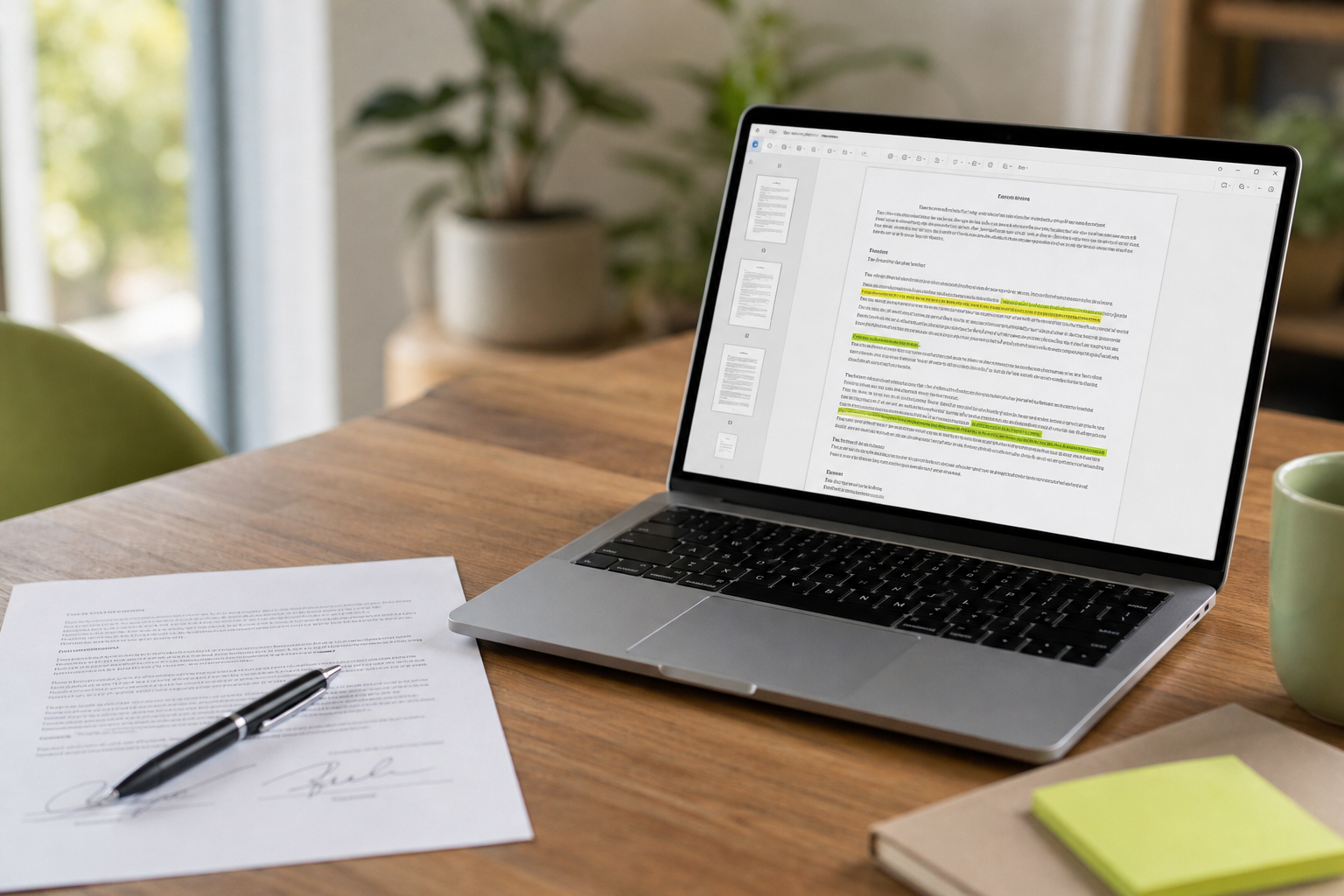
A laptop on a wooden desk showing a contract with highlighted clauses, next to a pen and a printed signature page

The short answer

Adobe Acrobat is the best PDF editor app for most people in 2026: the free Reader tier fills, signs and comments on files, and Standard at $12.99 a month on an annual plan adds full text and image editing. PDFgear suits people who want to edit text and convert files without paying anything, with free apps for Windows, Mac and iOS.

The podium

  1. 8.8 out of 10
    Adobe Acrobat

    most people who edit, sign and send PDFs every week

    Top pick
  2. 8.8 out of 10
    PDFgear

    people who need real text editing without a subscription

  3. 8.7 out of 10
    PDF Expert

    Mac, iPad and iPhone owners who want the smoothest editor

Our verdict

Adobe Acrobat is the best PDF editor for most people because Reader covers signing for free, Standard edits text and images at $12.99 a month, and Pro adds redaction and side-by-side comparison when the job demands it. PDFgear is the pick for editing on no budget, PDF Expert for Mac and iPad owners, and Sejda PDF for occasional jobs in a browser. Read the ranking in full before you subscribe.

About this ranking

This ranking is for people who need to change a PDF, not just read one, and want capability and price compared in one place. We gave every app the same short test pass, from install to the price page. We compared seven editors available to US buyers, working from each developer's site, pricing page and app store listings. Scores follow the AppPick recipe of Quality 40%, Ease 25% and Value 35%. We went by documented features and published prices; we did not edit test files ourselves and we do not judge whether an e-signature will hold up in court. Every price on this page was checked on November 18, 2026.

By the numbers

  • 8.3 to 8.8

    Score range, out of 10

    Quality 40%, Ease of use 25%, Value 35%

  • 7

    Products compared

    Scored on one weighted formula

  • Free

    Cheapest listed

    PDFgear, Apple Preview, Sejda PDF

  • Nov 18, 2026

    Prices checked

    Every price is quoted from the seller

Every number, side by side

7 products, ranked by score out of 10
Rank Product Score Quality Ease Value From Free plan
1 Adobe Acrobat 8.8 9.7 8.5 8.0 Free Free plan
2 PDFgear 8.8 8.2 8.5 9.6 Free Free plan
3 PDF Expert 8.7 8.9 9.2 8.1 Free Free plan
4 Sejda PDF 8.5 8.2 8.5 8.8 Free Free plan
5 Apple Preview 8.4 7.0 9.3 9.3 Free Free plan
6 iLovePDF 8.3 7.6 9.0 8.6 Free Free plan
7 Smallpdf 8.3 8.0 9.2 7.9 Free Free plan

7 products compared

The full rankings

Top pick

Adobe Acrobat

8.8 out of 10

Best for: most people who edit, sign and send PDFs every week

The reference PDF editor, with a free Reader tier for filling and signing and paid tiers that edit, convert, protect and redact.

Acrobat ranks first because it comes from the company that created the format, and the depth shows: text reflows when you edit a paragraph, paid tiers turn scans into searchable text, and exports go straight to Word, Excel and PowerPoint. The free Reader tier opens, comments on, fills and signs files, which covers a lot of people's needs. Standard at $12.99 a month on an annual plan adds editing and conversion; Pro at $19.99 adds redaction and file comparison. The trade-offs are cost and pressure: Pro is the most expensive plan here over a year, and Reader is lined with prompts to start a trial.

The deciding detail for Adobe Acrobat: Reader is free and handles filling, signing and comments.

Watch out for

  • Pro is the highest yearly cost on the list
  • Free Reader carries repeated upgrade prompts

Ranked 2

PDFgear

8.8 out of 10

Best for: people who need real text editing without a subscription

A free editor for Windows, Mac and iOS that edits existing text, converts to Office formats and fills forms.

PDFgear is second because it gives away the job most people pay Acrobat for: changing the words already on the page. It also converts to and from Office formats, merges, compresses, fills forms and adds signatures, and the desktop app starts without an account. The catches are that its AI chat assistant sends document text to a cloud model, and with no paid tier there is no paid support line or admin console for a company rollout.

The deciding detail for PDFgear: Edits existing text and images at no cost.

Watch out for

  • AI chat sends document text to a cloud model
  • No paid support or admin tools for teams

Ranked 3

PDF Expert

8.7 out of 10

Best for: Mac, iPad and iPhone owners who want the smoothest editor

Readdle's Apple-first editor, with reading and annotation free and text editing, OCR and conversion in Premium.

PDF Expert is third because it is the easiest serious editor here on Apple hardware, with a clean layout and annotation tools that need no explanation. Premium unlocks text and image editing, OCR and conversion to Office formats. It is built around Apple devices, so households that also use Windows or Android are better served higher up, and Premium pricing varies by plan and region, so check the in-app price before a trial ends.

The deciding detail for PDF Expert: Reading and annotation are free.

Watch out for

  • Built around Apple devices first
  • Editing and conversion need Premium

Ranked 4

Sejda PDF

8.5 out of 10

Best for: occasional edits in a browser without installing anything

A browser and desktop editor that changes existing text, with a free tier limited by tasks per hour and file size.

Sejda's free web editor does real work: it edits existing text, fills forms and adds signatures and links, within an hourly task limit and a file-size cap. Paid access is cheap and flexible, from a short week pass up to $63 a year for the web and desktop versions together. The free limits pinch on a busy day, and the web version uploads your file to Sejda's servers to process it.

The deciding detail for Sejda PDF: Edits existing text in the browser, free.

Watch out for

  • Free tier caps tasks per hour and file size
  • Web version uploads your files for processing

Ranked 5

Apple Preview

8.4 out of 10

Best for: Mac owners who only mark up, sign and rearrange pages

The PDF viewer built into macOS, with markup, signatures, form filling and page reordering at no cost.

Preview is already on every Mac and covers the light jobs well: highlighting, signing with the trackpad or camera, filling forms, and merging or reordering pages by dragging thumbnails. It cannot rewrite text that is already on a page, and it exists only on Apple devices. For a lot of Mac owners it removes the need to buy anything; for anyone editing contracts, it stops short.

The deciding detail for Apple Preview: Already installed on every Mac.

Watch out for

  • Cannot edit existing text
  • Apple devices only, nothing for Windows or Android

Ranked 6

iLovePDF

8.3 out of 10

Best for: quick merges, compressions and conversions

A web toolkit of single-purpose PDF tools, with desktop and mobile apps and a low-cost Premium tier.

iLovePDF keeps each tool to one job with almost no learning curve: merge, split, compress, convert, sign, watermark. Its editor is built for adding text, images and shapes on top of a page rather than rewriting what is there, which is why it trails the true editors above. The free tier limits file size and batch counts, and Premium is priced by plan and billing period.

The deciding detail for iLovePDF: One clear page and one button per task.

Watch out for

  • Editor adds content instead of rewriting existing text
  • Free tier caps file size and batch size

Ranked 7

Smallpdf

8.3 out of 10

Best for: small teams that want conversion and e-signing in one tidy web app

A polished web suite for converting, compressing and e-signing PDFs, with a free tier rationed to a few tasks.

Smallpdf is pleasant and capable but rations the free tier hard, so regular use means paying for Pro. It converts, compresses, edits and sends documents out for e-signature, and its interface is the tidiest of the browser tools. Value is the weak score: Pro costs more over a year than Sejda's $63 plan for a similar toolset, and its price varies by plan.

The deciding detail for Smallpdf: Tidiest interface of the browser tools.

Watch out for

  • Free tier allows only a few tasks a day
  • Pricier over a year than Sejda's $63 plan

Before you choose

Check before you buy

  1. Know whether you need to change the text

    Highlighting and comments are free in Acrobat Reader, PDF Expert and Apple Preview. Rewriting words already on the page needs Acrobat Standard, PDF Expert Premium, PDFgear or Sejda.

  2. Check where your files go

    Browser tools such as Sejda, Smallpdf and iLovePDF process uploads on their own servers. For contracts or medical records, a desktop app keeps the file on your machine.

  3. Price the full year, not the month

    Acrobat Standard works out to $155.88 a year and Pro to $239.88 on annual plans. Sejda's web-and-desktop plan is $63 a year, and PDFgear costs nothing.

  4. Line the app up with your devices

    PDF Expert and Preview stay inside Apple's ecosystem. Acrobat and Smallpdf cover Windows, Mac, iPhone and Android, plus a web version.

  5. Try your hardest file first

    Scanned contracts and multi-column layouts are where editors differ most. Run your worst document through a free tier or trial before you pay.

FAQ

Questions readers ask

What is the best PDF editor app?

Adobe Acrobat for most people: Reader signs and fills for free, and Standard edits text and images at $12.99 a month on an annual plan.

What is the best free PDF editor?

PDFgear, because it edits existing text and converts to Office formats without a paid tier. Sejda's free web editor is the fallback when you cannot install software.

Is Acrobat Pro worth it over Standard?

Only if you redact documents or compare versions. Pro adds both for $7 more a month on an annual plan, and everyday editing works the same in Standard.

Can I edit a PDF on my phone?

Yes, within limits. Acrobat, PDF Expert, PDFgear and iLovePDF have mobile apps, and phone editing works best for short fixes rather than long documents.

Is it safe to upload PDFs to online editors?

For routine files, generally yes, since these services say they delete uploads after processing. For sensitive documents, use a desktop editor so the file never leaves your computer.

Can Mac Preview edit the text in a PDF?

No. It marks up, signs, fills forms and rearranges pages, but changing existing text needs PDF Expert, PDFgear or Acrobat.

Which PDF editor is best on Windows?

Acrobat if you can pay for it, PDFgear if you cannot. Both run natively on Windows, while PDF Expert and Preview are built for Apple devices.

Scoring

How this ranking was scored

Every editor is scored 0–10 on quality, ease and value, and the weighted total decides the order. Scores rest on the timed test pass plus each maker's documented features and published prices. Read the test protocol · the scoring recipe.

Spotted an error or a new price? Write to editorial@apppick.ai. Makers change prices often, so check the seller page before you buy.