Software & apps ranking

Best Photo Editor Apps (2026-2027)

Disclosure: no app pays for placement. Every product gets the same test pass and the same public recipe, and the cons are printed in full even at number one.

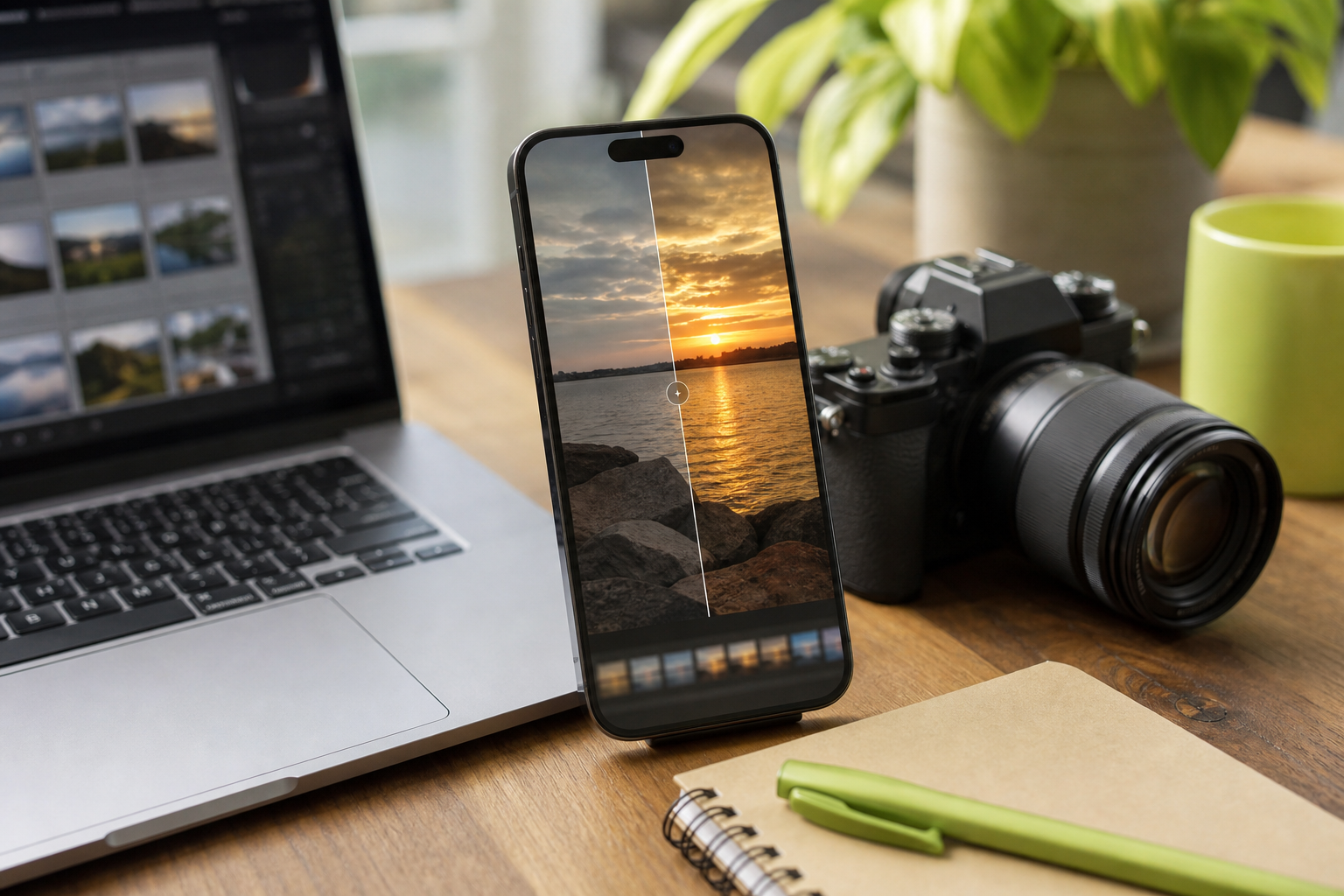
A phone showing a half-edited sunset photo beside a laptop and a mirrorless camera on a wooden desk

The short answer

Adobe Lightroom is the best photo editor app for most people in 2026: the free mobile app covers exposure and color sliders, a set of free presets and cropping with no watermark, and the paid mobile plan adds AI masking, the remove tools and cloud sync for $4.99 a month. Snapseed suits people who want to pay nothing at all, with every tool free and no ads or in-app purchases.

The podium

  1. 9.0 out of 10
    Adobe Lightroom

    most people who edit on a phone and want room to grow

    Top pick
  2. 8.9 out of 10
    Snapseed

    phone editing at no cost, with no ads or upsells

  3. 8.9 out of 10
    Affinity by Canva

    layered desktop editing without a subscription

Our verdict

Adobe Lightroom is the best photo editor app for most people in 2026 because its free mobile tier already handles everyday correction, its paid tools are the most complete for local edits, and the mobile plan costs $4.99 a month. Snapseed is the pick for a fully free phone editor, Affinity by Canva for free layered editing on a computer, and Adobe Photoshop for compositing and generative edits. Read the full ranking before you start a trial.

About this ranking

This page is for readers who want a scored, sourced comparison of what photo editors cost and what they can do. Each app went through the same short test pass — install, sign-up, the core task, the price page. We compared seven editors available to US buyers, working from each developer's own site and its US App Store, Google Play or official download page. Each editor's total blends quality (40%), ease of use (25%) and value (35%), as our public recipe sets out. The comparison covers documented features and published prices; and we do not judge anyone's photos. Price details reflect each developer's listing as of November 18, 2026.

By the numbers

  • 8.1 to 9.0

    Score range, out of 10

    Quality 40%, Ease of use 25%, Value 35%

  • 7

    Products compared

    Scored on one weighted formula

  • Free

    Cheapest listed

    Snapseed, Affinity by Canva, GIMP

  • Nov 18, 2026

    Prices checked

    Every price is quoted from the seller

Every number, side by side

7 products, ranked by score out of 10
Rank Product Score Quality Ease Value From Free plan
1 Adobe Lightroom 9.0 9.5 8.5 8.7 Free Free plan
2 Snapseed 8.9 8.4 8.7 9.7 Free Free plan
3 Affinity by Canva 8.9 9.2 7.4 9.6 Free Free plan
4 Adobe Photoshop 8.5 9.6 7.6 7.8 Free Free plan
5 VSCO 8.4 8.2 8.8 8.3 Free Free plan
6 GIMP 8.3 8.2 6.4 9.9 Free Free plan
7 Picsart 8.1 7.8 8.9 7.9 Free Free plan

7 products compared

The full rankings

Top pick

Adobe Lightroom

9.0 out of 10

Best for: most people who edit on a phone and want room to grow

Adobe's photo editor for phone, tablet, web and desktop, with a capable free mobile tier and AI masking on paid plans.

Lightroom ranks first because its free mobile app is already a full editor for everyday photos: exposure and color sliders, a set of free presets and cropping, exported without a watermark. The mobile plan, $4.99 a month, adds AI masking for subjects and skies, the remove tools and cloud sync. Desktop Lightroom sits in Adobe's larger plans, whose prices vary by plan, and that is where the value score slips. The other costs are a required Adobe account and premium badges scattered through the free app.

The deciding detail for Adobe Lightroom: No watermark on exports from the free mobile app.

Watch out for

  • Masking, remove tools and cloud sync are paid
  • Desktop Lightroom needs a pricier Adobe plan

Ranked 2

Snapseed

8.9 out of 10

Best for: phone editing at no cost, with no ads or upsells

Google's free phone editor, with selective adjustments, healing, curves and RAW development in one app.

Snapseed is second because nothing in it is for sale: no subscription, no ads and no locked tools. It covers more than most people need, from curves and white balance to a healing brush, perspective correction and point-based selective edits, and every step stays adjustable after you apply it. It gives up quality points because there is no desktop or web version and no cloud library, so edits live on the phone that made them.

The deciding detail for Snapseed: Every tool is free, with no ads or in-app purchases.

Watch out for

  • Phone and tablet only, with no desktop or web app
  • No cloud library or cross-device sync

Ranked 3

Affinity by Canva

8.9 out of 10

Best for: layered desktop editing without a subscription

Canva's free desktop app that folds the former Affinity Photo, Designer and Publisher into one editor.

Affinity by Canva is third because it gives away a professional pixel editor: layers, masks, live filters, RAW development, macros and batch processing on Windows and Mac. Since the relaunch the core app is free with a Canva account, and only the Canva AI tools inside it need a Canva premium plan. It carries a desktop learning curve, and there is no phone app for edits on the move.

The deciding detail for Affinity by Canva: Full layered editing free with a Canva account.

Watch out for

  • Canva AI tools need a Canva premium plan
  • No phone app; built for desktop screens

Ranked 4

Adobe Photoshop

8.5 out of 10

Best for: compositing, retouching and generative edits

The reference pixel editor, now with a free phone app and a separate mobile-and-web plan.

Photoshop has the deepest toolset on this list, and its free phone app brings layers, masks and object selection to a small screen. The fuller mobile toolset and more generative credits sit in the Photoshop Mobile & Web plan at $7.99 a month, and desktop Photoshop costs more again in Adobe's plans. It ranks fourth because most photo fixes never need compositing, and the step from the free app to the desktop plan is steep.

The deciding detail for Adobe Photoshop: Layers, masks and object selection free on a phone.

Watch out for

  • Desktop Photoshop needs a separate, pricier plan
  • Overkill for crop-and-color edits

Ranked 5

VSCO

8.4 out of 10

Best for: a consistent film look with little effort

A preset-led editor and photo community known for film-style looks.

VSCO is for people who want a look more than a toolkit: its film-style presets are the reason to install it, and the free tier includes a small starter set plus basic exposure and color controls. The full preset library, advanced tools and video editing need a paid membership, priced by plan and region. Precise local fixes are limited next to Lightroom and Snapseed.

The deciding detail for VSCO: Film-style presets give consistent results.

Watch out for

  • Most presets and tools sit behind a membership
  • Limited local adjustments for precise fixes

Ranked 6

GIMP

8.3 out of 10

Best for: free desktop editing on Windows, Mac or Linux

The long-running open-source image editor, free on all three desktop systems.

GIMP costs nothing, needs no account and handles layers, masks, curves, healing and scripting. Version 3, released in 2025, added non-destructive filters and a sharper interface, which narrows the gap with paid editors. It still asks more of the user than anything else here, has no phone app and ships without the AI selection tools that Adobe and Canva now offer.

The deciding detail for GIMP: Free and open source, with no account needed.

Watch out for

  • Steepest learning curve on this list
  • No phone app and no built-in AI tools

Ranked 7

Picsart

8.1 out of 10

Best for: social posts that mix photos, stickers and text

An all-in-one mobile and web editor with templates, stickers, text and AI tools for social posts.

Picsart is built for posts more than photographs: templates, stickers, collages, text and one-tap AI tools such as background removal sit next to standard adjustments. The free tier works but shows ads, and many templates and AI features are paid, at prices that vary by region and plan. For straightforward photo correction it is busier and slower than every app above it.

The deciding detail for Picsart: Templates, stickers and collage tools in one app.

Watch out for

  • Ads and paywalled assets in the free tier
  • Cluttered for simple color correction

Before you choose

Check before you buy

  1. Pick phone or desktop first

    Snapseed, VSCO and Picsart are built for phones; GIMP and Affinity by Canva are computer apps. Lightroom and Photoshop cover both, at a price.

  2. Separate looks from repairs

    A preset changes the mood of a photo, while masking and healing fix specific problems. VSCO leads on looks; Lightroom and Snapseed lead on repairs.

  3. Check where your edits live

    Lightroom keeps a synced cloud library on paid plans. Snapseed, GIMP and Affinity by Canva save to the device you edit on, so backups are your job.

  4. Count the AI tools you will actually use

    AI masking and generative fill sit behind paid plans or credits at Adobe and Canva. If you only crop and correct color, you will not miss them.

  5. Budget for the move to a computer

    Adobe's free phone apps are generous, but desktop Lightroom and Photoshop sit in larger plans. Affinity by Canva and GIMP are the free routes onto a computer.

FAQ

Questions readers ask

What is the best photo editor app?

Adobe Lightroom suits most people in 2026: the free mobile app handles everyday edits without a watermark, and the $4.99-a-month mobile plan adds AI masking and cloud sync.

What is the best free photo editor app?

Snapseed on a phone, because every tool is free and there are no ads. On a computer, Affinity by Canva and GIMP are both free, and Affinity is the easier of the two.

Is Lightroom better than Snapseed?

For masking and a library that follows you across devices, yes. For one-off phone edits, Snapseed matches most of what people use and costs nothing.

Do I need Photoshop to edit photos?

Not for color, exposure or cropping. Photoshop earns its price on compositing, retouching and generative edits; Lightroom or Snapseed covers ordinary correction.

Is Affinity really free now?

The core Affinity app is free on Windows and Mac once you sign in with a Canva account. The Canva AI features inside it need a Canva premium plan.

Which photo editor is best for RAW files?

Lightroom has the strongest RAW workflow here, and Affinity by Canva is the best free option on a computer. Snapseed can develop DNG files on a phone.

Which app is best for Instagram posts?

Picsart if you want templates, text and stickers, and VSCO if you want one consistent film look across a grid.

Scoring

How this ranking was scored

Every editor is scored 0–10 for quality, ease and value, and the weighted total sets the order. Scores rest on the timed test pass plus each maker's documented features and published prices. Read the test protocol · the scoring recipe.

Spotted an error or a new price? Write to editorial@apppick.ai. Makers change prices often, so check the seller page before you buy.