Software & apps ranking

Best Screen Recorder Apps (2026-2027)

Disclosure: no app pays for placement. Every product gets the same test pass and the same public recipe, and the cons are printed in full even at number one.

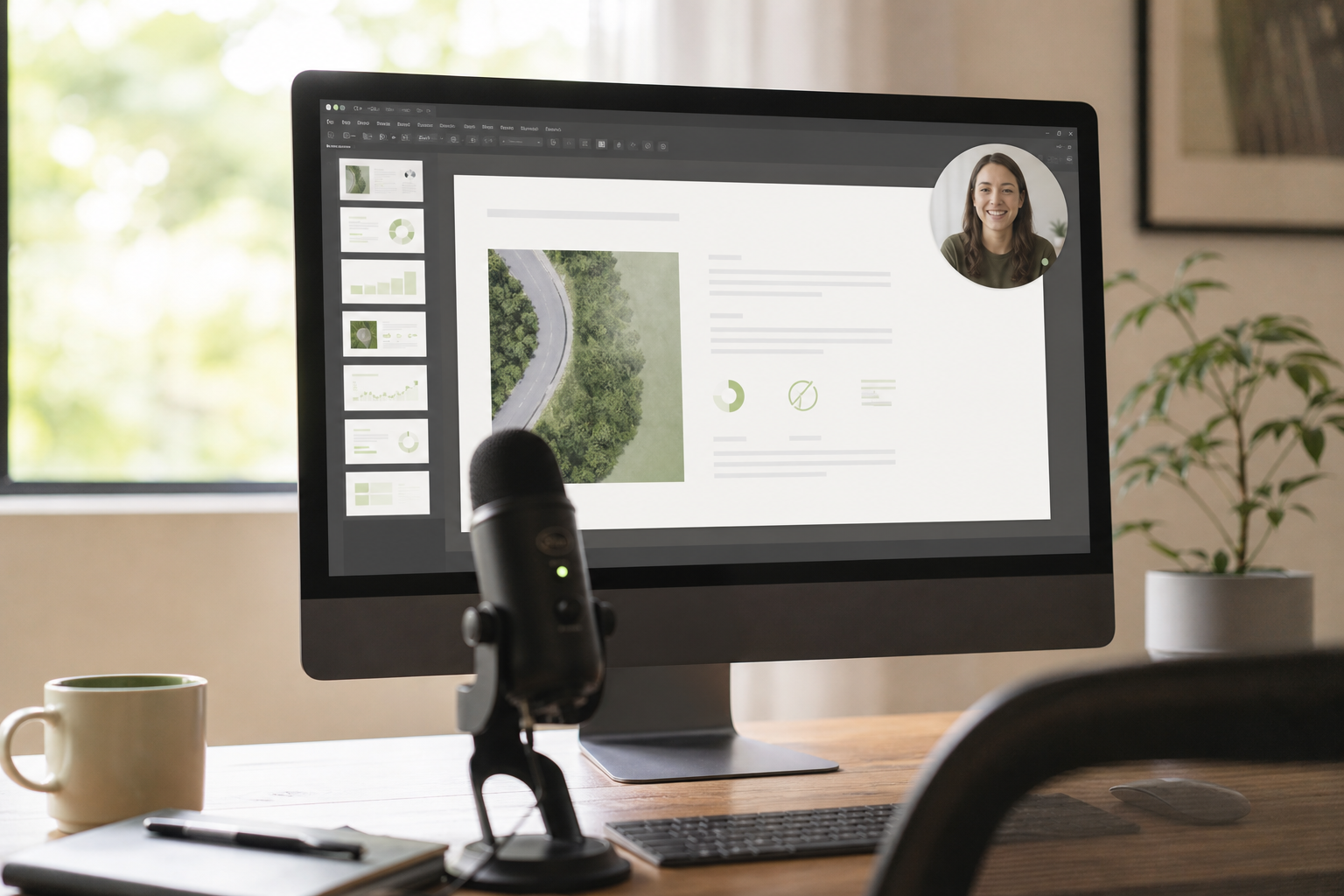
A desktop monitor displaying a slide deck with a webcam bubble in one corner and a microphone in front

The short answer

OBS Studio is the best screen recorder app for most people in 2026: it is free and open source on Windows, Mac and Linux, adds no watermark or time limit, and records several sources and audio tracks at once. Loom suits people who share recordings with colleagues, with a free Starter plan capped at 25 videos of up to five minutes each.

The podium

  1. 8.9 out of 10
    OBS Studio

    most people who want a free recorder with no limits

    Top pick
  2. 8.7 out of 10
    Loom

    quick walkthroughs shared as a link

  3. 8.7 out of 10
    ShareX

    Windows users who also capture screenshots and GIFs

Our verdict

OBS Studio is the best screen recorder app for most people in 2026 because it costs nothing, sets no limit on length or quality, and runs on Windows, Mac and Linux alike. Loom is the pick for sharing a recording as a link, ShareX for Windows users who also want screenshots and GIFs, and the built-in Snipping Tool for quick clips on Windows 11. Check the full ranking before you install anything.

About this ranking

Use this list if you need a screen recorder and want each option scored against its documented features and price. All apps were put through one short test pass: install, sign-up, the core task and the price page. Seven recorders available in the US are included, assessed from each developer's website, download or store listing and published documentation. We weight quality at 40%, ease at 25% and value at 35%, the same public recipe used on every AppPick list. The scores rest on documented features and posted prices plus what the test pass showed, and we do not rate video quality by eye. Every figure on this page comes from a November 19, 2026 price check.

By the numbers

  • 8.1 to 8.9

    Score range, out of 10

    Quality 40%, Ease of use 25%, Value 35%

  • 7

    Products compared

    Scored on one weighted formula

  • Free

    Cheapest listed

    OBS Studio, ShareX, Screenity

  • Nov 19, 2026

    Prices checked

    Every price is quoted from the seller

Every number, side by side

7 products, ranked by score out of 10
Rank Product Score Quality Ease Value From Free plan
1 OBS Studio 8.9 9.4 6.6 9.9 Free Free plan
2 Loom 8.7 9.0 9.6 7.8 Free Free plan
3 ShareX 8.7 8.6 7.0 9.9 Free Free plan
4 Snipping Tool 8.6 7.0 9.5 9.7 Free Free plan
5 QuickTime Player 8.5 6.9 9.2 9.7 Free Free plan
6 Screenity 8.4 7.5 8.5 9.4 Free Free plan
7 AZ Screen Recorder 8.1 7.4 8.6 8.4 Free Free plan

7 products compared

The full rankings

Top pick

OBS Studio

8.9 out of 10

Best for: most people who want a free recorder with no limits

The free, open-source recorder and streaming app behind countless tutorials, gameplay videos and live broadcasts.

OBS Studio ranks first because it imposes nothing: no price, no watermark, no time limit and no resolution cap beyond your hardware. It combines screens, windows, webcams and microphones into scenes, and can write each audio source to its own track for later editing. The trade-off is setup, since scenes, encoders and output settings take an afternoon to understand, and finished files need a separate editor and somewhere to host them.

The deciding detail for OBS Studio: Costs nothing and adds no watermark or time limit.

Watch out for

  • Settings take an afternoon to learn
  • No built-in editor or share link

Ranked 2

Loom

8.7 out of 10

Best for: quick walkthroughs shared as a link

Atlassian's async video tool that records screen and camera together and turns each recording into a link.

Loom is the fastest route from recording to a colleague watching it: press record, stop, and a link is ready with comments, reactions and view counts attached. The free Starter plan allows 25 videos per person, each up to five minutes, which is enough to try it but tight for regular use. Paid plans are billed per creator and vary by plan, and AI titles, summaries and chapters sit in the upper tiers.

The deciding detail for Loom: Share link ready the moment you stop.

Watch out for

  • Free plan stops at 25 videos of five minutes each
  • Per-creator pricing adds up for teams

Ranked 3

ShareX

8.7 out of 10

Best for: Windows users who also capture screenshots and GIFs

A free, open-source Windows tool for screenshots, screen recordings, GIFs and automatic uploads.

ShareX is a capture workshop for Windows: region and window recording to MP4 or GIF, scrolling screenshots, on-screen text recognition and after-capture steps that can annotate, copy and upload in one pass. It is free, open source and ad-free. The settings tree is deep and unforgiving, there is no timeline editor for recordings, and there is no Mac version.

The deciding detail for ShareX: Records to MP4 or GIF at no cost.

Watch out for

  • Windows only, with no Mac version
  • Dense settings and no video editor

Ranked 4

Snipping Tool

8.6 out of 10

Best for: quick clips on Windows 11 with nothing to install

The capture app built into Windows 11, which now records the screen with sound.

Snipping Tool covers the simple case well: open it, switch to Record, drag a region and save an MP4. It is already installed on Windows 11, costs nothing and can capture system sound and the microphone. There is no webcam overlay, no scene control and almost no editing, so anything beyond a short clip needs another tool.

The deciding detail for Snipping Tool: Already installed on Windows 11.

Watch out for

  • No webcam overlay or scenes
  • Almost no editing tools

Ranked 5

QuickTime Player

8.5 out of 10

Best for: Mac users who need a recording in seconds

Apple's built-in Mac player, which records the screen through the same toolbar as Shift-Command-5.

Every Mac can already record its screen: Shift-Command-5 or QuickTime Player's New Screen Recording captures the full display or a region, with microphone audio and a basic trim afterwards. With a cable, QuickTime also records an iPhone or iPad screen. The gap is sound, because there is no built-in way to capture the Mac's own audio, and there is no webcam overlay or annotation.

The deciding detail for QuickTime Player: Already on every Mac.

Watch out for

  • No Mac system audio without an add-on driver
  • No webcam overlay or annotation

Ranked 6

Screenity

8.4 out of 10

Best for: a free Loom-style recorder inside Chrome

A free, open-source Chrome extension that records the screen and camera with drawing and blur tools.

Screenity records a tab, a window or the whole screen with an optional camera bubble, and lets you draw, highlight clicks and blur private details while recording. A built-in editor trims and crops, and exports go to MP4, WebM, GIF or Google Drive. It needs Chrome or another Chromium browser, and sharing means uploading the file yourself or using Drive.

The deciding detail for Screenity: Open-source code and no watermark on exports.

Watch out for

  • Requires Chrome or a Chromium browser
  • Sharing is a manual upload or a Drive link

Ranked 7

AZ Screen Recorder

8.1 out of 10

Best for: recording an Android phone with internal audio

A long-running Android recorder with a floating control bubble, facecam and a basic editor.

AZ Screen Recorder adds what stock Android recorders often lack: a floating control bubble, a front-camera overlay, adjustable resolution and frame rate, and a simple trim-and-merge editor. Internal audio works on Android 10 and later without root. The free version carries ads and Premium, priced by region, removes them; on newer phones the built-in recorder may be all you need.

The deciding detail for AZ Screen Recorder: Floating bubble starts and stops recording.

Watch out for

  • Ad-supported unless you pay
  • Overlaps with Android's own recorder

Before you choose

Check before you buy

  1. Decide where the video goes next

    If it goes to a colleague, Loom's instant link saves a step. If it goes into an editor or onto YouTube, OBS Studio's full-quality files are the better start.

  2. Check computer audio capture

    On Windows, OBS, ShareX and Snipping Tool record computer sound. On a Mac, OBS captures it on recent macOS versions, while QuickTime records only the microphone.

  3. Look for caps on length and count

    Loom's free plan stops at 25 videos of five minutes each. OBS Studio, ShareX and Screenity set no such limits.

  4. Try the recorder you already have

    Windows 11, macOS, iOS and Android all include a screen recorder. Install something else only when you hit a limit.

  5. Plan for a webcam overlay

    OBS, Loom, Screenity and AZ Screen Recorder can put your face on screen. Snipping Tool and QuickTime cannot without workarounds.

FAQ

Questions readers ask

What is the best screen recorder app?

OBS Studio for most people: it is free on Windows, Mac and Linux, with no watermark, time limit or resolution cap beyond your hardware.

What is the best free screen recorder with no watermark?

OBS Studio, ShareX and Screenity are free and leave no watermark. Snipping Tool and QuickTime Player do the same for short, simple clips.

Is Loom free?

Loom has a free Starter plan limited to 25 videos per person, each up to five minutes long. Longer recordings and unlimited videos need a paid plan billed per creator.

Is OBS Studio better than Loom?

For quality and control, yes, and it costs nothing. Loom wins when the goal is a link a colleague can open in seconds.

How do I record my screen on an iPhone?

Use the Screen Recording control in Control Center, adding it first if it is not there. A Mac can also capture an iPhone screen through QuickTime Player over a cable.

Can I record internal audio on Android?

Yes, on Android 10 and later. The built-in recorder handles it on most phones, and AZ Screen Recorder adds a facecam and an editor.

Which screen recorder is best for gaming?

OBS Studio, because it uses hardware encoders and can record and stream at once. On Windows, Xbox Game Bar is a simpler built-in alternative.

Scoring

How this ranking was scored

Recorders are marked 0–10 on three criteria, and the list is sorted by the weighted total. Scores rest on the timed test pass plus each maker's documented features and published prices. Read the test protocol · the scoring recipe.

Spotted an error or a new price? Write to editorial@apppick.ai. Makers change prices often, so check the seller page before you buy.