Home & living ranking

Best Security Camera Apps (2026-2027)

Disclosure: no app pays for placement. Every product gets the same test pass and the same public recipe, and the cons are printed in full even at number one.

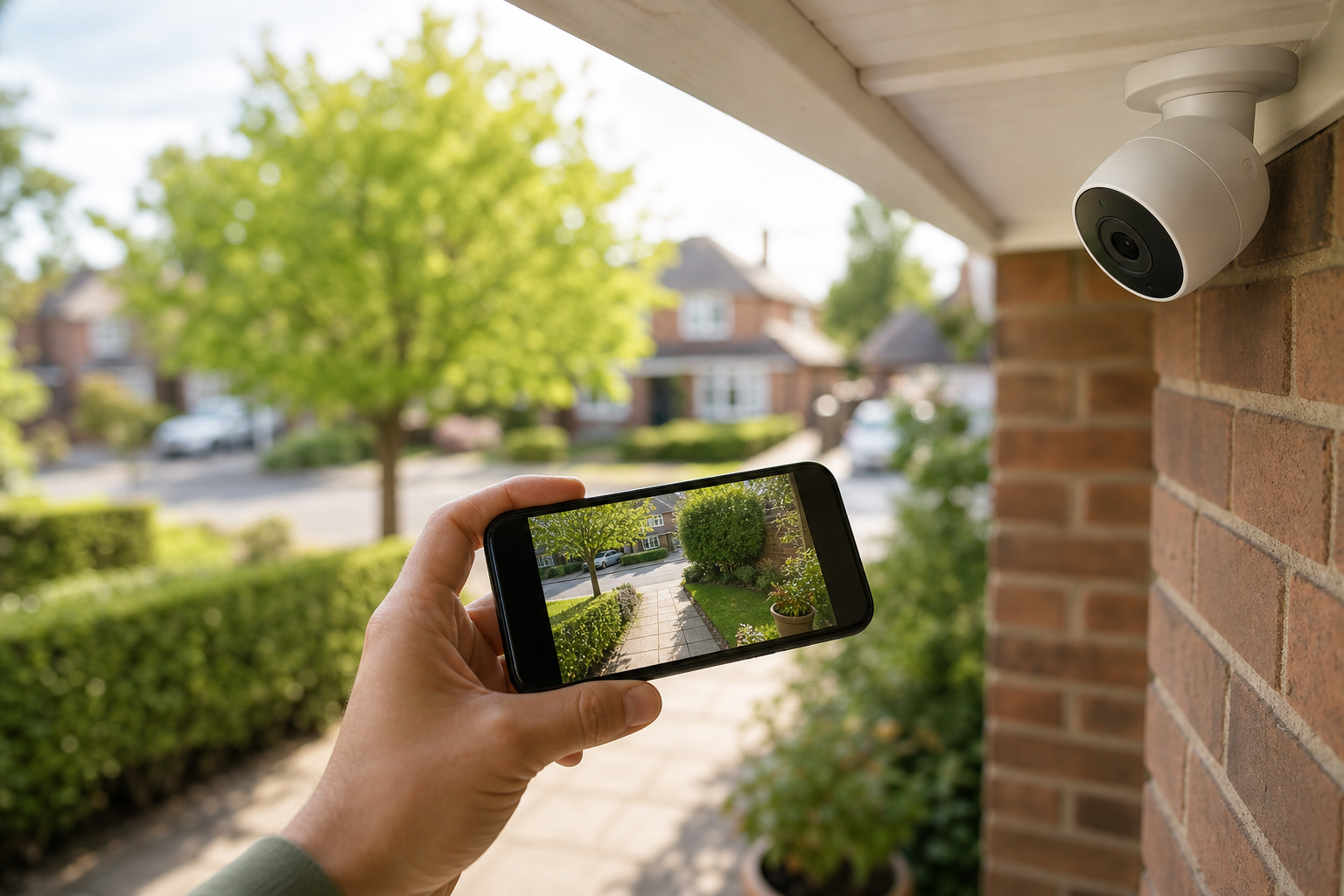
A white security camera mounted under the eaves of a brick house, with a phone in the foreground showing a live view of the front path

The short answer

Eufy Security is the best security camera app for most homes in 2026: the app is free, most eufy cameras record to local storage with no monthly fee, and person detection runs on the device. Reolink is the pick for wired setups without a subscription, recording to microSD cards or its own NVR.

The podium

  1. 9.0 out of 10
    Eufy Security

    most homes that want recordings without a monthly fee

    Top pick
  2. 8.8 out of 10
    Reolink

    wired and PoE systems with no recurring cost

  3. 8.6 out of 10
    Apple Home

    iPhone households with HomeKit-compatible cameras

Our verdict

Eufy Security is the best security camera app for most homes in 2026 because it records to local storage without a subscription, runs person detection on the device and keeps the app free. Reolink is the pick for wired setups without fees, Apple Home for iPhone households, and Ring for the most polished app if you accept a monthly plan. The ranking below lists what each recording plan costs.

About this ranking

This list is for households choosing a camera system who want to know what the app, and its subscription, will be like to live with. We gave every app the same short test pass, from install to the price page. We compared eight camera apps sold to US buyers, using each maker's website, plan pages and app-store listings. Our recipe is unchanged here: 40% Quality, 25% Ease of use, 35% Value. We reviewed documented features and published plan prices; we did not install or test cameras, and we do not rate image quality or burglary deterrence. Every plan price was verified against the maker's site on November 20, 2026.

By the numbers

  • 8.1 to 9.0

    Score range, out of 10

    Quality 40%, Ease of use 25%, Value 35%

  • 8

    Products compared

    Scored on one weighted formula

  • Free

    Cheapest listed

    Eufy Security, Reolink, AlfredCamera

  • Nov 20, 2026

    Prices checked

    Every price is quoted from the seller

Every number, side by side

8 products, ranked by score out of 10
Rank Product Score Quality Ease Value From Free plan
1 Eufy Security 9.0 8.8 8.8 9.4 Free Free plan
2 Reolink 8.8 8.7 7.9 9.5 Free Free plan
3 Apple Home 8.6 8.6 8.7 8.6 Free Free plan
4 Ring 8.6 9.0 9.2 7.6 Free Free plan
5 Wyze 8.4 8.0 8.5 8.9 Free Free plan
6 Google Home 8.3 8.9 8.6 7.4 Free Free plan
7 AlfredCamera 8.3 7.2 8.9 9.0 Free Free plan
8 Arlo 8.1 8.9 8.3 7.0 Free Free plan

8 products compared

The full rankings

Top pick

Eufy Security

9.0 out of 10

Best for: most homes that want recordings without a monthly fee

The free app for Anker's eufy cameras, recording to a HomeBase or onboard storage with on-device person detection.

Eufy Security ranks first because its running cost is the lowest of the polished options. Most eufy cameras record to a HomeBase or onboard storage, person detection runs on the device, and nothing in the app requires a subscription; optional cloud plans vary by region. Its weak point is history: in 2022 researchers showed that some data reached the cloud despite local-only marketing, which Anker acknowledged and said it fixed. Read its current privacy settings before you buy.

The deciding detail for Eufy Security: No subscription needed for local recording.

Watch out for

  • 2022 cloud-data controversy, since addressed
  • Features differ by camera model

Ranked 2

Reolink

8.8 out of 10

Best for: wired and PoE systems with no recurring cost

The free app for Reolink's wired, PoE and battery cameras, recording to microSD or a Reolink NVR.

Reolink is second because it offers the most recording for the least ongoing money. Cameras record continuously or on events to microSD cards or a Reolink NVR, many wired models support RTSP and ONVIF for third-party recorders, and person and vehicle detection are built in. The optional Reolink Cloud plan varies by region. The app is functional rather than friendly, with settings spread across more screens than Ring's or Eufy's.

The deciding detail for Reolink: Continuous recording without a subscription.

Watch out for

  • Less polished app than Ring or Eufy
  • Battery models lack open-standard streaming

Ranked 3

Apple Home

8.6 out of 10

Best for: iPhone households with HomeKit-compatible cameras

Apple's Home app, which records HomeKit Secure Video cameras to iCloud with analysis done on a home hub.

Apple Home is third because it turns an iCloud+ plan many people already pay for into camera storage. Compatible cameras are analyzed on a home hub, footage is end-to-end encrypted, and ten days of event recordings do not count against your iCloud storage. The 50GB iCloud+ plan covers one camera from $0.99 a month in the US, 200GB covers five, and 2TB and above have no camera limit. It needs an Apple TV or HomePod as a hub, and only HomeKit Secure Video cameras qualify.

The deciding detail for Apple Home: End-to-end encrypted recordings.

Watch out for

  • Needs an Apple TV or HomePod as a hub
  • Only HomeKit Secure Video cameras qualify

Ranked 4

Ring

8.6 out of 10

Best for: people who want the most polished app and accept a monthly plan

Amazon's camera and doorbell app with a strong event timeline, Alexa integration and paid recording plans.

Ring is fourth because the app is the most polished here and the value is the weakest of the major brands. Setup is quick, the timeline is easy to scrub, and Alexa integration is tight. Without a plan, though, most devices give you live view and alerts but no saved recordings; Ring's recording plans start at $4.99 a month in the US and vary by region. Owners should also read its current policy on sharing footage with police, which Ring has changed more than once.

The deciding detail for Ring: Most polished app and timeline on the list.

Watch out for

  • Saved recordings need a paid plan on most devices
  • Police footage-request policies have shifted

Ranked 5

Wyze

8.4 out of 10

Best for: budget setups that mix cloud alerts with local microSD recording

The app for Wyze's low-cost cameras, with microSD recording and optional Cam Plus and Cam Unlimited plans.

Wyze is fifth because cheap hardware and local recording make it inexpensive to run. Most cameras record continuously to a microSD card, and short event clips upload to the cloud free, while Cam Plus or Cam Unlimited add full-length clips and smarter detection at prices that vary by region. The app is crowded with product upsells, and Wyze disclosed incidents in 2023 and 2024 in which some users briefly saw images from other customers' cameras.

The deciding detail for Wyze: Continuous microSD recording on most cameras.

Watch out for

  • 2023 and 2024 incidents exposed other users' camera images
  • App is crowded with upsells

Ranked 6

Google Home

8.3 out of 10

Best for: Nest camera owners and Android-heavy households

Google's smart home app, which runs Nest cameras and doorbells with paid plans for longer history and smarter alerts.

Google Home is sixth because the cameras and app are strong but the free tier is thin. Recent Nest cameras keep a few hours of event history without a plan; longer history and familiar-face alerts need a subscription, and continuous recording on wired models sits in the top tier, with prices that vary by region. The app has improved a great deal since its rebuild, and Gemini features are arriving, but the best of it is paid.

The deciding detail for Google Home: Free event history on recent Nest cameras.

Watch out for

  • Only a few hours of free history
  • Continuous recording needs the top tier

Ranked 7

AlfredCamera

8.3 out of 10

Best for: turning a spare phone into an indoor camera for free

An app that turns an old phone or tablet into a security camera, with motion alerts and a free plan.

AlfredCamera is seventh because it costs nothing to try and needs no new hardware. Install it on a spare phone as the camera and on your own phone as the viewer, and you get live view, motion alerts and short recordings. Old phones make weak cameras, especially at night, the free plan has ads and lower video quality, and Premium varies by region. It suits an indoor check on a pet, not perimeter security.

The deciding detail for AlfredCamera: Reuses an old phone or tablet.

Watch out for

  • Ads and lower quality on the free plan
  • Old phones struggle at night

Ranked 8

Arlo

8.1 out of 10

Best for: premium wire-free cameras with advanced detection

The app for Arlo's wire-free cameras and doorbells, with object detection and cloud recording on Arlo Secure plans.

Arlo is eighth because the hardware is excellent and the app is good, but almost everything useful sits in a subscription. Person, vehicle, animal and package detection, cloud recordings and activity zones need an Arlo Secure plan, and those prices vary by region and have risen more than once. Without a plan, an Arlo camera is little more than live view with basic alerts.

The deciding detail for Arlo: Strong wire-free camera range.

Watch out for

  • Most features need Arlo Secure
  • Plan prices have risen repeatedly

Before you choose

Check before you buy

  1. Choose the camera system, not the app

    Camera apps only work with their own hardware, apart from Apple Home and AlfredCamera. Pick the cameras you want first, then read what their app charges.

  2. Add up three years of plan fees

    A $4.99 monthly plan comes to about $180 over three years, before any price rise. Local storage from Eufy, Reolink or a Wyze microSD card avoids most of that.

  3. Check where footage is stored

    Local storage keeps video at home but can be stolen along with the device. Cloud storage survives a break-in but depends on a subscription and the company's security.

  4. Read the privacy record

    Eufy, Wyze and Ring have each faced privacy or policy controversies. Read how each company handled them and what settings it gives you now.

  5. Confirm what works without a plan

    Ring and Arlo keep most recording features behind a subscription. Eufy and Reolink record locally out of the box, and recent Nest cameras keep a few hours free.

FAQ

Questions readers ask

What is the best security camera app?

Eufy Security for most homes: the app is free, eufy cameras record locally without a monthly fee, and person detection runs on the device.

Which security cameras work without a subscription?

Eufy and Reolink record to local storage with no plan, and Wyze cameras record continuously to a microSD card. Ring and Arlo save very little without a subscription.

Can I use an old phone as a security camera?

AlfredCamera does exactly that, turning a spare phone or tablet into a camera with live view and motion alerts on its free plan, though image quality depends on the old phone.

Is Ring worth the subscription?

If you want the most polished app and Alexa integration, yes. Its recording plans start at $4.99 a month in the US, and without one most Ring devices keep no saved video.

What do I need for HomeKit Secure Video?

A compatible camera, an Apple TV or HomePod as a home hub, and an iCloud+ plan. The 50GB plan covers one camera, 200GB covers five and 2TB has no limit.

Are cloud recordings safer than local storage?

They survive a stolen or smashed camera, which local storage may not. The trade-off is a monthly fee and trust in the provider's security.

Which security camera app is best for Android users?

Google Home fits Nest cameras and Android phones best. Eufy, Reolink, Ring, Wyze, Arlo and AlfredCamera all have full Android apps too.

Scoring

How this ranking was scored

Each criterion gets a 0–10 score; the list is sorted by the weighted total, not by any single criterion. Scores rest on the timed test pass plus each maker's documented features and published prices. Read the test protocol · the scoring recipe.

Spotted an error or a new price? Write to editorial@apppick.ai. Makers change prices often, so check the seller page before you buy.