Learning ranking

Best Study Planner Apps (2026-2027)

Disclosure: no app pays for placement. Every product gets the same test pass and the same public recipe, and the cons are printed in full even at number one.

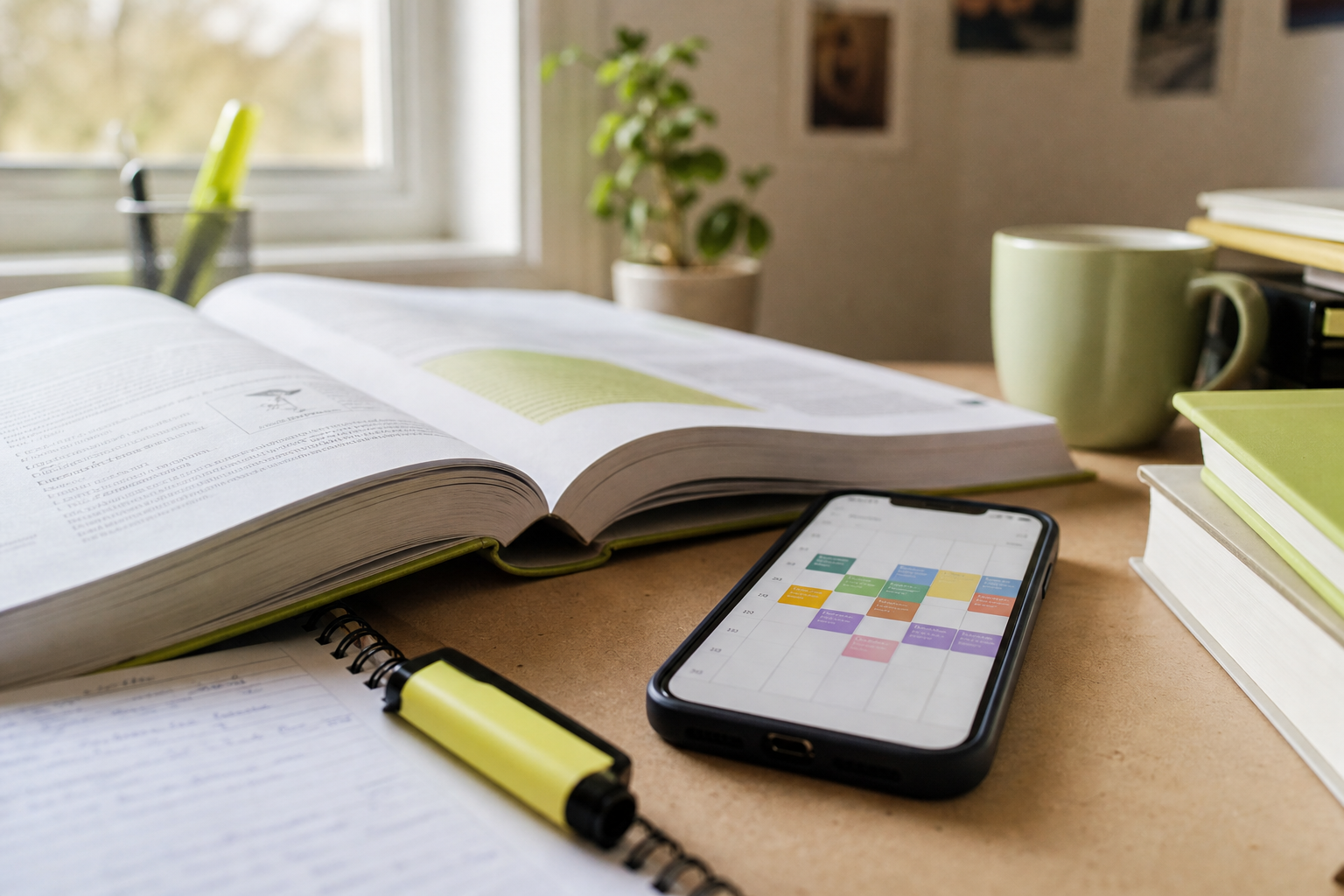
A student desk with an open textbook, a yellow highlighter and a phone showing a weekly class timetable

The short answer

MyStudyLife is the best study planner app for most students in 2026: classes, rotating timetables, homework and exams live in one free app that syncs across phone and web. Power Planner suits students who also want grades and GPA tracked, with a free version and a one-time Premium unlock priced by region.

The podium

  1. 9.0 out of 10
    MyStudyLife

    students who need a planner that understands their timetable

    Top pick
  2. 8.8 out of 10
    Power Planner

    students who track grades and GPA alongside homework

  3. 8.7 out of 10
    TickTick

    students who want tasks, habits and a focus timer together

Our verdict

MyStudyLife is the best study planner app for most students in 2026 because it understands school timetables, including rotating ones, and charges nothing for the core planner. Power Planner is the pick for grade and GPA tracking, TickTick for students who want tasks, habits and a focus timer together, and Notion for building a custom system. Read down the ranking before term starts.

About this ranking

High school and college students trying to keep classes, deadlines and exams in one place are the intended readers here. Each app went through the same short test pass — install, sign-up, the core task, the price page. We set seven planner, task and focus apps side by side, all available in the US, using each developer's help pages, plan pages and US App Store listing. AppPick ranks with one formula everywhere, and here too quality counts 40%, ease 25% and value 35%. We tested the core flow and compared documented features and listed prices without running a semester in any app, and we make no claim about grades. Every price on this page reflects a November 21, 2026 check.

By the numbers

  • 8.2 to 9.0

    Score range, out of 10

    Quality 40%, Ease of use 25%, Value 35%

  • 7

    Products compared

    Scored on one weighted formula

  • Free

    Cheapest listed

    MyStudyLife, Power Planner, Notion

  • Nov 21, 2026

    Prices checked

    Every price is quoted from the seller

Every number, side by side

7 products, ranked by score out of 10
Rank Product Score Quality Ease Value From Free plan
1 MyStudyLife 9.0 8.8 8.9 9.4 Free Free plan
2 Power Planner 8.8 8.6 8.4 9.3 Free Free plan
3 TickTick 8.7 8.9 8.5 8.6 Free Free plan
4 Notion 8.6 9.0 7.2 9.1 Free Free plan
5 Todoist 8.4 8.7 8.8 7.8 Free Free plan
6 Forest 8.4 7.6 9.3 8.6 Free Free plan
7 Structured 8.2 7.9 9.0 7.9 Free Free plan

7 products compared

The full rankings

Top pick

MyStudyLife

9.0 out of 10

Best for: students who need a planner that understands their timetable

A free school planner for classes, rotating timetables, homework and exams that syncs across devices.

MyStudyLife ranks first because it is built around how school actually runs. It models classes by period, rotating week-A and week-B schedules and day rotations, then hangs homework, reminders and exam dates off those classes rather than off a bare calendar. The core planner is free and syncs between phone and web, so an assignment added in class shows up at home. It deliberately does not try to be a general to-do app or a note system. The trade-offs are limited flexibility outside school work and premium extras, priced by region, that ask for attention.

The deciding detail for MyStudyLife: Handles rotating and week A/B timetables.

Watch out for

  • Little use outside school work
  • Premium extras are pitched inside the app

Ranked 2

Power Planner

8.8 out of 10

Best for: students who track grades and GPA alongside homework

A homework planner that also calculates grades and GPA, with a one-time Premium unlock.

Power Planner is second because it adds what MyStudyLife leaves out: enter marks and weights, and it calculates class grades and GPA beside the homework list. It runs on Windows, Android and iOS. The free version has limits that a one-time Premium purchase removes, and the design is functional rather than pleasant.

The deciding detail for Power Planner: Grade and GPA calculation built in.

Watch out for

  • Free version has limits
  • Plain, functional design

Ranked 3

TickTick

8.7 out of 10

Best for: students who want tasks, habits and a focus timer together

A task manager with a built-in Pomodoro timer, habit tracker and calendar views.

TickTick packs a task list, a Pomodoro timer, a habit tracker and an Eisenhower matrix into one app, which covers most of a study routine. Natural-language dates make adding an assignment quick. The free plan caps the number of lists and keeps the full calendar view for Premium at $35.99 a year, and it has no concept of a class timetable.

The deciding detail for TickTick: Focus timer and habit tracker in the same app.

Watch out for

  • Full calendar view needs Premium
  • No class timetable support

Ranked 4

Notion

8.6 out of 10

Best for: students who want to build their own system

A workspace of linked pages and databases, with the Plus plan free for students using a school email.

Notion can hold lecture notes, a reading list and an assignment database that links each task to its course, all in one workspace. Students with a school email get the Plus plan free, and Notion Calendar connects deadlines to a schedule. It plans nothing until you build the system, and that setup time is real.

The deciding detail for Notion: Notes, tasks and course pages in one place.

Watch out for

  • Plans nothing until you build the system
  • Setup can eat the time it should save

Ranked 5

Todoist

8.4 out of 10

Best for: students who already live in a to-do app

A fast, cross-platform task manager with natural-language entry and project sections.

Todoist is the quickest way here to capture an assignment: type the task and due date in one line and it files itself. Sections and labels sort coursework by class. The free plan holds five personal projects, Pro costs $4 a month on annual billing, and it has no timetable or grade features.

The deciding detail for Todoist: Fastest task capture on the list.

Watch out for

  • Only five personal projects without Pro
  • No timetable or grade features

Ranked 6

Forest

8.4 out of 10

Best for: students who lose study time to their phone

A focus timer that grows a virtual tree while you stay off your phone and can fund real tree planting.

Forest grows a virtual tree for each focus session and kills it if you leave for another app, which makes the cost of checking a phone visible. Coins earned in sessions can fund real trees through a partner charity. It is a focus tool, not a planner, and it costs $3.99 once on iPhone while the Android version is free with ads.

The deciding detail for Forest: Makes phone distraction visible.

Watch out for

  • Plans nothing; it only times focus
  • Paid on iPhone, ad-supported on Android

Ranked 7

Structured

8.2 out of 10

Best for: students who plan the day hour by hour

A visual day planner that lays tasks and events on a single timeline.

Structured lays the day out as a vertical timeline, so a study block, a lecture and a shift at work sit in visible order with their durations. Dragging a task into an empty slot is a quick way to schedule revision. Many conveniences sit in Structured Pro, priced by plan, and it is built for days rather than terms.

The deciding detail for Structured: Clear timeline view of the whole day.

Watch out for

  • Many conveniences need Pro
  • Built for days, not whole terms

Before you choose

Check before you buy

  1. Map your timetable first

    Rotating week A/B schedules and block days break simple calendars. MyStudyLife and Power Planner model classes; general task apps do not.

  2. Decide whether grades belong in the planner

    Power Planner tracks grades and GPA next to homework. If grade tracking matters to you, that settles most of the list.

  3. Find the free plan's ceiling early

    TickTick caps lists, Todoist caps projects and Power Planner limits its free version. Test those limits in the first week rather than during exams.

  4. Sign up with your school email

    Notion's Plus plan is free with an academic address, and other apps run student discounts from time to time. Check before paying full price.

  5. Plan the hours, not just the deadlines

    A due date says when work ends, not when it starts. Structured's timeline and TickTick's calendar let you block study time as well as list assignments.

FAQ

Questions readers ask

What is the best study planner app?

MyStudyLife for most students in 2026: it handles rotating timetables, homework and exams in one free app that syncs between phone and web.

What is the best free study planner?

MyStudyLife, followed by Power Planner, whose free version covers homework and grades until you reach its limits.

Is Notion good for studying?

For students who enjoy building their own system, yes, and Plus is free with a school email. Out of the box it schedules nothing.

Which planner tracks grades and GPA?

Power Planner, which calculates class grades and GPA from the marks and weights you enter.

Are general to-do apps enough for school?

TickTick and Todoist handle assignments well. They have no idea of a class timetable, so pair them with a calendar or choose a dedicated planner.

Does a focus timer help with studying?

It helps students who drift to their phone. Forest makes leaving a session feel costly; it does not decide what to study.

Can these planners sync with Google Calendar?

TickTick, Todoist, Notion Calendar and Structured can work alongside a calendar. Dedicated school planners differ, so check the listing before moving a whole term across.

Scoring

How this ranking was scored

Each planner is given a 0–10 score for quality, ease and value, and its weighted total sets the order. Scores rest on the timed test pass plus each maker's documented features and published prices. Read the test protocol · the scoring recipe.

Spotted an error or a new price? Write to editorial@apppick.ai. Makers change prices often, so check the seller page before you buy.