AI & data ranking

Best Survey Apps (2026-2027)

Disclosure: no app pays for placement. Every product gets the same test pass and the same public recipe, and the cons are printed in full even at number one.

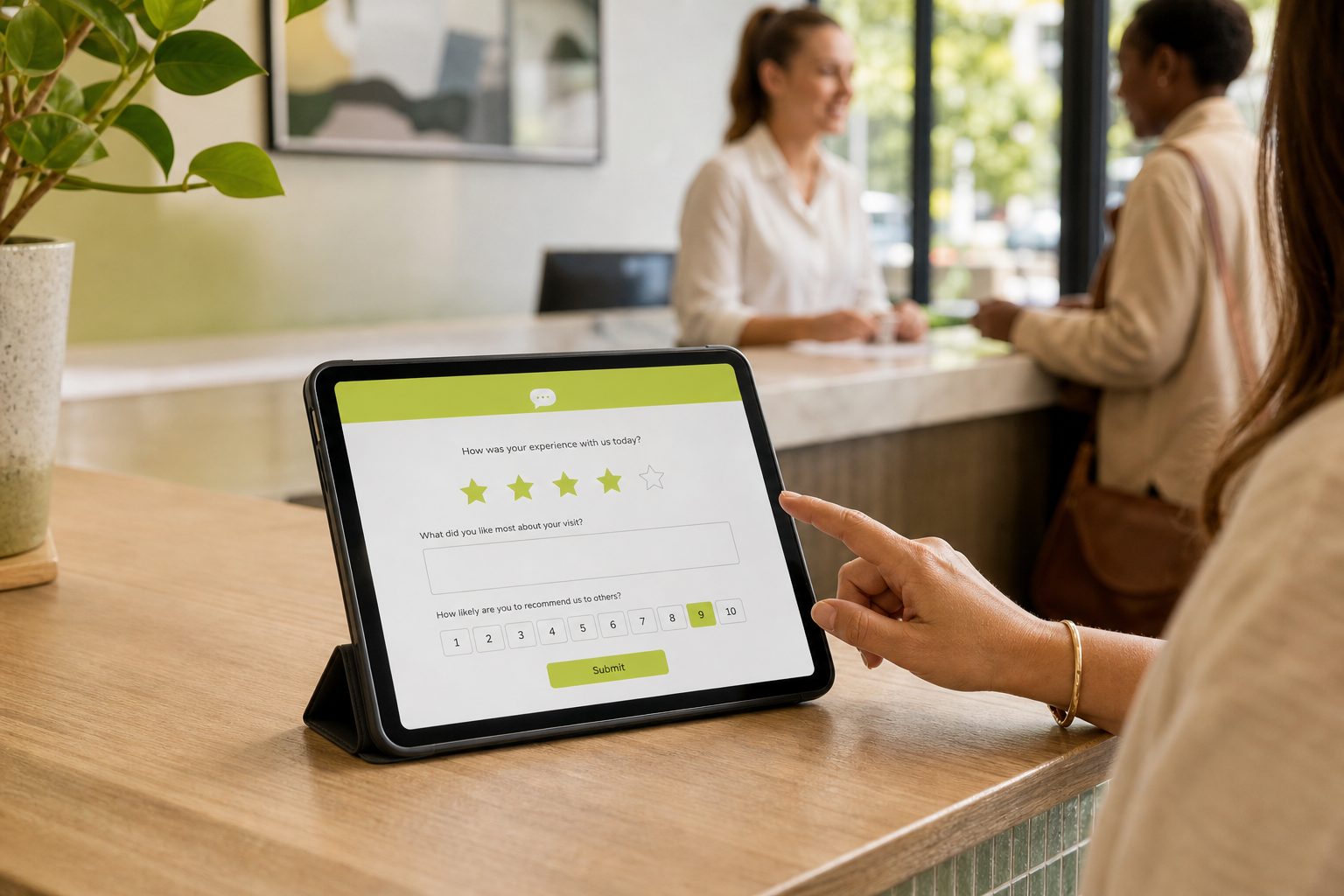
A tablet on a reception desk showing a short customer feedback survey with star ratings and a submit button

The short answer

Google Forms is the best survey app for most people in 2026–27: it is free with no cap on surveys or responses, answers flow straight into Google Sheets, and nearly everyone already has an account. Tally suits people who want better-looking forms with logic on a free plan, with Pro at $24 a month billed yearly.

The podium

  1. 9.2 out of 10
    Google Forms

    most people running simple surveys, quizzes and sign-ups

    Top pick
  2. 9.1 out of 10
    Tally

    people who want attractive forms with logic without paying

  3. 8.6 out of 10
    Jotform

    complex forms with payments, signatures and approvals

Our verdict

Google Forms is the best survey app for most people because it is free without response limits, easy for anyone to fill in, and tied directly to Google Sheets. Tally is the pick for polished free forms, Jotform for complex forms with payments, and SurveyMonkey for research-grade analysis. View the ranking for the scores behind each pick.

About this ranking

This guide is for people collecting feedback, registrations or research responses who want to know which survey tool gives the most for the least. All apps were put through one short test pass: install, sign-up, the core task and the price page. We compared seven survey and form apps sold in the US, reading each vendor's plan pages, feature documentation and help articles. As on every AppPick list, Quality counts for 40%, Ease for 25% and Value for 35%. Our findings come from published plan limits and features rather than live survey campaigns, and we make no judgment on response rates. All prices were taken from public pages on November 21, 2026.

By the numbers

  • 8.1 to 9.2

    Score range, out of 10

    Quality 40%, Ease of use 25%, Value 35%

  • 7

    Products compared

    Scored on one weighted formula

  • Free

    Cheapest listed

    all seven

  • Nov 21, 2026

    Prices checked

    Every price is quoted from the seller

Every number, side by side

7 products, ranked by score out of 10
Rank Product Score Quality Ease Value From Free plan
1 Google Forms 9.2 8.6 9.4 9.6 Free Free plan
2 Tally 9.1 8.8 9.0 9.4 Free Free plan
3 Jotform 8.6 9.0 8.3 8.2 Free Free plan
4 Microsoft Forms 8.5 7.9 9.0 8.8 Free Free plan
5 SurveyMonkey 8.3 9.1 8.6 7.3 Free Free plan
6 Typeform 8.2 8.9 8.8 7.0 Free Free plan
7 Zoho Survey 8.1 7.9 8.0 8.5 Free Free plan

7 products compared

The full rankings

Top pick

Google Forms

9.2 out of 10

Best for: most people running simple surveys, quizzes and sign-ups

Google's free form builder with branching, quizzes and automatic response sheets, with no limit on forms or responses.

Google Forms ranks first because the free version has no meaningful limits for ordinary use: unlimited forms, unlimited responses and a live link to Google Sheets for analysis. Branching by answer, quiz grading and file uploads are built in, and respondents need no account for most forms. Design options are basic, there is no native payment collection, and answer piping or calculated scores are out of reach without add-ons.

The deciding detail for Google Forms: Unlimited forms and responses for free.

Watch out for

  • Plain design with few branding options
  • No answer piping or native payments

Ranked 2

Tally

9.1 out of 10

Best for: people who want attractive forms with logic without paying

A document-style form builder whose free plan includes unlimited forms, unlimited submissions and conditional logic.

Tally is second because its free plan is unusually complete: unlimited forms and submissions, conditional logic, hidden fields, calculations and payments through Stripe. Building a form feels like typing in a document. Pro at $24 a month billed yearly removes Tally branding and adds custom domains and team members. It has fewer analysis tools than the survey specialists, so serious reporting happens in a spreadsheet.

The deciding detail for Tally: Unlimited forms and submissions on the free plan.

Watch out for

  • Light on built-in analysis
  • Removing Tally branding requires Pro

Ranked 3

Jotform

8.6 out of 10

Best for: complex forms with payments, signatures and approvals

A form builder with thousands of templates, payment integrations, e-signatures and approval workflows.

Jotform handles the forms other tools struggle with: multi-page applications, order forms with payment gateways, signed waivers and approval flows. Its template library is huge, and the mobile app can collect responses offline. The free Starter plan is tight at five forms and 100 submissions a month, and Bronze costs $34 a month billed yearly.

The deciding detail for Jotform: Payment gateways and e-signatures built in.

Watch out for

  • Free plan stops at five forms and 100 submissions a month
  • Busy builder with many menus

Ranked 4

Microsoft Forms

8.5 out of 10

Best for: schools and workplaces already on Microsoft 365

Microsoft's simple form and quiz tool, free with a Microsoft account and built into Teams, Excel and OneDrive.

Microsoft Forms is the natural choice inside Microsoft 365: create a survey or quiz, share it in Teams, and open the responses in Excel. It is free with a personal Microsoft account and included with work and school plans. Question types and branching are basic, theming is limited, and personal accounts get lower response limits than business ones.

The deciding detail for Microsoft Forms: Free with a Microsoft account.

Watch out for

  • Basic question types and branching
  • Personal accounts have lower response caps

Ranked 5

SurveyMonkey

8.3 out of 10

Best for: market research and customer feedback that needs proper analysis

The long-standing survey specialist, with question banks, benchmarks, crosstabs and AI-assisted analysis on paid plans.

SurveyMonkey has the strongest research tooling here: expert-written question banks, filters and crosstabs, benchmark data and a respondent panel you can pay to reach. That depth earns it a high quality score. Value is where it drops: the free Basic plan limits question counts and how many responses you can view, and the plans that unlock exports and analysis cost far more than Tally or Google Forms.

The deciding detail for SurveyMonkey: Question bank and benchmarks.

Watch out for

  • Free plan limits questions and visible responses
  • Paid plans cost more than most rivals

Ranked 6

Typeform

8.2 out of 10

Best for: brand-led surveys where completion rate matters

A one-question-at-a-time form builder known for polished design, logic jumps and a conversational flow.

Typeform shows one question at a time with smooth transitions, which makes long surveys feel shorter and looks good on a brand's site. Logic, hidden fields and a long list of integrations are included. The free plan is limited to 10 responses a month, and Basic is $25 a month billed yearly for just 100 responses, the steepest price per response here.

The deciding detail for Typeform: Polished one-question-at-a-time design.

Watch out for

  • Free plan stops at 10 responses a month
  • Basic covers only 100 responses a month

Ranked 7

Zoho Survey

8.1 out of 10

Best for: Zoho users who need surveys alongside CRM data

Zoho's survey tool with skip logic, offline collection on mobile and links into Zoho CRM and Zoho Desk.

Zoho Survey covers standard survey needs, with skip logic, multilingual surveys and an app that collects responses offline at events. It earns its place for teams already on Zoho, where results can feed the CRM. The free plan caps questions and responses per survey, and its editor and reports feel older than Tally's or Typeform's.

The deciding detail for Zoho Survey: Offline collection at events.

Watch out for

  • Free plan caps questions and responses per survey
  • Dated editor and reports

Before you choose

Check before you buy

  1. Count your responses

    Response caps are where free plans bite. Google Forms and Tally don't cap responses, while Typeform's free plan stops at 10 a month and Jotform's at 100.

  2. Decide between survey and form

    Research surveys need analysis tools such as crosstabs, where SurveyMonkey leads. Sign-ups, orders and applications are form jobs, where Jotform and Tally do better.

  3. Check your logic needs

    Skip logic is common, but answer piping, calculated scores and hidden fields vary from tool to tool. Tally gives away the most logic for free.

  4. Think about the respondent

    Long surveys lose people. Typeform's one-question layout holds attention, and short Google Forms load fast on any phone.

  5. Know where the data is stored

    If you collect health, student or customer data, check each tool's data location and compliance pages. Business tiers usually add the controls regulators expect.

FAQ

Questions readers ask

What is the best survey app?

Google Forms for most people: it is free with unlimited forms and responses, and results sync to Google Sheets.

What is the best free survey app?

Tally and Google Forms both allow unlimited responses for free. Tally adds better design and logic; Google Forms is simpler for respondents.

Is SurveyMonkey free?

There is a free Basic plan, but it limits questions and how many responses you can view. Full analysis and exports need a paid plan.

Typeform or Google Forms?

Typeform for a polished, branded experience if you can pay for responses; Google Forms when volume and cost matter more than looks.

Can I collect payments through a survey app?

Jotform and Tally both connect to Stripe, and Jotform also supports PayPal and Square. Google Forms has no native payments.

Which survey app is best for teachers?

Google Forms or Microsoft Forms, depending on which suite your school uses. Both include quiz modes with automatic grading.

Are anonymous surveys really anonymous?

Only if the settings make them so. Turn off email collection and sign-in requirements, and remember that free-text answers can still identify people.

Scoring

How this ranking was scored

Quality, ease and value are each marked out of 10, and placement follows the weighted total. Scores rest on the timed test pass plus each maker's documented features and published prices. Read the test protocol · the scoring recipe.

Spotted an error or a new price? Write to editorial@apppick.ai. Makers change prices often, so check the seller page before you buy.